13 | What’s in the Box Device OxygenOS Safety Information
Portrait Mode
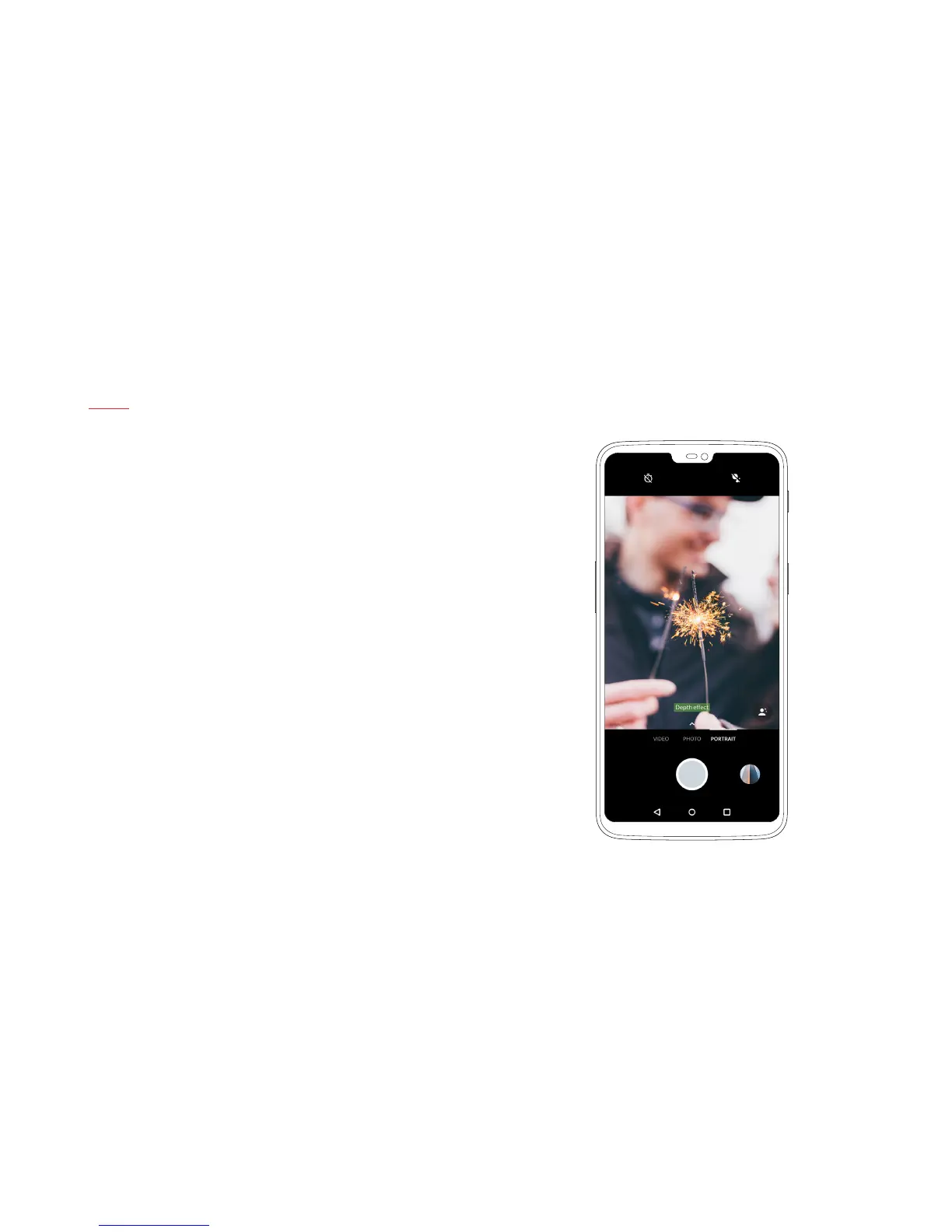
Portrait Mode is one of our most-beloved camera features. On the
OnePlus 6, both the front and rear cameras feature Portrait Mode.
This allows you to capture stunning portraits from any angle. Paired
with new custom background blur effects, Portrait Mode helps you
take full control of your portraits and gives you more options than ever.
Portrait Mode can be accessed by swiping left in the Camera UI or
tapping ‘Portrait’.
Note: Portrait Mode support on the front-facing camera will be
released through a future software update.


 To Next Page