30 | What’s in the Box Device OxygenOS Safety Information
Reading Mode
Reading on your smartphone is more comfortable than ever,
thanks to Reading Mode. By ltering out blue light, gray-scale
mapping, and using ambient information to adjust the sharpness
and brightness of the display, Reading Mode simulates the
reading experience of a real book.
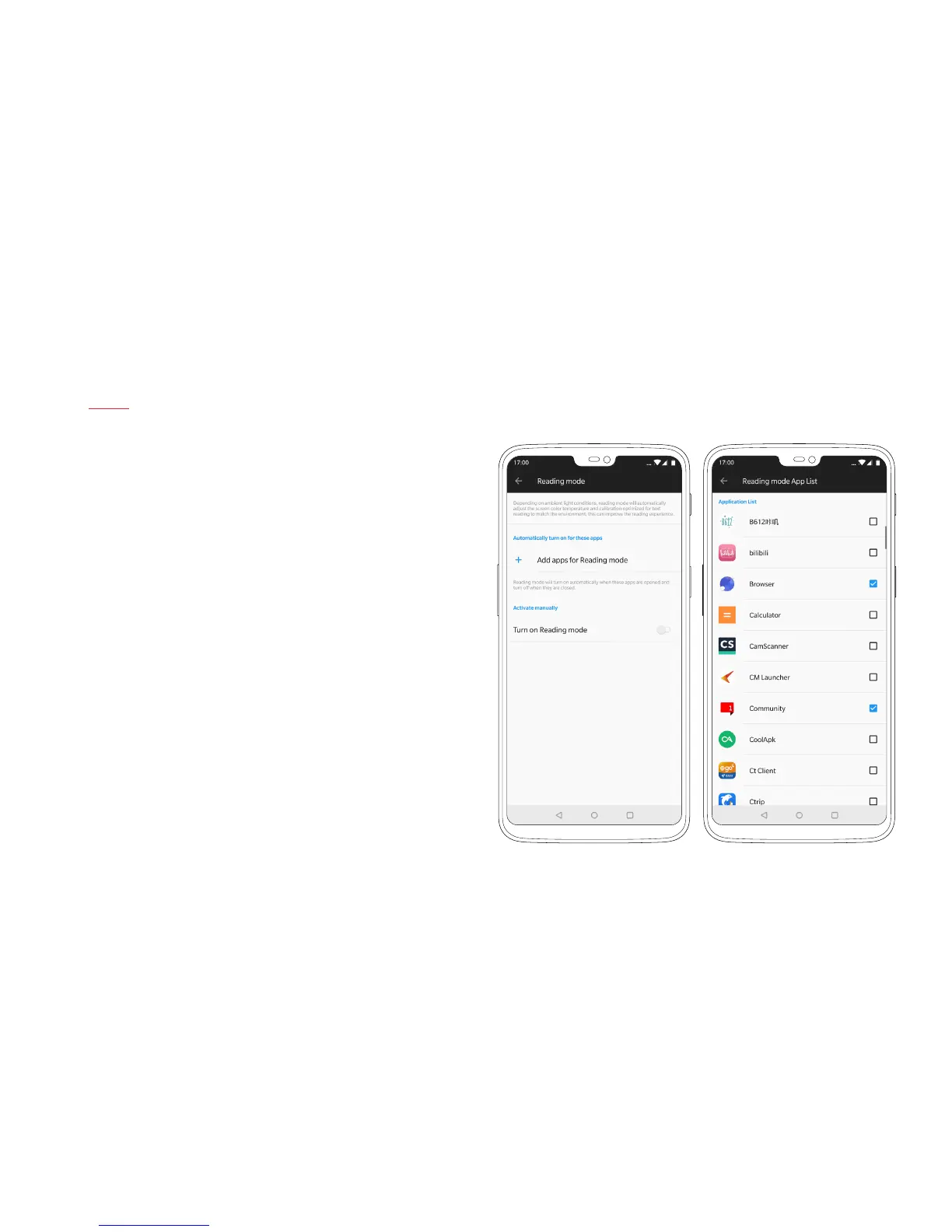
Reading Mode can be toggled on and off manually in the settings
menu under ‘Display’. You can also set this mode to turn on
automatically when you use certain apps.



 To Next Page