22 | What’s in the Box Device OxygenOS Safety Information
Face Unlock
With Face Unlock, it takes just 0.4 seconds to unlock your phone.
It’s practically instant, and easily one of the fastest facial recognition
features on any Android smartphone.
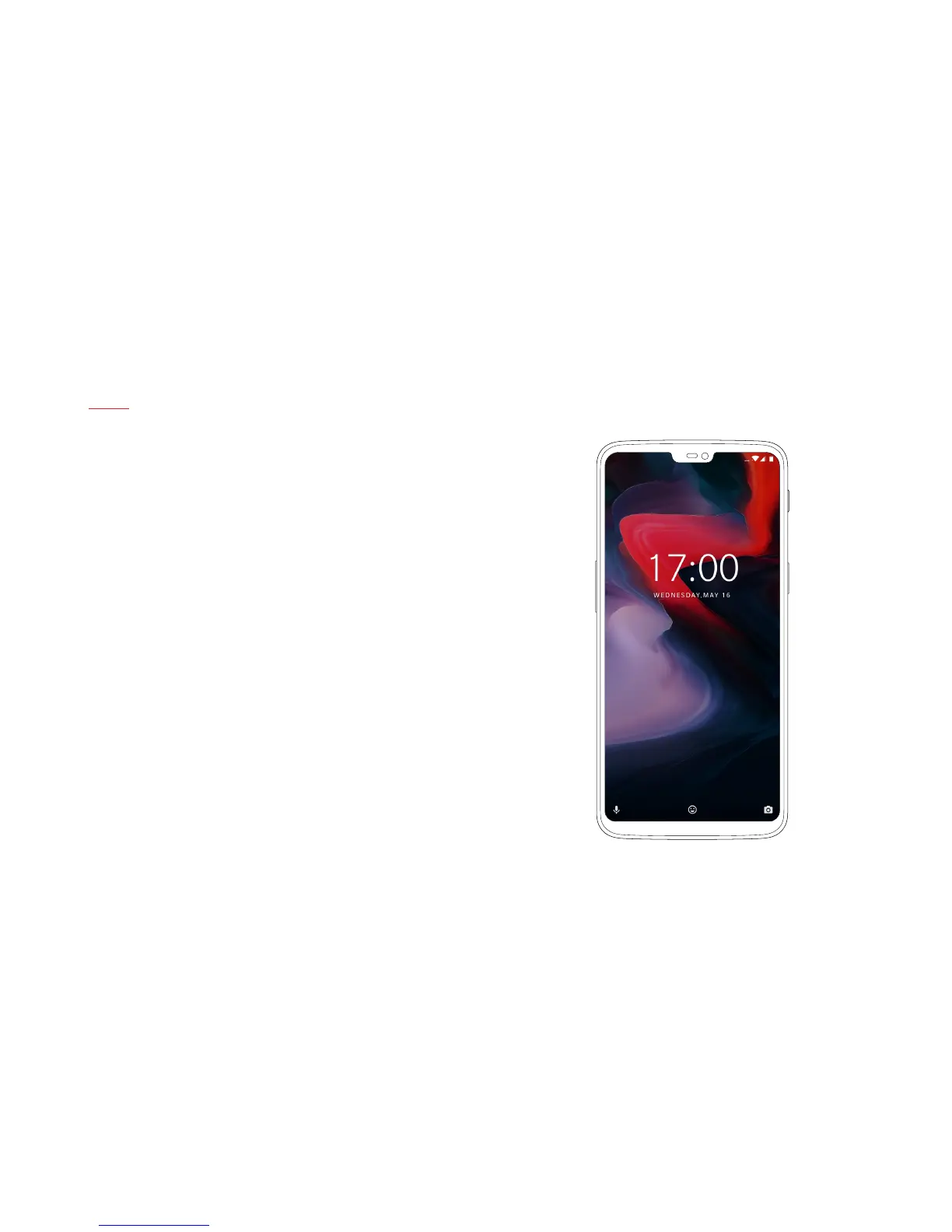
To set up Face Unlock, go to “Security & Lock Screen” in “Settings”,
and select “Face Unlock”. Follow the instructions on your screen
to complete the set up.
Just double tap your screen, look into the camera, and unlock,
it’s smooth and easy. Face Unlock will recognize you whether
you’re wearing a hat, glasses or bedhead – as long as you’re awake.
(So your signicant other can’t snoop on your messages while
you sleep.)



 To Next Page