16 | What’s in the Box Device OxygenOS Safety Information
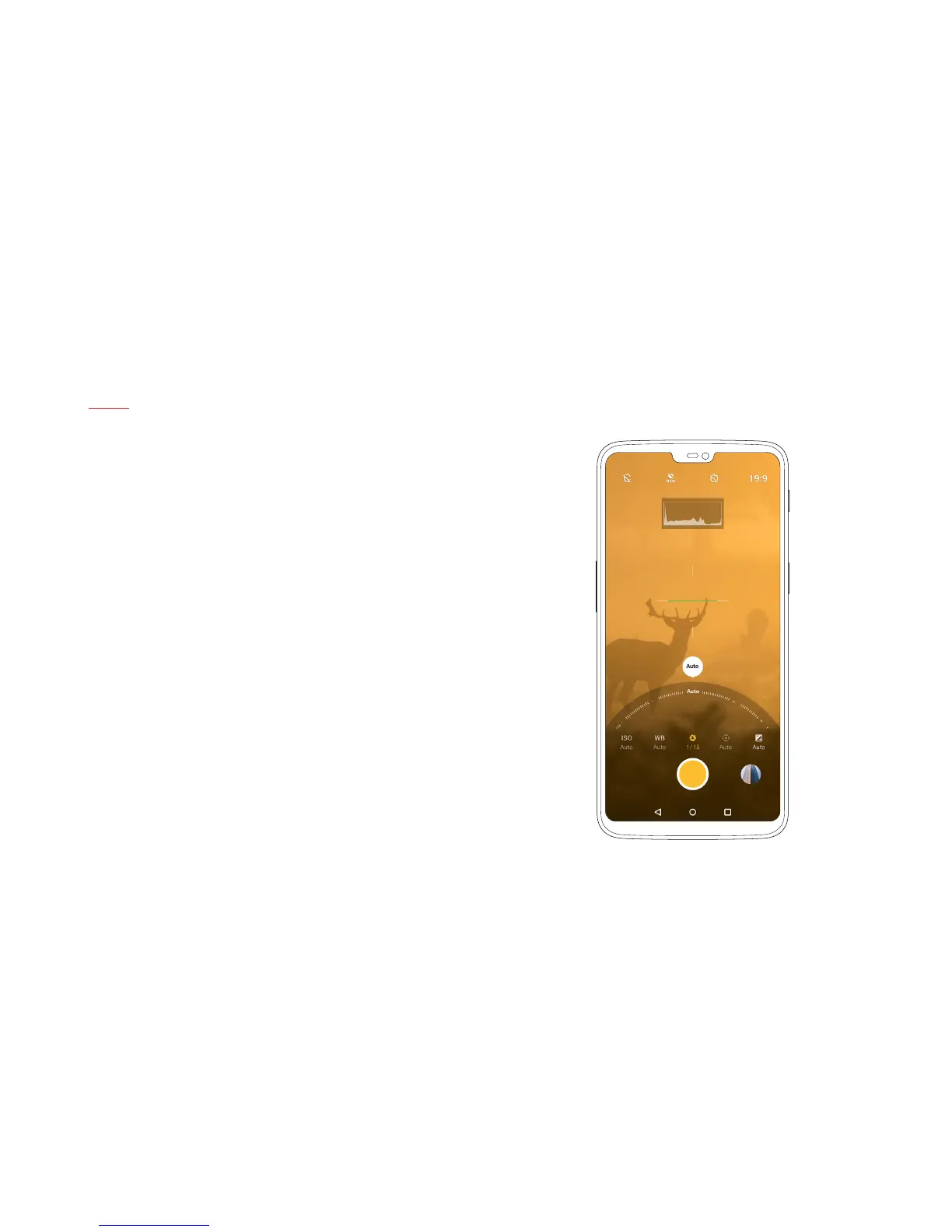
Pro Mode
The OnePlus 6’s advanced Pro Mode allows you to take control of
certain parameters of your photos. Using Pro Mode, which can easily
be accessed by swiping up in the camera UI, you can customize, among
others, the ISO, white balance, shutter-speed, focus and exposure of
each shot.
Simply tap on the corresponding button to open the modication wheel
of any given setting, and turn the wheel to adjust it.



 To Next Page