18 | What’s in the Box Device OxygenOS Safety Information
Additional Camera modes and Settings
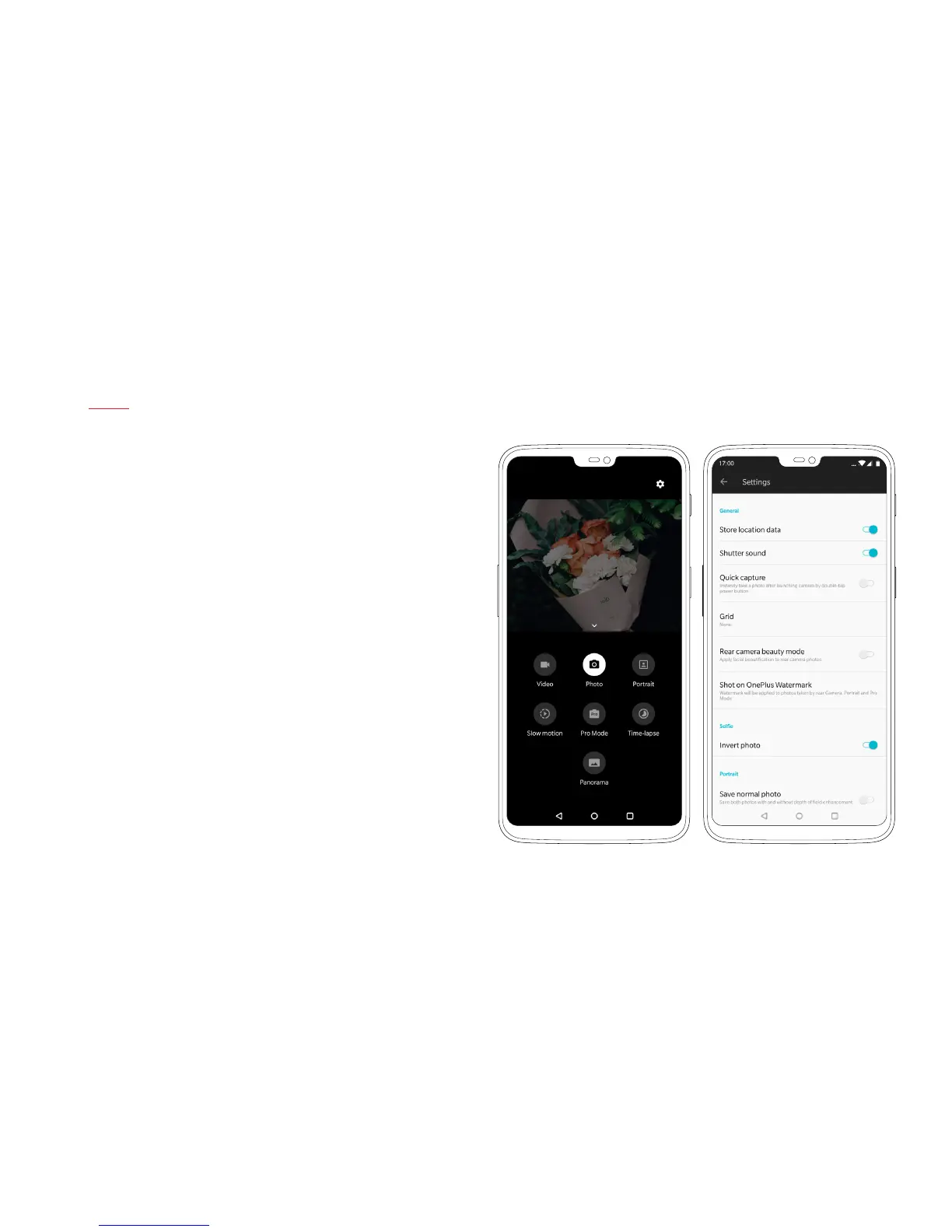
Swipe up to reveal additional shooting modes, and tap the ‘Gear’
icon in the top-right corner of the screen to open the advanced
settings menu. Within this menu, you can enable Location data,
Histogram, Grid styles and add a Shot on OnePlus Watermark.
Swiping up also reveals more advanced shooting modes.
Alongside returning features, such as shooting in RAW, Pro Mode,
and Time-lapse, the OnePlus 6 also features a new Super Slow-mo
feature.
Shoot your video, and manually select the length and timing
of the slow-motion effect. Shoot videos at up to 480fps when
shooting at a resolution of 720P, and 240fps when shooting at
a resolution of 1080P.



 To Next Page