25 | What’s in the Box Device OxygenOS Safety Information
Launcher
All of your apps are alphabetically arranged in your app drawer, for easy
access. Access it by swiping up from anywhere in the home screen.
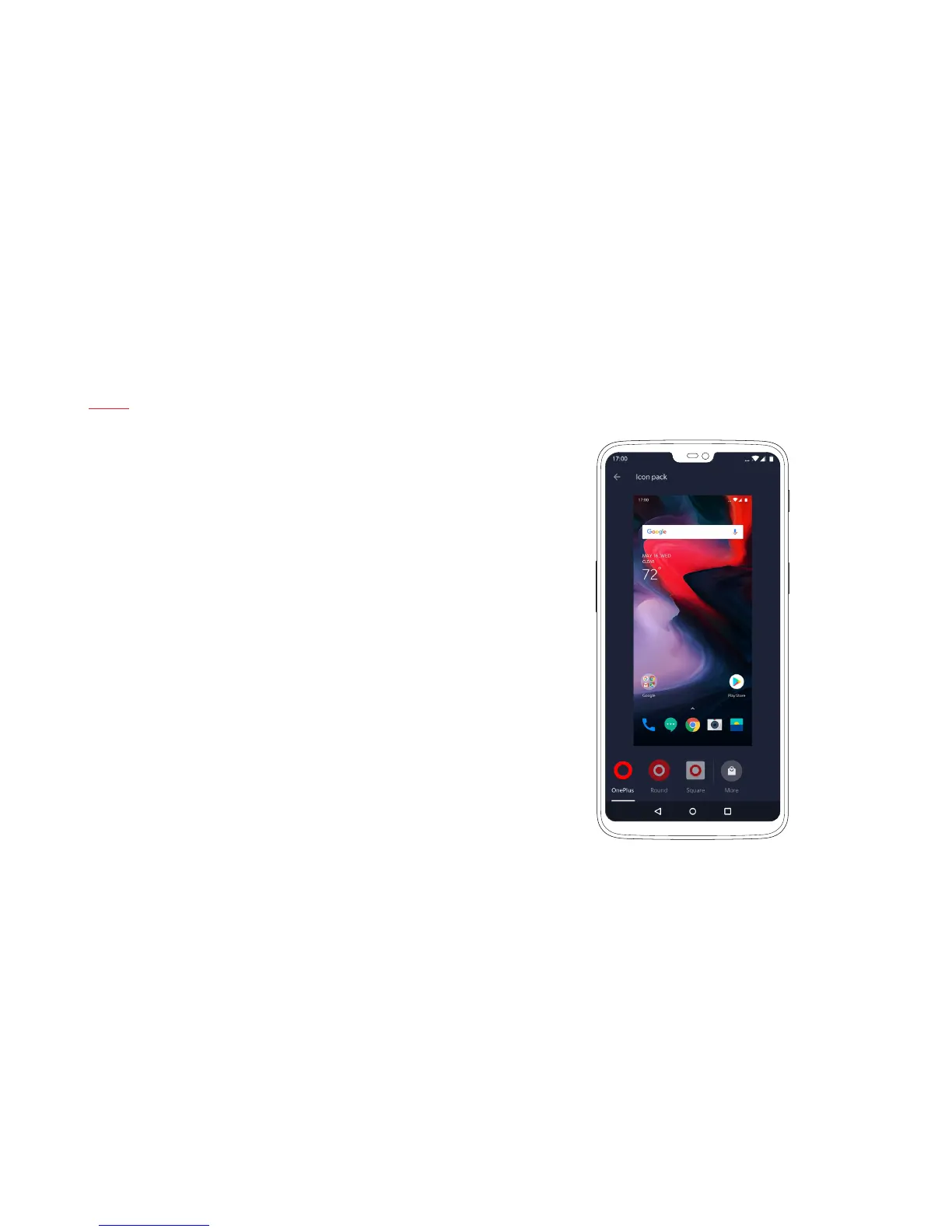
To further customize your launcher, long-press on an empty space
in the home screen to open the launcher options. Using this menu,
you can turn on your favorite third-party icon pack, change your app
drawer grid, assign gestures and more.
The launcher options menu also enables you to change wallpapers,
add widgets, and access the Home Settings menu.


 To Next Page