27
Shelf
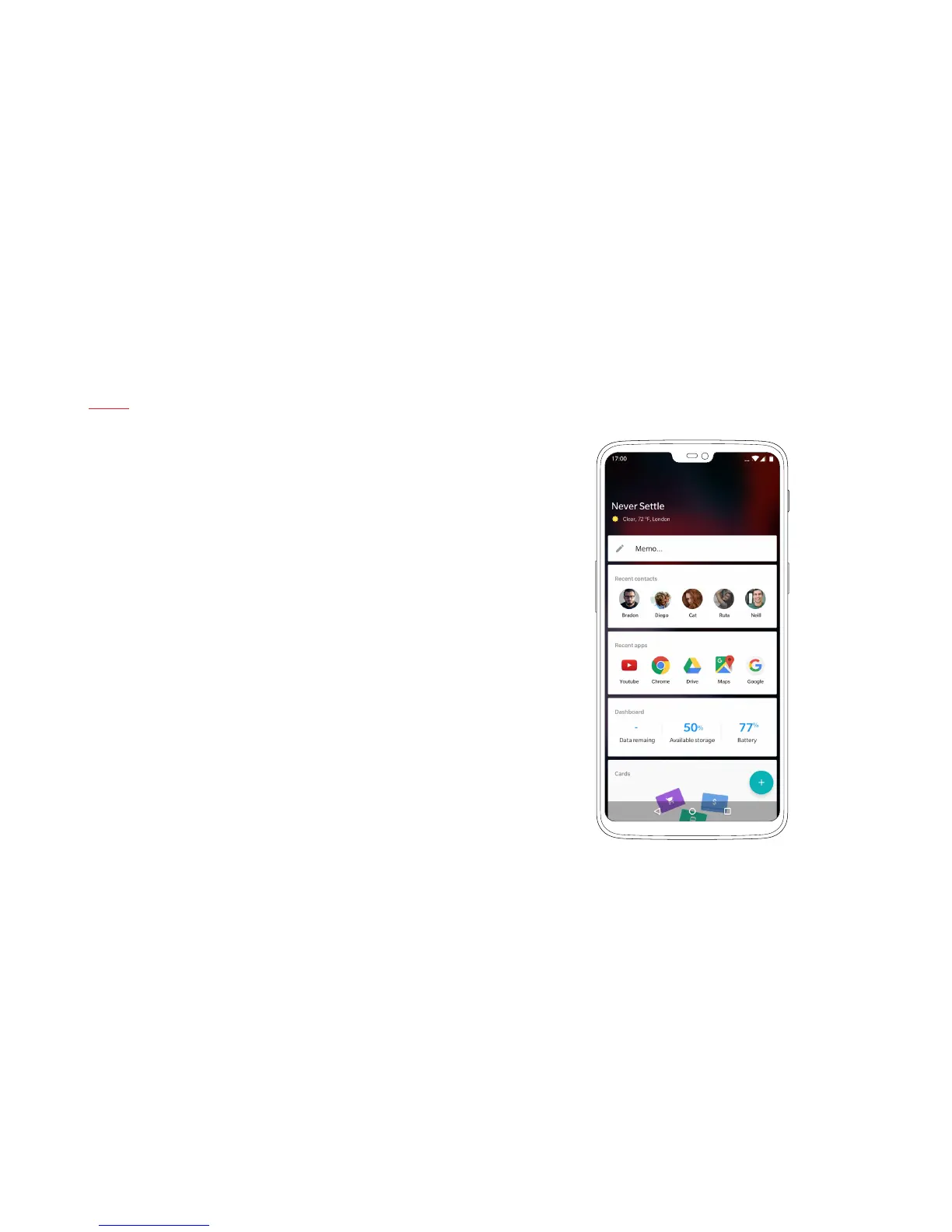
Swipe right from your home screen to open up Shelf. This separate
menu grants access to your favorite apps, most frequent contacts
and recent photos.
The clean and streamlined UI can be manually enhanced with
widgets or customized using a variety of intelligent options.
| What’s in the Box Device OxygenOS Safety Information



 To Next Page