28
OneScreen TL6
All your collaboration tools are right here
Sr. Tabs Details
5.
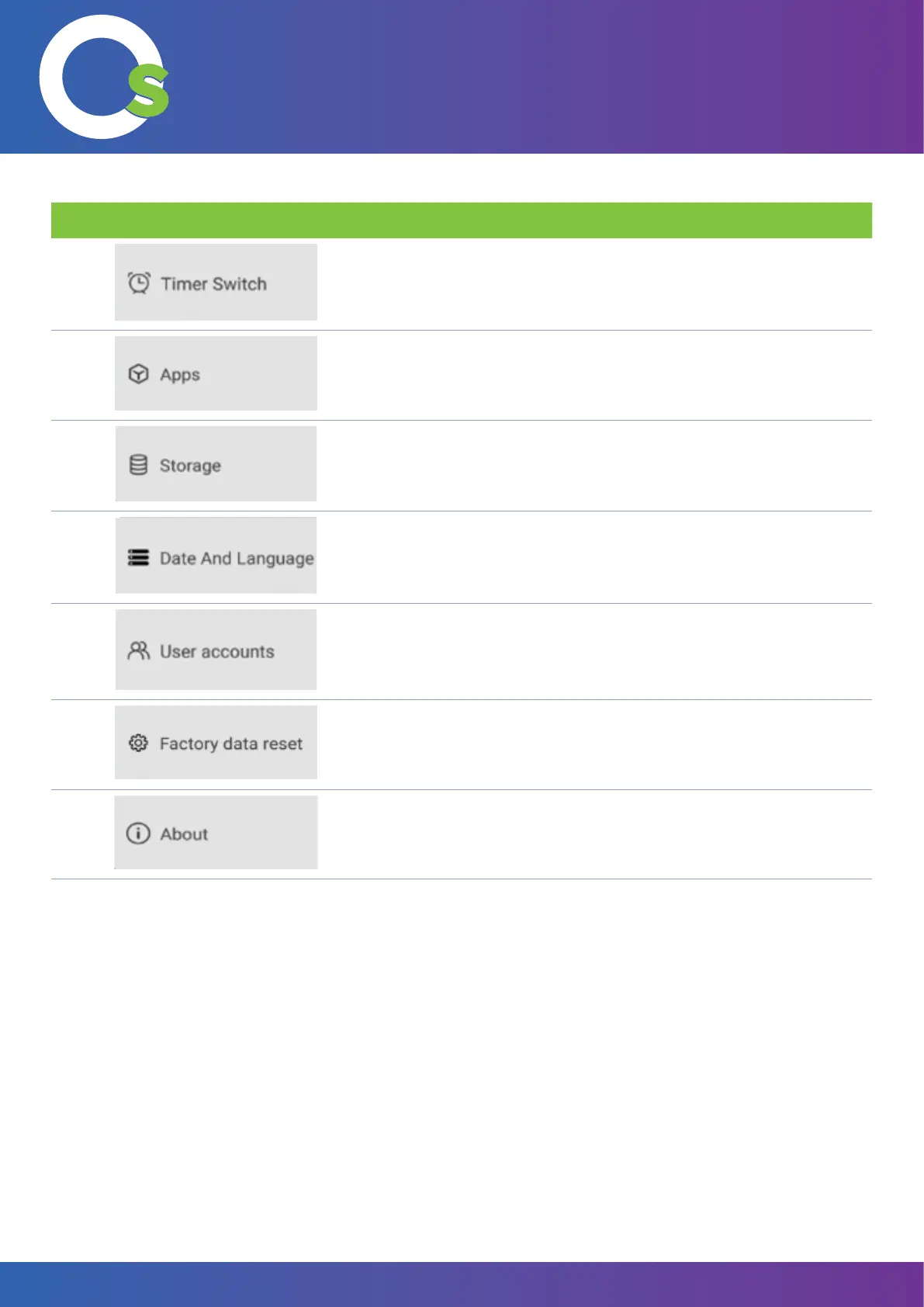
Toggle auto-boot and auto shutdown. Set the boot and shutdown times.
6.
Uninstall or disable apps. Allow or revoke app permissions.
7.
Overview and manage your internal storage through this option.
8.
Change the date and/or time. Change the language and input methods.
9.
Manage user accounts for the OneScreen.
10.
Reset the device i.e., delete all data, settings and downloaded
applications.
11.
Provides information about the device name, android version, MAC
address, rmware version and the serial number.



 To Next Page