24
OneScreen
TL6
All your collaboration tools are right here
Sr. Icon Function
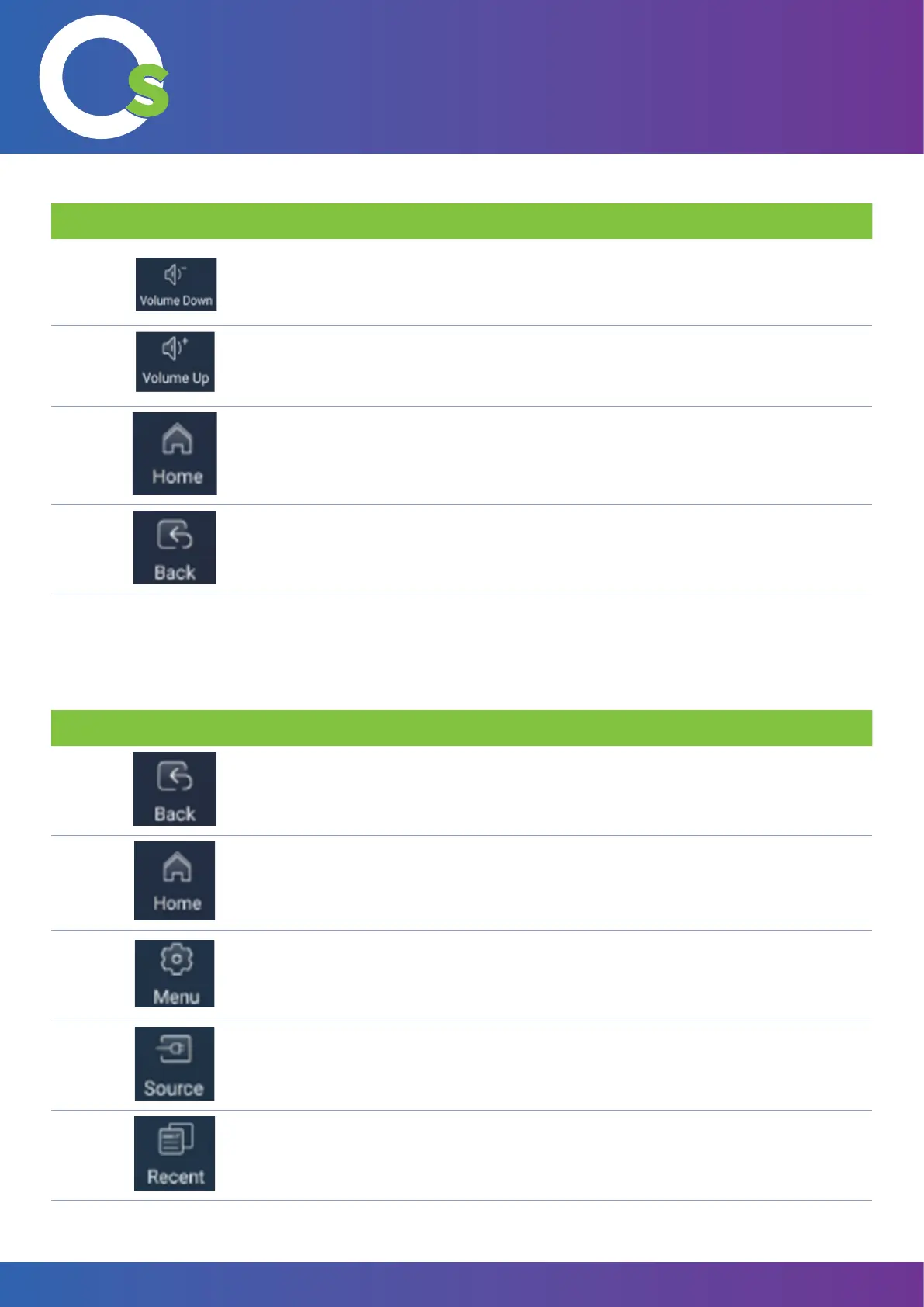
4. Tap this button to decrease the volume.
5. Tap this button to increase the volume.
6.
This button takes you to the home screen.
7.
This button will take you to the previous window.
Sr. Icon Function
1. This button will take you to the previous window.
2. This button takes you to the home screen.
3. This button takes the user to the settings panel.
4.
This button will take the user to the source menu.
5.
This button will show the running applications.
7.2.2 Side toolbar
Clicking on the side arrows brings up the side toolbar.
Users can close individual or all applications.


 To Next Page