26
OneScreen TL6
All your collaboration tools are right here
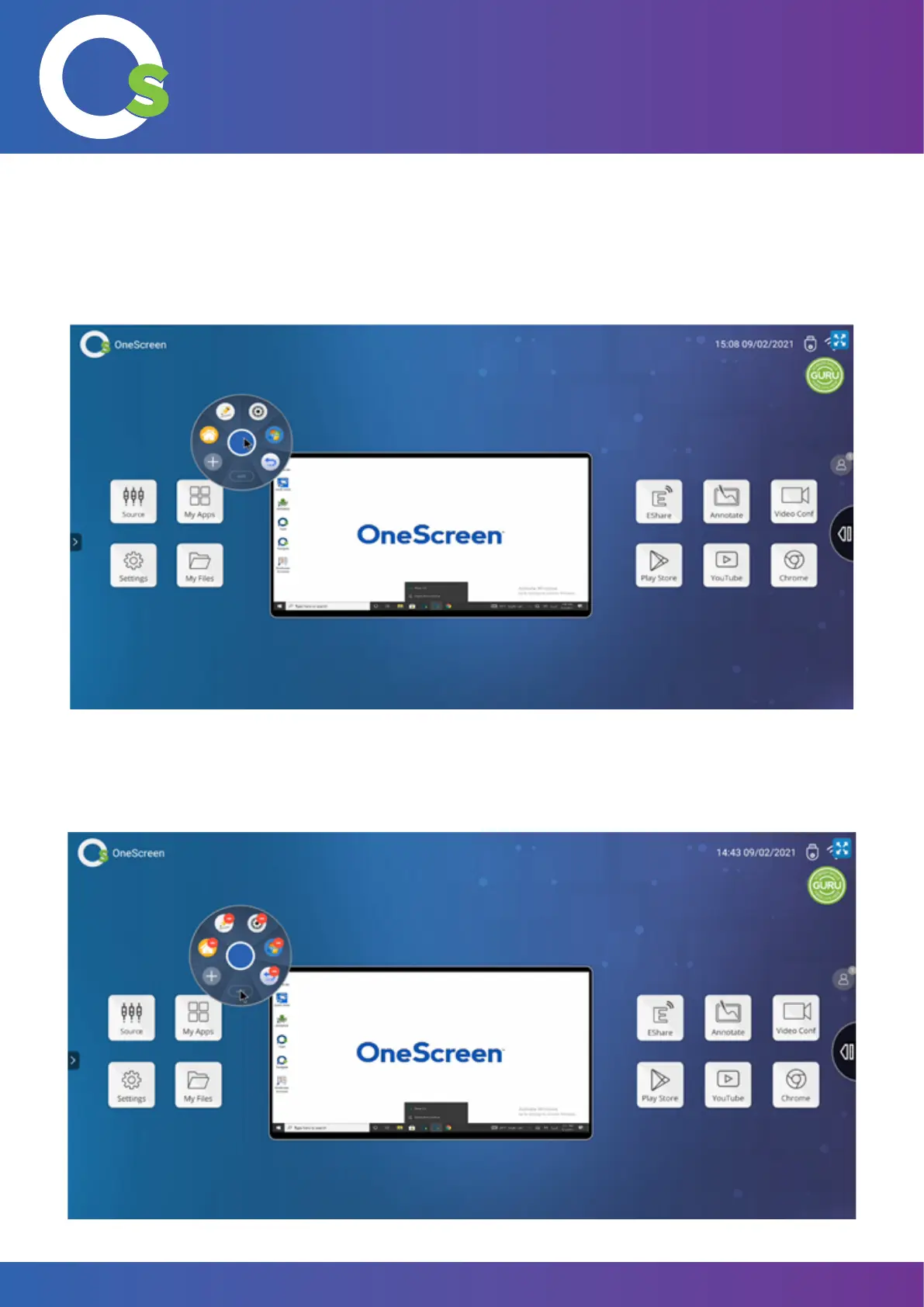
7.2.4 Floating Toolbar
You can use the oating toolbar to open various tools and applications. Drag the toolbar from the side of the screen
and tap on it once to open the options.
Tap on the circular toolbar once to open the options.
You can also edit the options visible by tapping on “edit” and removing any one or more of the options by tapping
on them again once the red symbol appears.


 To Next Page