31
OneScreen
TL6
All your collaboration tools are right here
9 Camera Set-ups
9.1 Web-camera
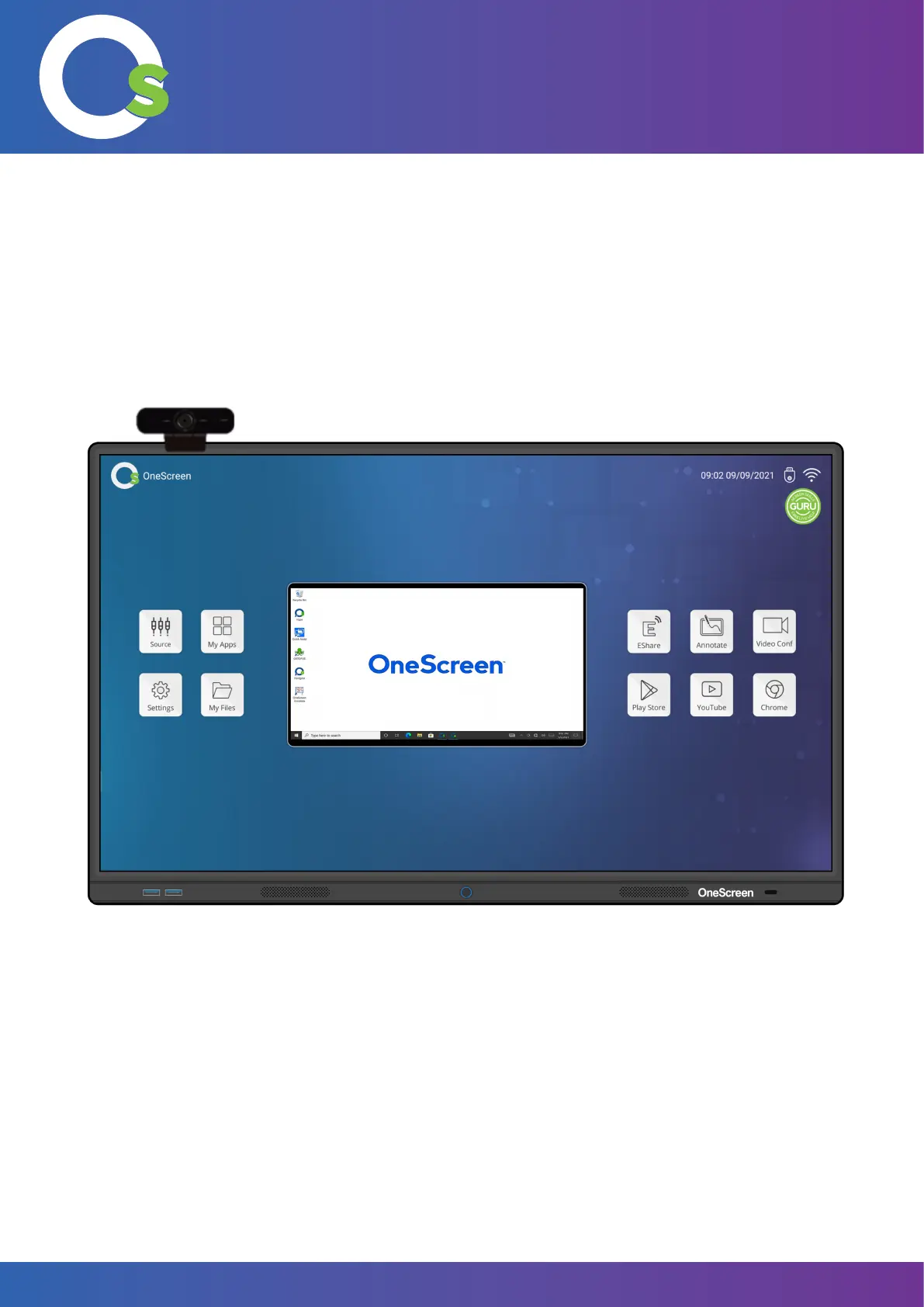
Use the clip of the web-camera to pin it on top of the screen. Insert the USB cable of the camera into either the
USB port of the OneScreen to use it on the android OS or the USB port of the OPC to use it on the Windows OS.
Tilt the camera up or down or Pan left or right to adjust the frame it captures.
Web-camera
Note: For a complete guide on installing the OneScreen Webcam, please visit:
Onescreensolutions.com/en/resources


 To Next Page