98
OPERATIONS OPERATIONS
Anti-mildew function(on some models)
When turns off the unit on COOL, DRY, AUTO (Cool) mode, the air conditioner
will continue operating for about 10 minutes(depending on models) at LOW fan speed.
This will help to dry up the condensed water inside the evaporator, and prevent the
breeding of mildew. Under Anti-mildew operation, do not restart the air conditioner until
the unit is completely off.
(-15°C~50°C For the models with
low temperature cooling system)
CAUTION:
1. If air conditioner is used outside of the above conditions, certain safety
protection features may come into operation and cause the unit to function
abnormally.
2. Room relative humidity less than 80%. If the air conditioner operates in excess of
this figure, the surface of the air conditioner may attract condensation. Please sets the
vertical air flow louver to its maximum angle (vertically to the floor),
and set HIGH fan mode.
3. Optimum performance will be achieved within these operating temperature.
Suggestion: For the unit adopts an Electric Heater, when the outside ambient
temperature is below 0°C, we strongly recommend you to keep the machine plugged
in order to guarantee it running smoothly.
Operating temperature
Auto/Cool
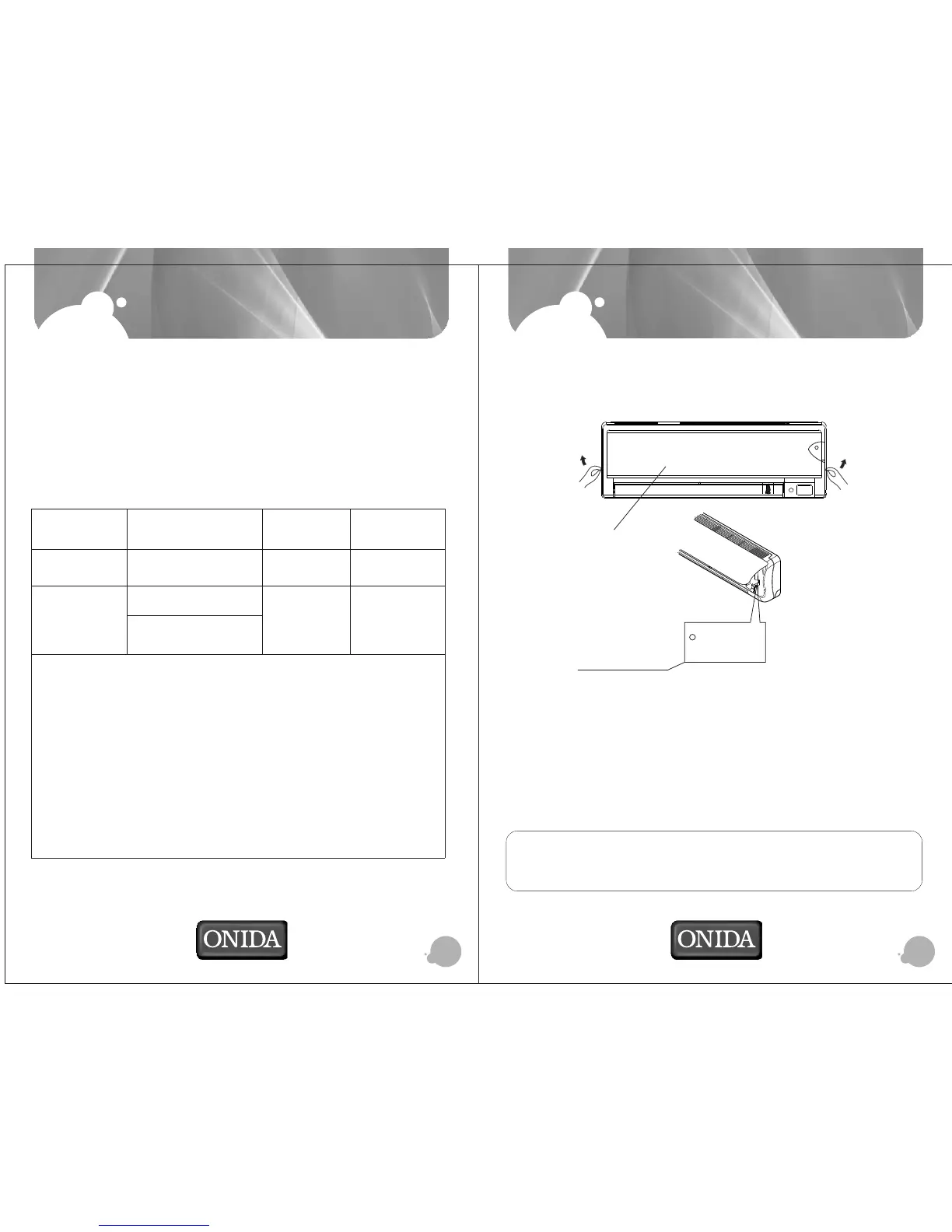
Manual control
button
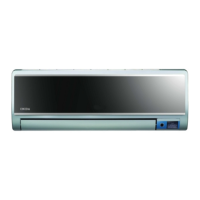
Fro nt p a ne l
Manual operation
Manual operation can be used temporarily in case the remote controller is disable or
maintenance necessary.
NOTE: The unit must be turned off before operating the manual control button. If the unit
is operational, continue pressing the manual control button until the unit is off.
1) Grasp both sides of the panel and pull it down, the panel opened upward to an angle
of 15O . Push the panel upward and then lift it up.
2) One press of the manual control button will lead to the forced AUTO operation. If press
the button twice within five seconds, the unit will operate under forced COOL operation.
3) Close the panel firmly to its original position.
CAUTION:
This button is used for testing purposes only. You had better not choose it. To restore
the remote controller operation, use the remote controller directly.


 To Next Page