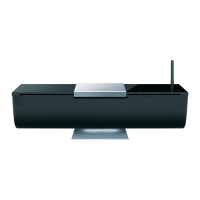
En-9
Basic Operation—Continued
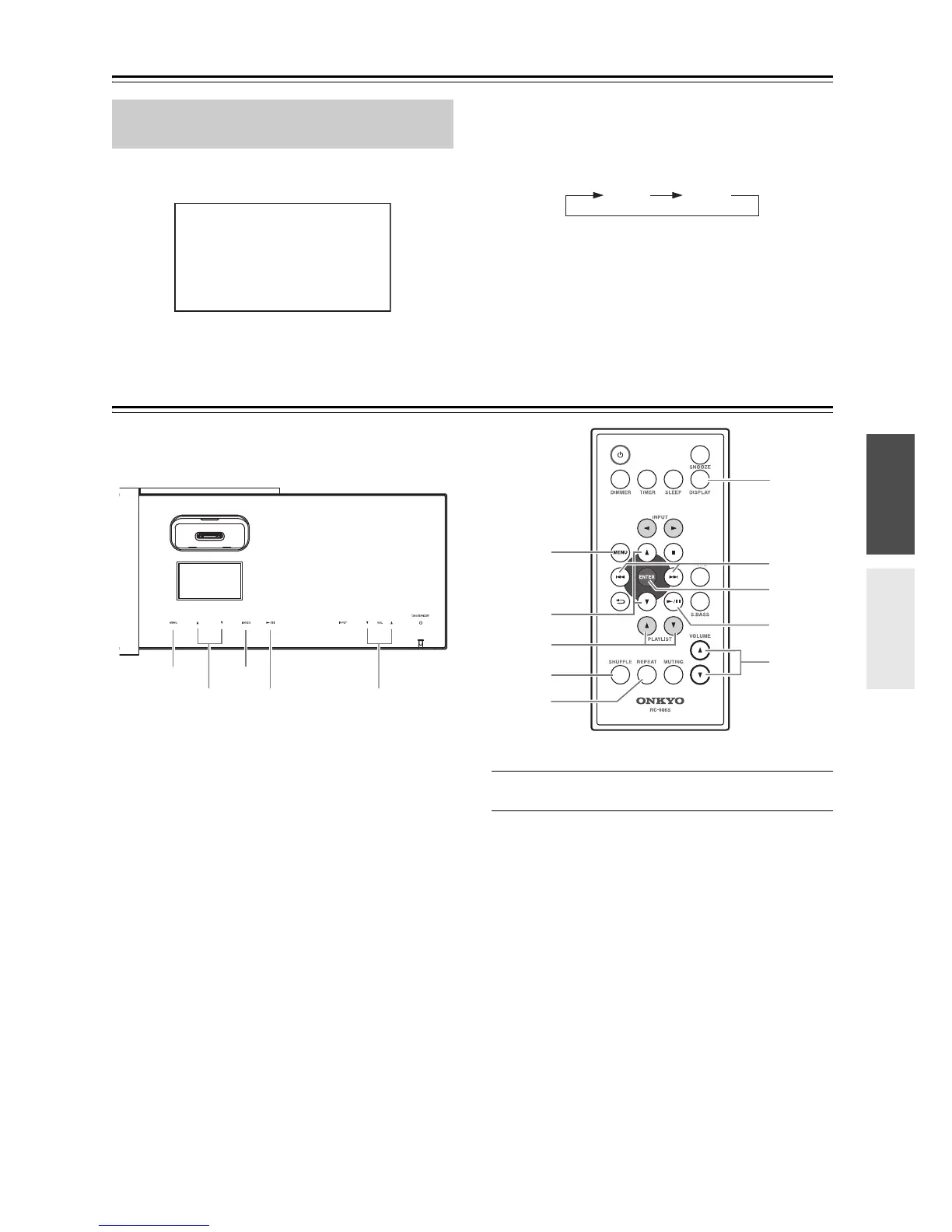
To turn on Super Bass, press the [S.BASS] button.
The “S.BASS” indication appears on the display.
The strength of the ultra-low range will change each time
you press the [S.BASS] button.
The “S.BASS” indication will disappear when this
setting is off.
Playing Your iPod/iPhone
Notes:
• Before using your iPod/iPhone with the ABX-100, be
sure to update your iPod/iPhone with the latest
software, available from the Apple website.
• If you leave your iPod/iPhone paused when using it on
its own, eventually it will go into hibernation. If you
insert it into the ABX-100 dock in this state, you’ll
need to wait a few moments before your iPod/iPhone
is ready for use.
• Always remove your iPod/iPhone before moving the
ABX-100.
• Depending on your iPod/iPhone, or the type of content
being played, some functions may not work as
expected.
1
Move the slide cover to the left.
2
Insert your iPod/iPhone into the ABX-100’s
iPod dock.
Notes:
• To prevent damage to the dock connector, do not twist
or force your iPod/iPhone into the dock, and be careful
not to wiggle your iPod/iPhone while inserting it.
• If you use a case with your iPod/iPhone, always
remove it before you insert it. Otherwise, it may not
connect properly and a malfunction may occur.
• Do not close the slider cover while an iPod/iPhone is
inserted. We recommend that you leave the slide cover
closed when not using the ABX-100.
• Do not use with any iPod/iPhone accessories, such as
FM transmitters and microphones, as they may cause
a malfunction.
Using Super Bass
(remote controller only)


 To Next Page
 Loading...