21
Getting connected
Connecting
• Connect the speakers only as shown here.
Incorrect connections may damage the
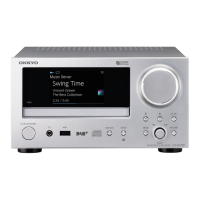
CR-N1 or the speakers.
• Use the supplied speaker cables. Unneces-
sarily long, or very thin speaker cables
may affect the sound quality and should
be avoided.
• Turn off the CR-N1 before connecting any
speakers. Failure to do so may damage
the CR-N1 or the speakers.
• Make sure that each (+) speaker terminal
is connected to the correct (+) CR-N1
SPEAKERS terminal, and that each (–)
speaker terminal is connected to the cor-
rect (–) CR-N1 SPEAKERS terminal. Incor-
rect speaker wiring will affect the sound
quality and may damage the CR-N1 or the
speakers.
Right
speaker
Left
speaker
These terminals are located on
the underside of the D-N1 speakers.
–
+
–
+



 To Next Page
 Loading...