37
Playing CDs
3 Tracks can also be selected by using the
numeric keypad.
Use buttons 1 to 9 to select tracks 1 to 9.
Use button 10/0 to select track 10. To
select track 11 and upwards, press the
--/--- button followed by the correspond-
ing two number buttons.
Examples:
To select track 5: press
To select track 10: press
To select track 15: press
Playback starts automatically when tracks
are selected by using the numeric keypad.
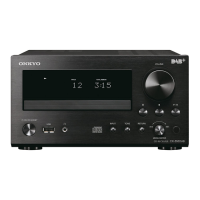
You can search tracks during playback or
while playback is paused by using the Review
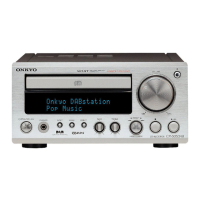
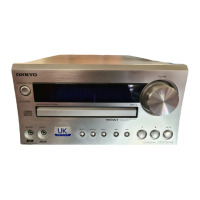
( ) and Preview ( ) buttons on
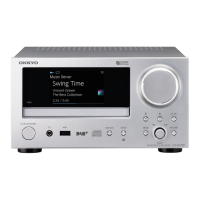
the CR-N1.
1 To search forwards, press and hold the
Preview ( ) button. Release to
resume playback or pause.
2 To search backwards, press and hold
down the Review ( ) button.
Release to resume playback or pause.
Searching tracks
Numeric keypad



 To Next Page
 Loading...