34
Basic operation
Sound output can be muted temporarily by
using the Muting function.
1 Press the MUTING button on the remote
controller (the output is muted and the
MUTING indicator flashes).
2 To unmute the output, press the MUT-
ING button again (sound output is
restored and the MUTING indicator stops
flashing).
Alternatively, the output can be unmuted
by pressing the VOLUME UP/DOWN ( / )
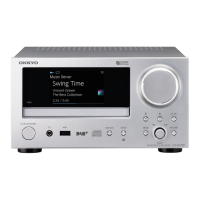
buttons on the CR-N1 or remote control-
ler.
The Acoustic Presence function adds
super-bass reality to music sources, increas-
ing your listening pleasure.
1 Press the ACOUSTIC PRESENCE button
on the CR-N1, or the A.PRESENCE button
on the remote controller repeatedly to
cycle through the Acoustic Presence set-
tings.
The ACOUSTIC PRESENCE indicator lights
up while either A. PR 1 or A. PR 2 is
selected.
A. PR 2 provides a more pronounced
effect than A. PR 1.
2 To turn off the Acoustic Presence func-
tion, select A.PR OFF (the ACOUSTIC
PRESENCE indicator goes out).
Muting the output
MUTING
Remote controller
Using Acoustic Presence
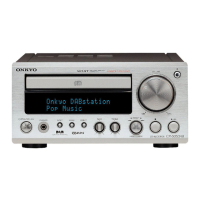
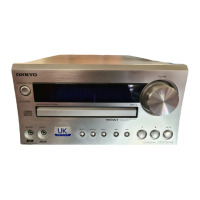
ACOUSTIC
PRESENCE
A.PRESENCE
MUTING
ACOUSTIC
PRESENCE
indicator
A. PR OFF A. PR 1 A. PR 2
Remote controller



 To Next Page
 Loading...