Contents [ hide
1 What’s in the Box?
2 Get to Know Your 36” 5.1 SOUNDBAR
3 Remote Control Overview
4 Using the HDMI IN or HDMI ARC connection
5 Using the AUX or Optical Connection
6 Bluetooth Connection and 5.1 System Connection
7 Using The Bluetooth Connection
8 Connection to the Power Outlet
9 Product Wall Mounting the first step
10 Product Wall Mounting the secons step
11 Product Wall Mounting the Third Step
11.1 Specification
11.2 Related Manuals:
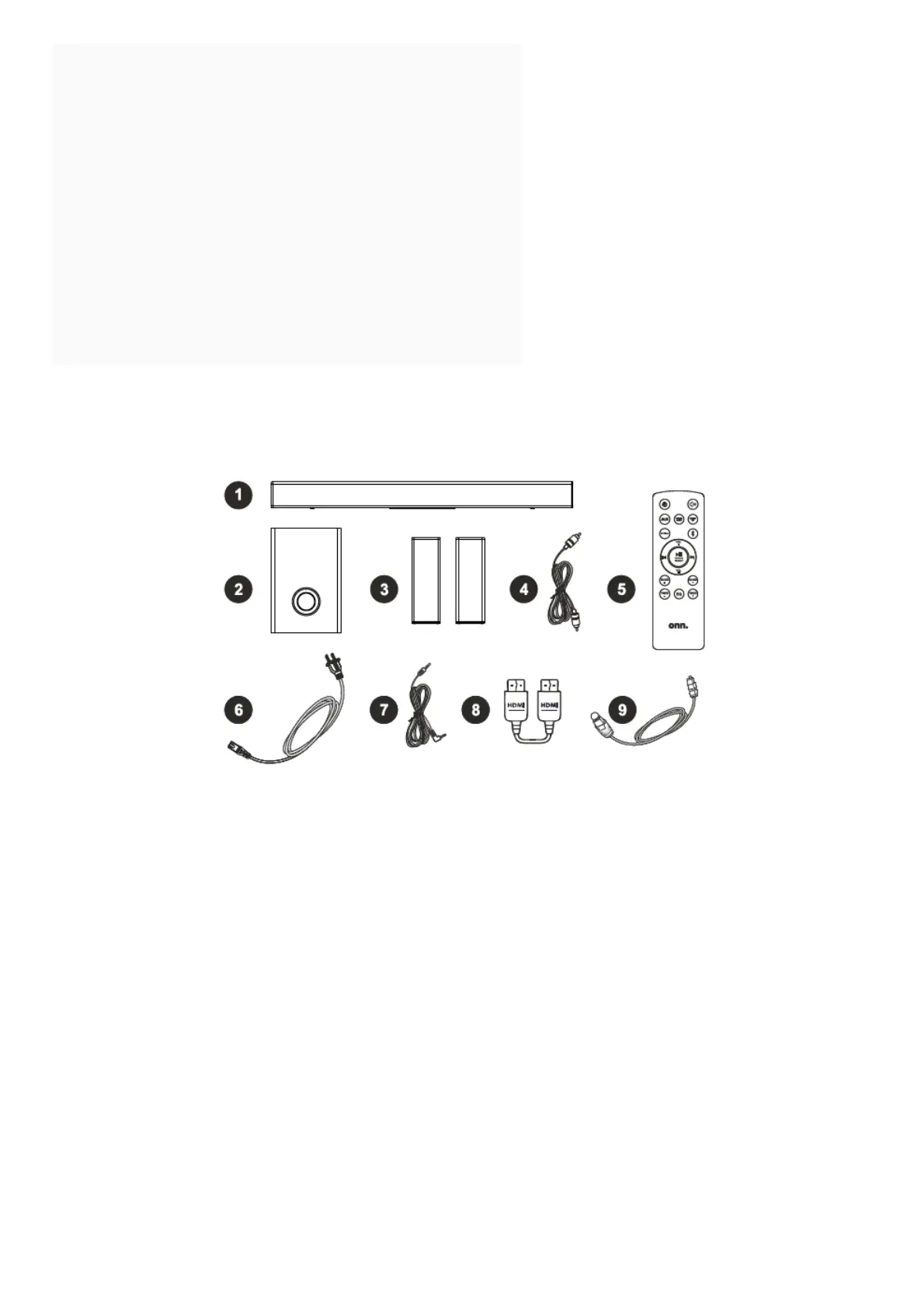
What’s in the Box?
Check to make sure you have everything below.
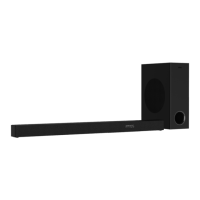
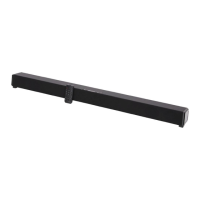
1. Main unit
2. Subwoofer
3. Satellite Speaker x 2
4. RCA to RCA Cable x 2
5. Remote Control
6. Power Cord x 2
7. AUX Cable x 1
8. HDMI Cable x 1
9. Optical Cable x 1
10. QSG x 1
11. User manual x 1
Get to Know Your 36” 5.1 SOUNDBAR



 To Next Page