EasyManua.ls Logo

Onn 100069413 - User Manual

Onn 100069413
22 pages
Print Icon
To Next Page IconTo Next Page
Loading...
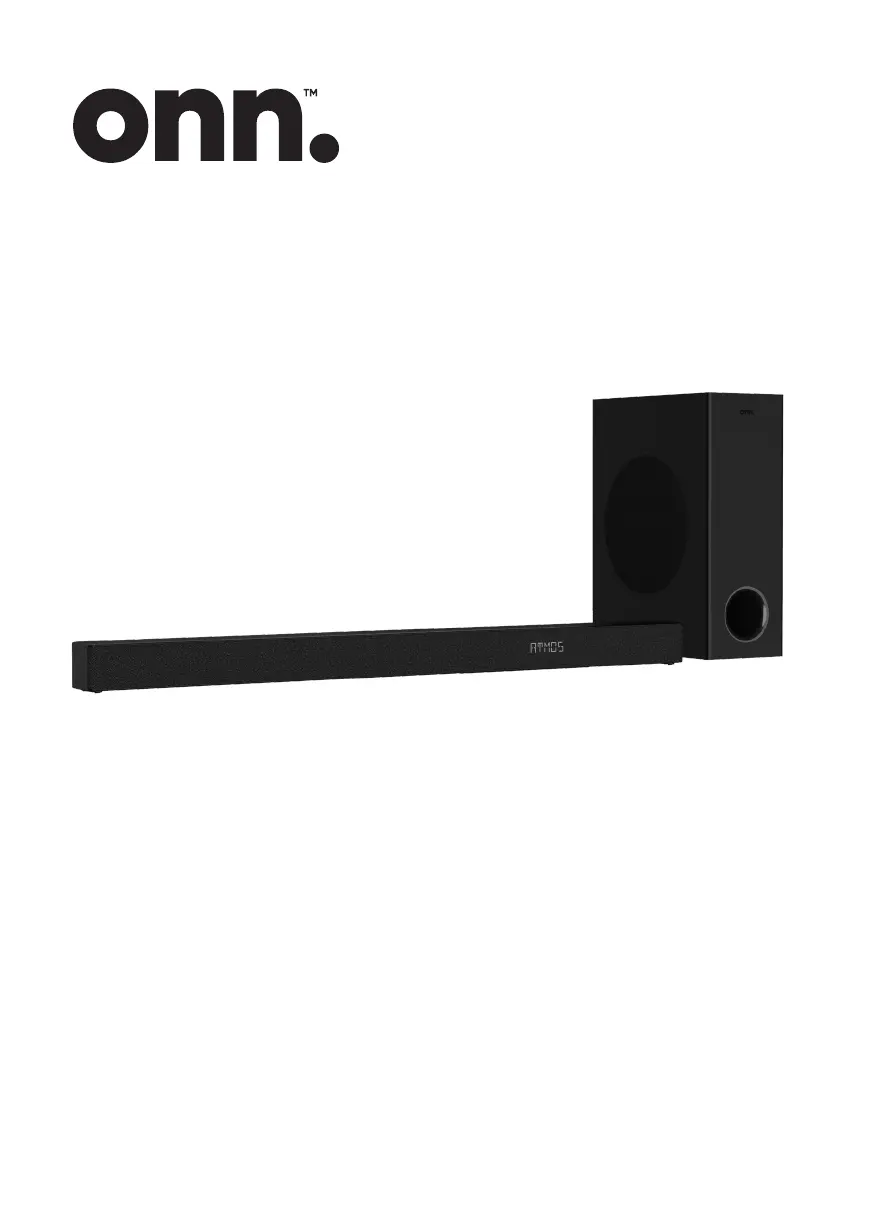
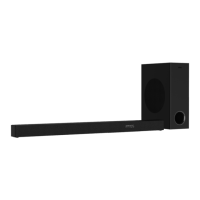
3.1 CH Dolby Atmos Sound Bar/
Wireless Subwoofer
100069413
USER MANUAL

Questions and Answers

  • N
    Nicole GillespieAug 6, 2025
    What to do if my Onn 100069413 Speaker System has no sound?
    • F
      Fernando HarrisAug 6, 2025
      If your Onn Speaker System has no sound, try the following: * Ensure the unit isn't muted by pressing the MUTE or VOL+/VOL- button. * Switch the Sound Bar to standby mode and then back on. * Unplug both the Sound Bar and the subwoofer from the power socket, then plug them back in and switch the Sound Bar on. * When using a digital connection, ensure the audio setting of the input source is set to PCM or Dolby Digital mode. * Move the subwoofer closer to the Sound Bar (within 5m). * Re-pair the units by following the steps in the section 'Pairing the Wireless Subwoofer with the Sound Bar'. * Note that the unit may mute if it cannot decode all digital audio formats from the input source.
  • D
    David HooperAug 12, 2025
    How to fix an Onn 100069413 Speaker System that won't turn on?
    • M
      Maria CrossAug 12, 2025
      If your Onn Speaker System has no power, please check the following: * Ensure that the AC cord is properly connected. * Ensure that there is power at the AC outlet. * Press the standby button to turn the unit on.
  • J
    John KleinAug 18, 2025
    Why is my Onn 100069413 remote not working?
    • J
      John LamAug 18, 2025
      If the remote control for your Onn Speaker System isn't working, try these steps: * Select the correct source before pressing any playback control button. * Reduce the distance between the remote control and the unit. * Ensure the battery is inserted with correct polarities (+/-). * Replace the battery. * Aim the remote control directly at the sensor on the front of the unit.
  • M
    Mike JonesAug 23, 2025
    What to do if Onn 100069413 Speaker System causes display problems with HDR content?
    • D
      David HenryAug 25, 2025
      If you are experiencing display problems while viewing HDR content from an HDMI source on your TV with your Onn Speaker System, some 4K HDR TVs require the HDMI input or picture settings to be set for HDR content reception. Refer to your TV's instruction manual for further setup details.
  • R
    Rita BerryAug 29, 2025
    Why does my Onn 100069413 Speaker System turn off after 15 minutes?
    • U
      ubrooksAug 29, 2025
      If your Onn Speaker System turns off automatically after 15 minutes, it might be due to a low external input signal level. Increase the volume level of your external device.

Summary

Your Sound Bar Components

Connectivity Ports Overview

Essential ports for connecting TVs, sources, and USB devices.

On-Unit Controls and Indicators

Buttons for power, volume, source, and the display window.

Remote Sensor and Mounting Hardware

Location of the remote control sensor and wall bracket screws.

Wireless Subwoofer Features

Power Connection and Pairing

AC socket for power and pairing button/indicator for connection.

Remote Control Setup

Battery Safety and Installation Guide

Important precautions and step-by-step guide for battery handling.

Remote Control Functions

Button Operations and Usage

Detailed explanation of each button's operation on the remote.

Sound Bar Placement

Stand and Wall Mounting Options

Guidance on placing the soundbar on a stand or mounting it on a wall.

Wall Mounting Safety and Procedures

Important safety advice and steps for securely mounting the unit.

Wall Bracket Installation

Drilling and Anchor Setup

Steps for drilling holes and installing wall anchors for brackets.

Mounting the Sound Bar Unit

Attaching the Sound Bar to Brackets

Instructions on how to attach the soundbar to the mounted brackets.

Connecting Your Sound Bar

Understanding Dolby Atmos

Overview of Dolby Atmos immersive sound experience.

HDMI Connection: eARC;ARC Setup

How to connect via HDMI using eARC/ARC for TV audio.

Sound Bar Connectivity Options

HDMI Connection: Standard Setup

How to connect via standard HDMI without ARC/eARC.

Optical and AUX Cable Connections

How to connect using optical or AUX audio cables.

Power and Subwoofer Pairing

Connecting the Power Supply

Instructions and cautions for connecting the AC power cord.

Subwoofer Pairing Procedures

Steps for automatic and manual pairing of the subwoofer.

Basic Sound Bar Operation

Power Management and Source Selection

Managing standby, auto features, and selecting input modes.

Audio Adjustments and Sound Modes

Controlling volume, bass, and applying EQ effects.

Menu Navigation and Settings

Accessing and using the setup menu for advanced configurations.

Input Source Operations

Configuring AUX, Optical, and HDMI Inputs

Setting up and selecting AUX, Optical, or HDMI input modes.

Audio Decoding and Format Tips

Information on supported audio formats and troubleshooting.

Bluetooth Device Integration

Pairing and Connecting Bluetooth Devices

Steps for initial and subsequent pairing of Bluetooth devices.

Music Playback and Controls

How to play, pause, skip tracks, and control volume via Bluetooth.

Bluetooth Disconnection and Range Advice

How to disconnect Bluetooth and tips for optimal operational range.

USB Media Playback

Connecting and Playing USB Files

How to connect a USB device and play MP3 files.

USB Playback Controls and Compatibility

Controls for playback and important notes on USB compatibility.

Troubleshooting Common Issues

Power and Remote Control Problems

Solutions for power, remote control, and unit standby issues.

Audio, Connectivity, and Display Issues

Troubleshooting sound, subwoofer connection, and HDMI display problems.

Wireless and Feature-Specific Problems

Resolving Bluetooth pairing, auto power-off, and Dolby Atmos effects.

General Safety Precautions

Instruction Adherence and Handling

Emphasizes reading all safety and operating instructions.

Appliance Usage and Environmental Safety

Warnings about water, cleaning, ventilation, heat, and plug safety.

Electrical and Environmental Safety

Electrical Safety and Cord Handling

Precautions for electrical shock, cleaning, and power cord protection.

Appliance Placement and Modification Risks

Warnings on ventilation, heat, magnetic fields, and unauthorized changes.

Battery Usage and Product Disposal

Battery Handling Precautions

Cautions to prevent battery leakage and ensure correct installation.

Responsible Product Disposal Guidance

Guidance on recycling and disposing of the product responsibly.

Product Guarantee and Support

One Year Guarantee Information

Details of the free 1-year guarantee and claim process.

Customer Service Contact Details

Contact information for customer support assistance.

Regulatory Compliance Information

FCC and IC Canada Statements

Compliance statements for FCC and Industry Canada regulations.

RF Exposure and Cable Requirements

Information on radiation exposure limits and cable requirements.

California Proposition 65 Warning

Warning about chemicals known to cause cancer in California.

Onn 100069413 Specifications

General IconGeneral
Model100069413
BluetoothYes
Bluetooth Version5.0
ColorBlack
ConnectivityBluetooth, AUX

Related product manuals