EasyManua.ls Logo

Onn 100043839 - User Manual

Onn 100043839
24 pages
Print Icon
To Next Page IconTo Next Page
Loading...
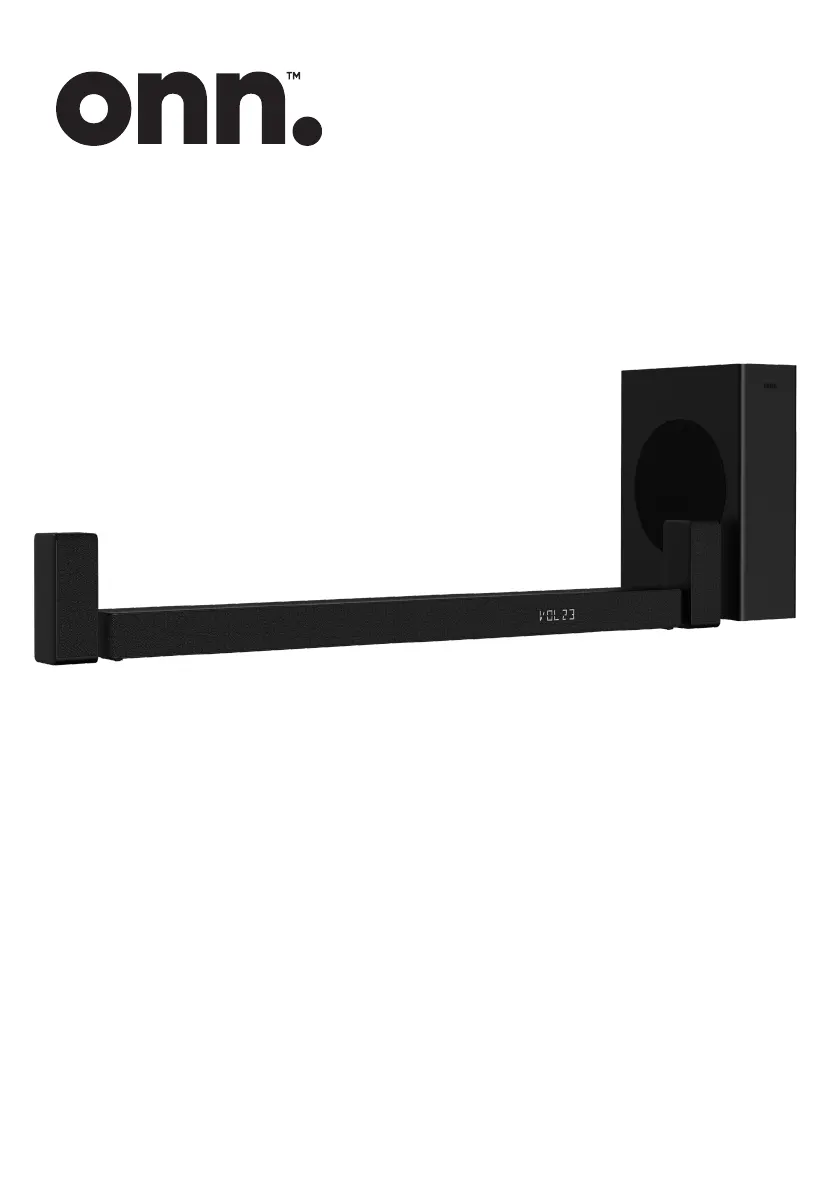
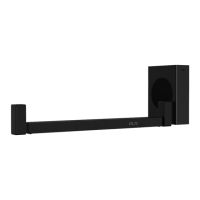
5.1 CH Wireless Sound Bar/
Wireless Subwoofer / Surround
100043839
USER MANUAL

Questions and Answers

  • M
    Mr. Shawn OwenAug 4, 2025
    What to do if my Onn 100043839 Speaker System has no sound?
    • B
      Barbara WilliamsonAug 4, 2025
      If your Onn Speaker System isn't producing sound, ensure it's not muted by pressing the MUTE or VOL+/VOL– button. Try switching the Sound Bar to standby mode and then back on using the button on the unit or remote. Unplug both the Sound Bar and subwoofer from the mains socket, then plug them back in and switch on the Sound Bar. Also, ensure the audio setting of the input source is set to PCM or Dolby Digital mode while using a digital connection. If you are using a subwoofer, make sure that the subwoofer is within 5 m of the Sound Bar.
  • A
    Angela RamseyAug 9, 2025
    Why is my Onn Speaker System remote control not working?
    • W
      wellsangelaAug 9, 2025
      If the remote control for your Onn Speaker System isn't working, first select the correct source before pressing any playback control button. Try reducing the distance between the remote and the unit, and ensure you're aiming the remote directly at the sensor on the front of the unit. Also, verify that the battery is inserted with the correct polarities (+/-) or try replacing the battery.
  • M
    Michael WilliamsAug 14, 2025
    How to fix Onn 100043839 Speaker System when there is no power?
    • J
      James ObrienAug 14, 2025
      If your Onn Speaker System has no power, check the following: * Ensure the AC cord is properly connected. * Verify that there is power at the AC outlet. * Press the standby button to turn the unit on.
  • S
    Shannon WilsonAug 19, 2025
    Why can’t I find the Bluetooth name of my Onn Speaker System on my Bluetooth device?
    • D
      David HallAug 19, 2025
      If you can't find the Bluetooth name of your Onn Speaker System on your Bluetooth device, make sure the Bluetooth function is activated on your device and ensure you have paired the unit with your Bluetooth device.
  • C
    Catherine WilliamsAug 25, 2025
    What to do if TV has display problem while viewing HDR content from HDMI source on Onn 100043839 Speaker System?
    • S
      Shannon RuizAug 25, 2025
      Some 4K HDR TVs require specific HDMI input or picture settings for HDR content reception. Please refer to your TV's instruction manual for further setup details on HDR display.
  • S
    Sherri SmithAug 29, 2025
    What to do if external input signal is too low on my Onn 100043839, causing automatic shutdown?
    • P
      paul70Aug 29, 2025
      If your Onn Speaker System is automatically shutting down because the external input signal is too low, increase the volume level of your external device.

Summary

Product Overview

Package Contents

Lists all the items included in the soundbar package.

Sound Bar Components

Wireless Subwoofer

Remote Control Operation

Remote Control Button Functions

Explains the purpose and operation of each button on the remote control.

Surround Speaker

Remote Control Setup

Battery Installation and Precautions

Instructions for inserting batteries and important safety precautions for battery usage.

Sound Bar Placement

Placement Options

Guidance on placing the soundbar, subwoofer, and surround speakers for optimal sound.

Wall Mounting Considerations

Important information and precautions before mounting the soundbar on a wall.

Wall Mounting Installation

Drilling and Bracket Installation

Step-by-step guide for drilling holes and attaching wall brackets.

Sound Bar Mounting

Securing the Sound Bar to Brackets

Instructions for attaching the soundbar unit to the installed wall brackets.

Surround Speaker Mounting

Surround Speaker Wall Mount

Guidance on wall mounting the left and right surround speakers.

Audio Connections

HDMI ARC Connection

How to connect the soundbar to a TV using HDMI ARC for audio return.

Standard HDMI Connection

Connect the soundbar to a TV using a standard HDMI cable.

Optical Socket Connection

Instructions for connecting audio via an optical cable.

AUX Socket Connection

How to connect audio devices using AUX cables (RCA and 3.5mm).

Speaker and Power Setup

Connecting Surround Speakers and Power

Instructions for connecting surround speakers and main power to the unit.

Wireless Pairing Procedures

Steps for automatic and manual wireless pairing of subwoofer and surround speakers.

Basic Operation

Powering On and Off

How to switch the soundbar unit between standby and on modes.

Auto Wake and Auto Power Off

Explanation of automatic wake-up and power-off features.

Sound Control and Modes

Audio Input, Bass, Volume, and EQ Settings

Control audio inputs, adjust bass/volume, and apply equalizer effects for optimal sound.

Setup Menu Navigation and Configuration

Access advanced settings for display brightness, AV sync, and auto-off features.

Audio;Video Input Operations

Input Selection and Format Compatibility

Operate AUX, OPTICAL, HDMI inputs and understand audio format compatibility.

Bluetooth Connectivity

Bluetooth Pairing Procedures

Pair Bluetooth devices for music listening and control playback.

Bluetooth Function Management

Disconnecting Bluetooth and Music Control

Disconnect Bluetooth, control music playback, and use operational tips.

USB Media Playback

USB Media Playback and Limitations

Connect USB devices, play media, and understand file format and size restrictions.

Troubleshooting Guide

Power and Remote Control Issues

Solutions for power problems and when the remote control is not working.

Sound and Display Problems

Troubleshooting steps for no sound, muted unit, or display issues with HDR content.

Bluetooth and Power Off Issues

Resolving issues with Bluetooth pairing and the 15-minute auto power-off function.

Technical Specifications

Soundbar Specifications

Details on power supply, consumption, dimensions, and frequency response for the soundbar.

Subwoofer Specifications

Details on power supply, consumption, dimensions, and frequency response for the subwoofer.

Technical Specifications

Surround Speaker, Amplifier, and Remote Specs

Details on surround speaker, amplifier output power, and remote control specifications.

Safety and Warning Information

Instruction Adherence and Appliance Environment

Read instructions, heed warnings, and follow guidelines for appliance usage environment.

Electrical Safety, Maintenance, and Handling

Precautions for electrical safety, maintenance, plug use, modifications, and general handling.

Product Warranty and Support

Customer Service Contact

Contact information for customer support and troubleshooting assistance.

Regulatory Compliance

FCC and IC Compliance

Details FCC and IC compliance statements and operating conditions for the device.

FCC & IC Cautions

Cautions regarding modifications, radiation exposure, and shielded cables.

California Proposition 65 Warning

Notice about potential chemical exposure from the product as per California law.

Additional Assistance

Customer Helpline

Contact number for further questions or assistance with the product.

Onn 100043839 Specifications

General IconGeneral
BrandOnn
Model Number100043839
ConnectivityBluetooth
Power SourceBattery
Battery Life10 hours
TypeBluetooth Speaker

Related product manuals