Assembly
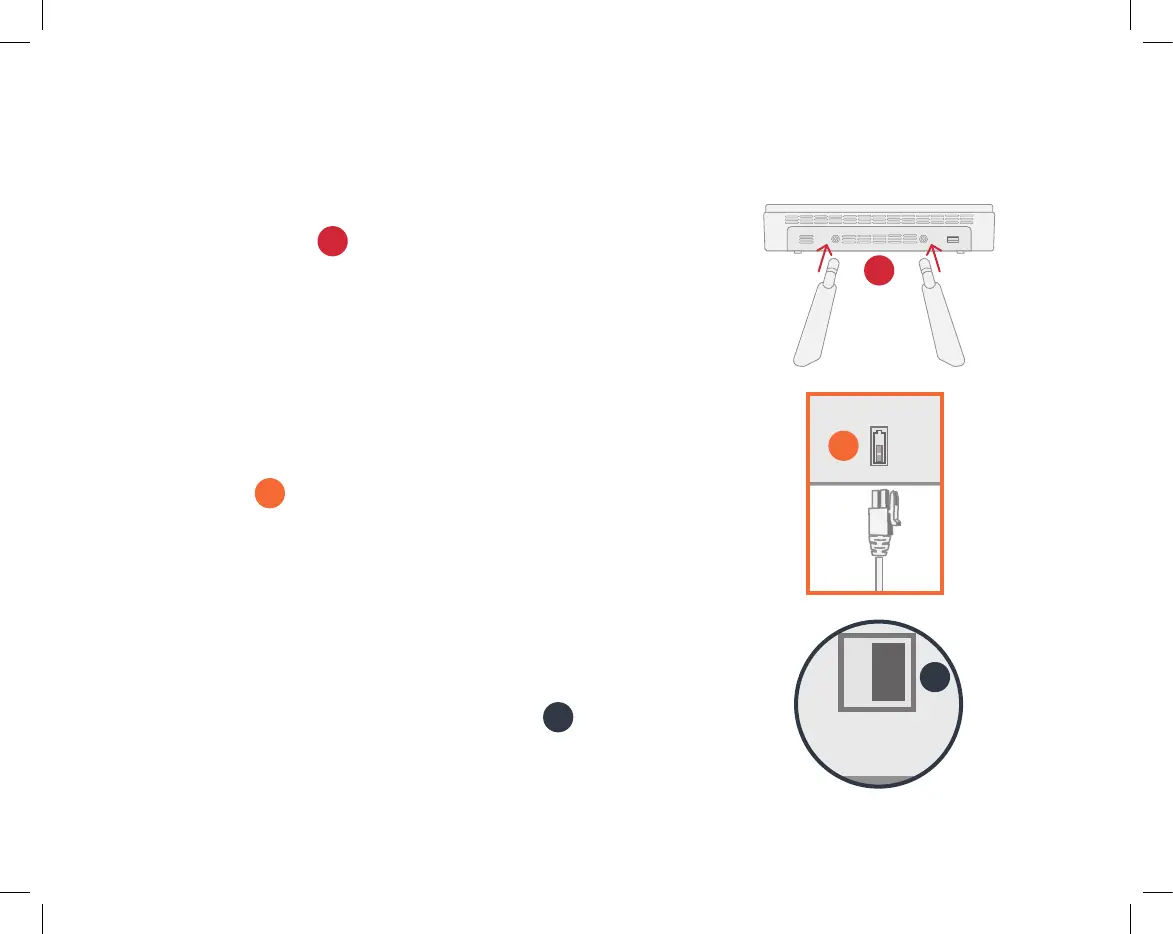
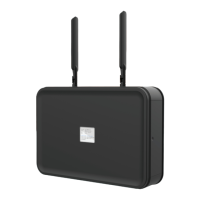
1. Connect the two included LTE antennas to the back of
the AirDial device
A
. Screw the swivel nuts clockwise
until they are finger tight and are holding the antenna
in a steady upright position. Do not over-tighten.
NOTE: The swivel nut on the antenna cannot be
separated from the rest of the antenna assembly.
2. Attach the included AC power adapter to the
AirDial unit
B
and plug the other end into a wall.
The power adapter has a snapping connector to
prevent accidental disconnects. To remove it from the
AirDial unit, squeeze the connector from the top
and bottom and gently pull it out.
3. Turn the power switch to the ON position
C
.
POWER
B
USB POWER
GPS
OFF/ON
LANWAN4321
A
C
6


 To Next Page