
 To Next Page

R
robert22Jul 26, 2025
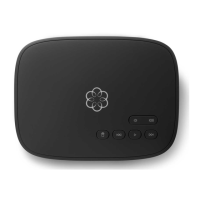
Why does the ooma telo Telephone voice constantly break up?
- DDanielle AustinJul 26, 2025
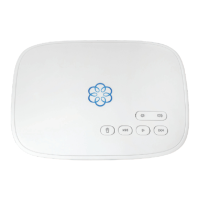
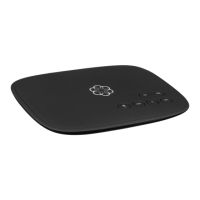
Voice quality depends on your Internet connection's speed and quality. For optimal performance, hardwire your Ooma Telo between the modem and router. This setup prioritizes phone calls over other network traffic. You can also optimize bandwidth allocation by connecting a computer to the HOME port, going to setup.ooma.com, and clicking the Advanced tab.
 General