Welcome to Ooma Home Security
Installation is easy!
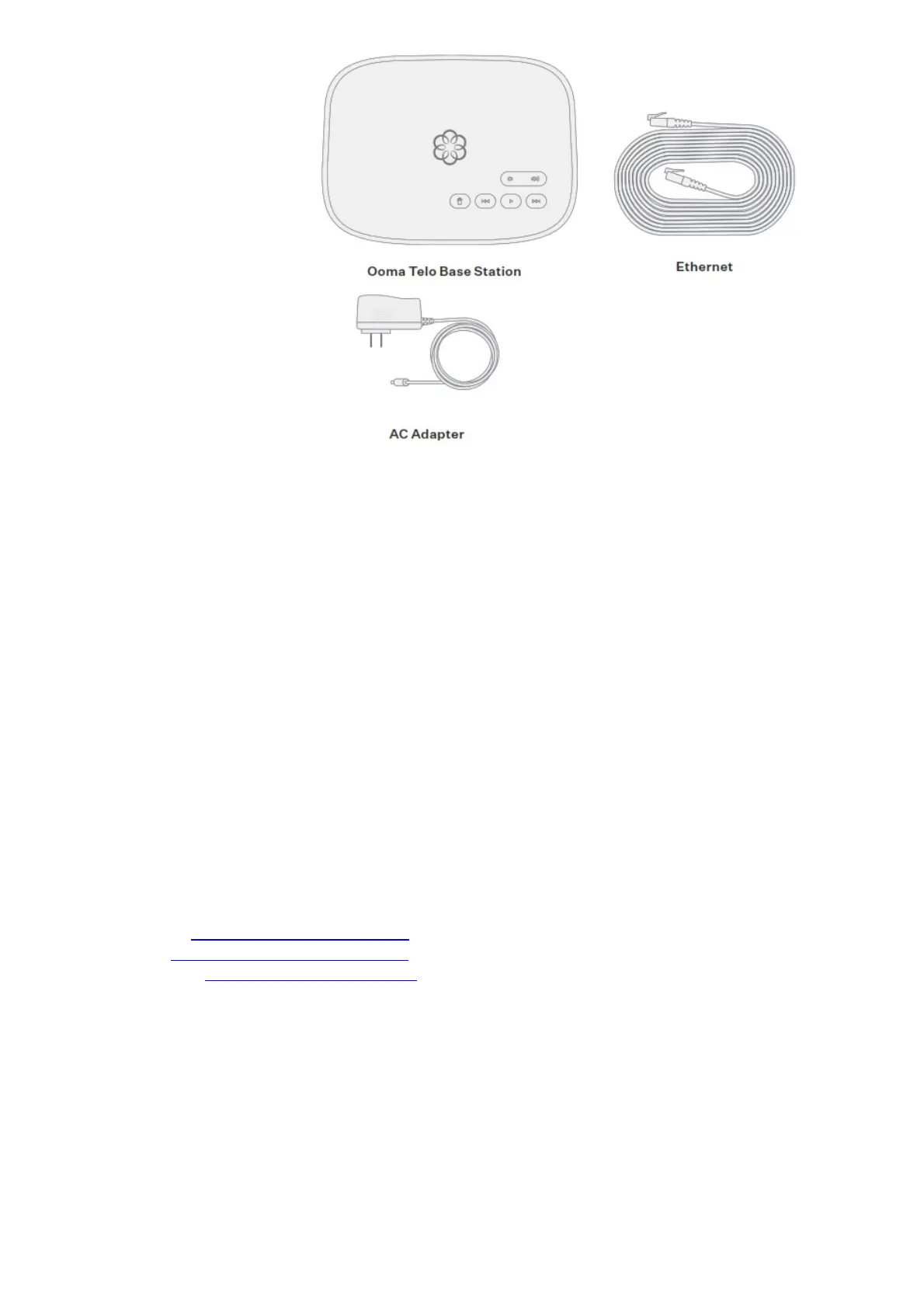
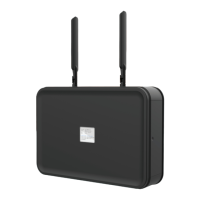
Congratulations on purchasing the Ooma Telo Base Station, your hub for Ooma Home Security.
Installation is easy and will take only about 15 minutes. Follow the steps in this guide to set up your
Base Station, then log into your account to visit our web store and choose the Home Security sensors
that are right for your home.
02 Ooma Home Security Starter Kit Contents
03 Welcome to Ooma Home Security
04 Step 1: Download the Ooma Home Security App
05 Step 2: Activate Your Ooma Telo Base Station
06 Step 3: Connect Base Station to Router and Power On
08 Step 4: Pair Sensors with your Base Station and
Configure your Home Security Settings
10 Other Sensors for Ooma Home Security
11 Upgrade to Ooma Home Telephone Service
12 Quick Reference
13 Troubleshooting
Have a Question or Need Assistance?
Here is where you can look for help:
Knowledge base: www.ooma.com/support
User manuals: www.ooma.com/userguide
Community forum: www.ooma.com/forums
Live Customer Care: 1-877-629-1284
Step 1 Download the Ooma Home Security App
The Ooma Home Security app will be the main tool you use to control your home security system. You
will use it now to complete the setup process for your Base Station. Later, you can use the app to pair
your Ooma sensors to your Base Station, to configure your setup, to receive notifications about your
sensors, to manage the system’s active mode, and more. To download the app, search for Ooma
Home Security in the Apple App Store or the Google Play Store. Once the app is installed on your
device, open it up to move on to the next step in the installation process.


 To Next Page