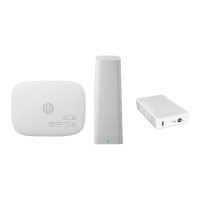
A
Connect AirDial to the Internet
When your AirDial starts up for the first time, it will
download and install updates. This process can take
up to five minutes, during which time the LCD panel
might go blank. When the AirDial is powered on and
ready for use, its status will change to IN-SERVICE.
You can connect the four ports labeled 1-4 on the
back of the AirDial to up to four devices that require
POTS replacement (e.g., dialers, alarms, entry
systems, communicators).
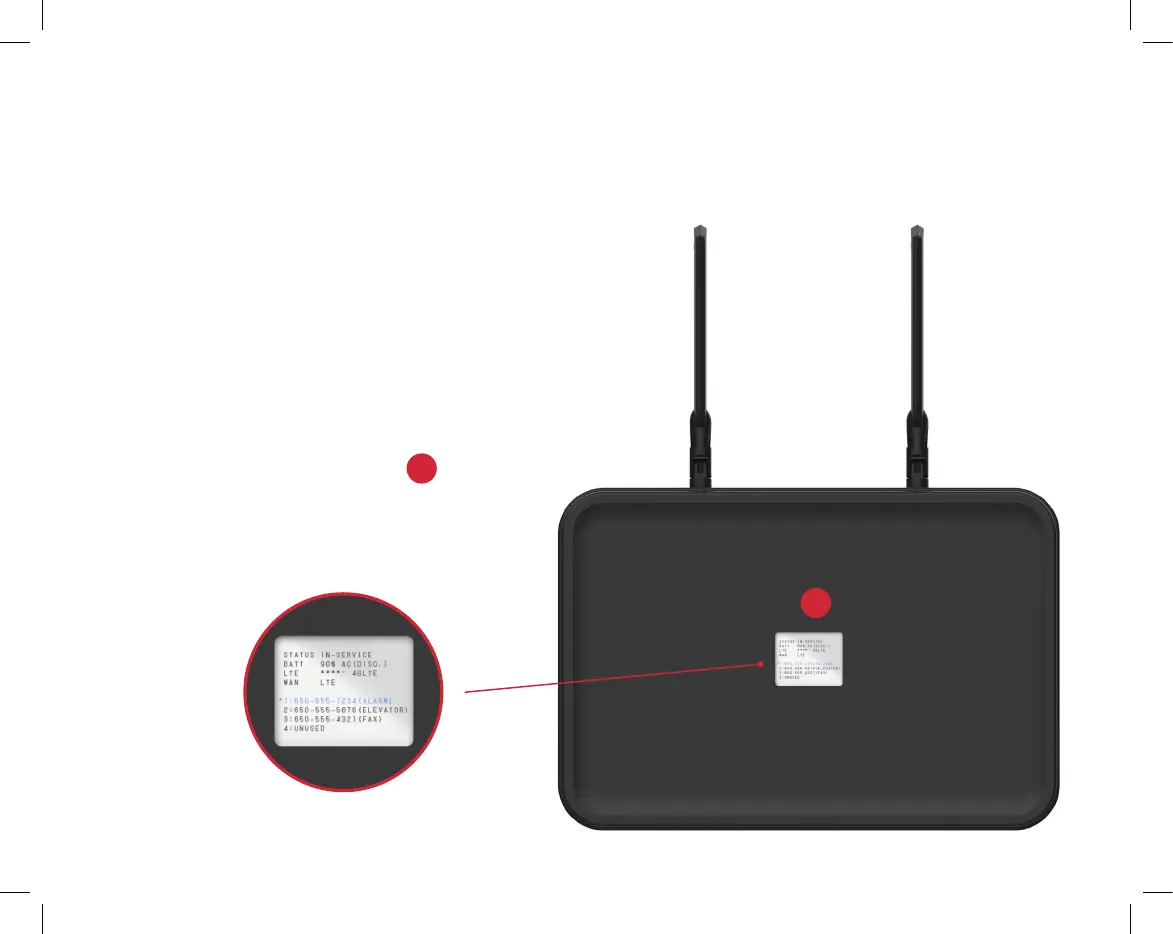
The LCD on the front of the AirDial
A
shows the
status of each phone line, the LTE signal strength,
the battery’s charge, Status of the AC adapter’s
status, and the overall system status.
7


 To Next Page