Placement Guidelines
LTE PLACEMENT ADVISORY
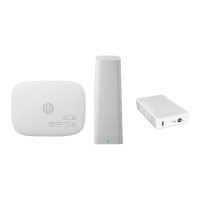
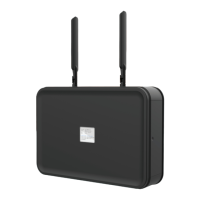
The AirDial and the included antennas should only be installed indoors or in an enclosed environment
away from moisture and high heat. For the best LTE signal, here are some dos and don’ts:
■ Do place the adapter in an area with good cellular
reception like a room with a window
■ Do install the adapter on the highest possible floor
of your building
■ Do double check the device’s LTE signal prior to
installation
■ Don’t install the adapter in a basement
■ Don’t install the adapter near large concrete, sheet
metal, or steel slabs
■ Don’t install the adapter near an electrical cabling
cabinet or large volumes of wire mesh
■ Don’t install the adapter near any plumbing
Your AirDial must be installed in an area with suitable LTE cellular coverage.
To test the level of coverage, you can check the signal strength indicator bars on the AirDial unit’s LCD display.
If the indicator shows two bars or fewer, try moving the AirDial to a different location.
The AirDial includes a built-in battery that powers the unit if the power is disconnected. You can use the battery
to move your AirDial between locations to identify a spot with ideal signal strength.
The AirDial comes with four phone cables that can be used to connect it to an alarm, dialer, patch panel, or other
telephony equipment. If the AirDial is installed in a location that is more than six feet from the equipment for
which it will provide POTS replacement service, then you will need a longer phone cable to connect it to your
equipment. You can purchase longer phone cables from a local hardware store, or you can order a 50 ft phone
wire from ooma.com.
8


 To Next Page