Get the Ooma Setup App
STEP 1
The easiest way to set up your Base Station is to download the Ooma
Setup app on your iPhone or Android smartphone.
If you don’t have a smartphone or if you cannot install the app, you can
also register from your computer. Just visit ooma.com/activate and follow
the instructions. You can also call our support team at 1-888-711-662
for assistance.
Installing Ooma is easy! This guide will walk you through downloading the Ooma Setup app,
installing the Base Station, and creating your Ooma account. You will finish by connecting
the Ooma Battery Backup and testing your setup in different locations to find the best
signal strength.
Getting Started
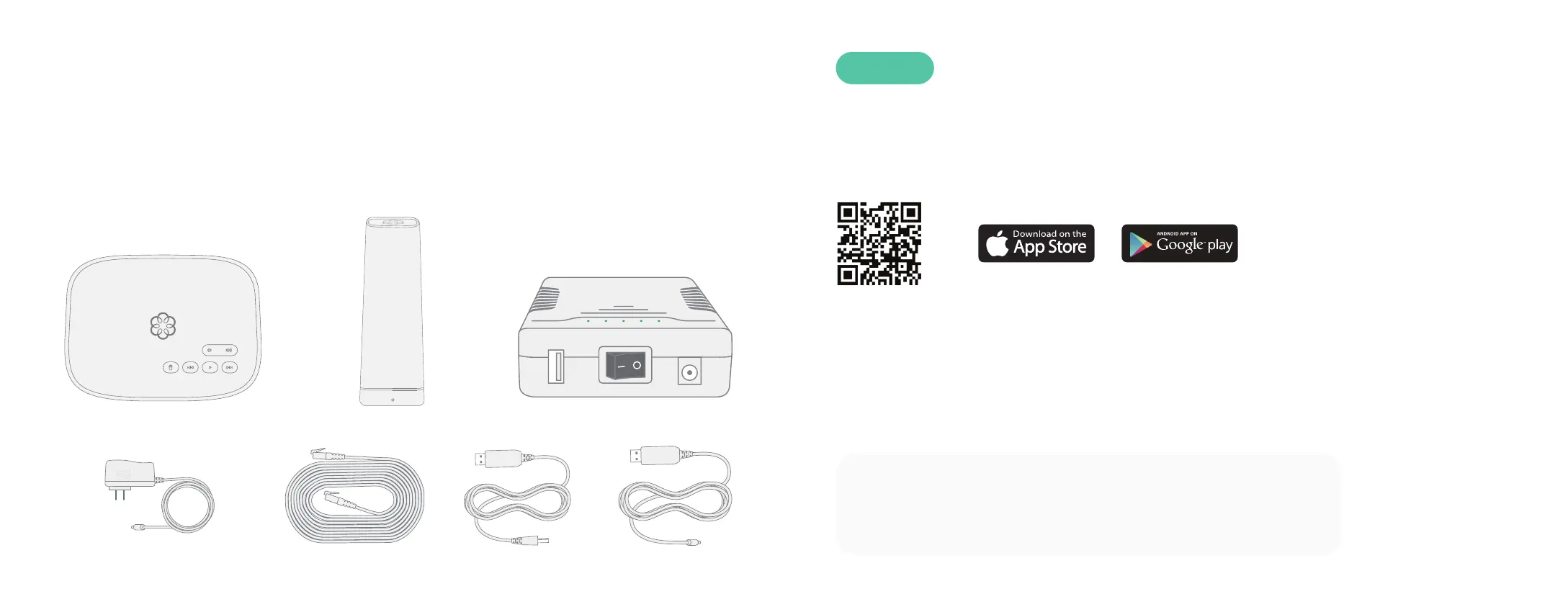
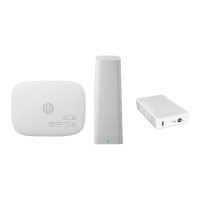
Package Contents
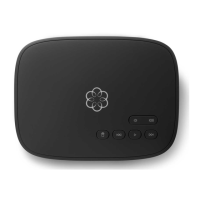
Ooma Telo Base Station
AC Adapter
Ooma Battery Backup
To install the app, open the app store on your phone and search
for the Ooma Setup app. Alternatively, scan the QR code with your
phone’s camera. Once the app is installed, follow the instructions to
create your account, set up the 4G LTE Adapter, select a phone
number, and more.
USB Power CablesEthernet
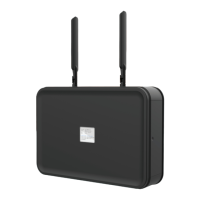
Ooma 4G LTE Adapter
54


 To Next Page