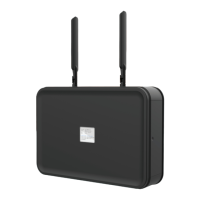
Power on the Base Station
STEP 5
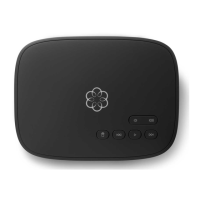
The first time you power on the Base Station, it will need to download
software updates. This process can take up to 45 minutes. While the system
is updating, the light on the front of the Base Station may cycle between red,
purple, and blue. You will know your system is ready for use when the light
has remained blue for more than 10 minutes.
Connect Battery Backup
STEP 4
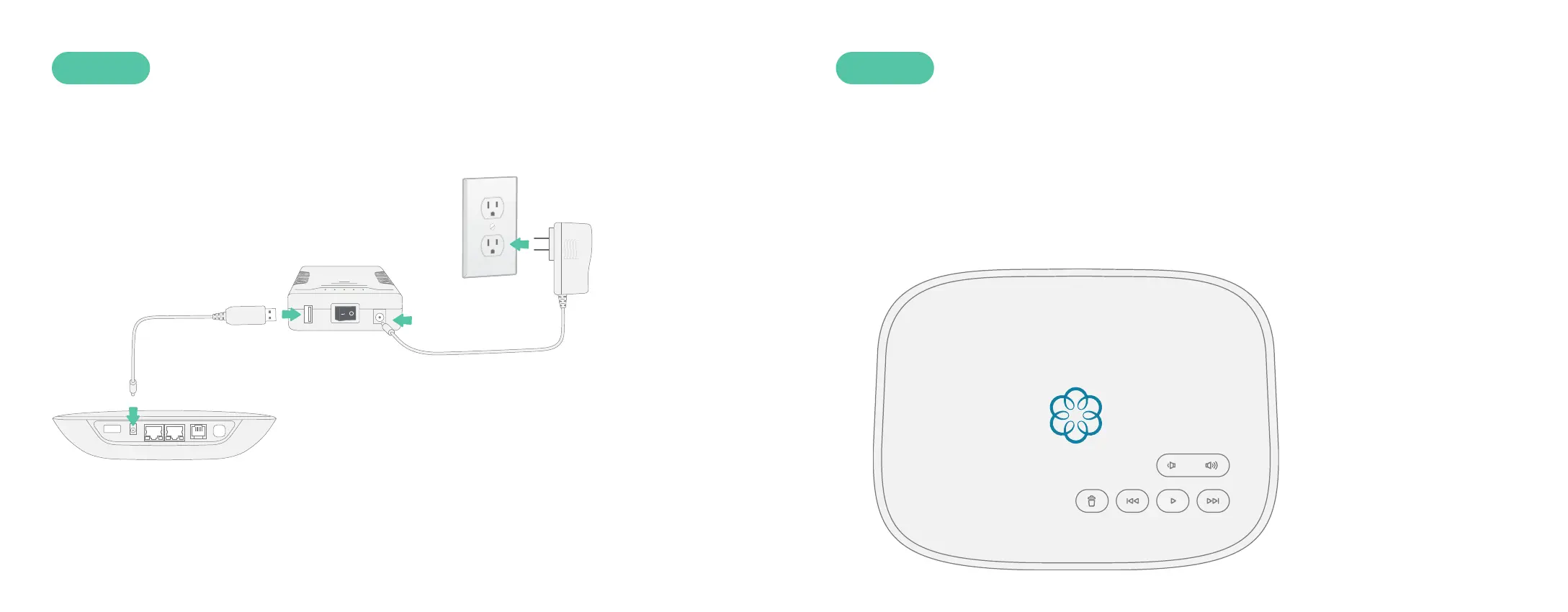
Use the included USB power cable to connect the Battery Backup to the
Base Station. Then use the AC adapter to connect the Battery Backup to a
wall outlet, as shown below. Turn the Battery Backup’s power switch to ON.
With this configuration, the Battery Backup will charge from the wall outlet
while also powering the Base Station. If your power goes out, the Battery
Backup will continue to power the Base Station.
8 9


 To Next Page