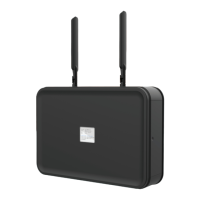
Ooma Usage Guide
Making and receiving calls
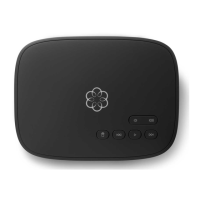
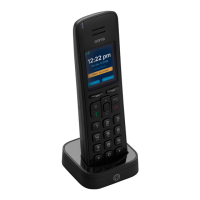
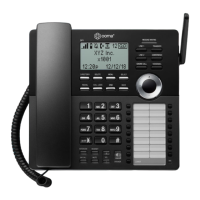
To place a call, pick up a phone connected to your
Ooma Base Station and dial a phone number.
To answer a call, pick up the phone when it rings
as you normally would.
Call-waiting
Switch to a second incoming call by pressing the
Flash key on your telephone handset. The current
call will automatically be put on hold. To switch back,
press the Flash key again.
Blocking caller-ID
Disable your caller-ID on outgoing calls by dialing
*
6
7
before you dial out. To disable caller-ID for all
calls, visit: my.ooma.com/privacy
911 emergency calling
In case of an emergency, dial
9
1
1
to reach first
responders. For your safety, always keep your address
up to date at: my.ooma.com/address
Basic Operation
International and other calling services
A calling plan or prepaid balance is required to call
outside the country. Visit my.ooma.com/prepaid to
get started, then dial
0
1
1
followed by the country
code and phone number. Your remaining balance will
be announced before the call completes.
NOTE: A prepaid balance is required for 411 calls.
Voicemail
Setting up
Pick up your phone and press the key on the Ooma
Base Station. The system will walk you through
setting up your PIN and recording a personal greeting.
Playing messages at home
When you have new messages, the key will blink.
Press the key to listen to your voicemail through the
speaker. You can also listen to messages through your
phone. Simply dial your own phone number and follow
the voice prompts.
Battery Backup Quick Reference
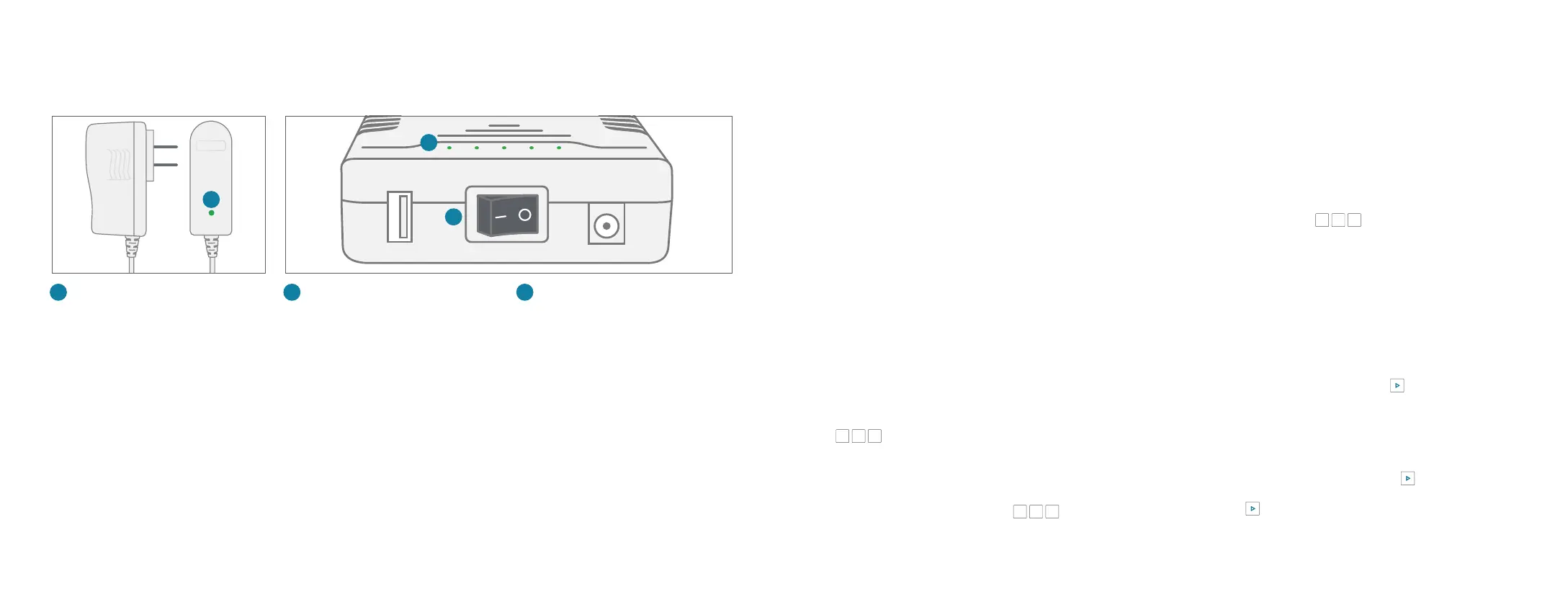
A
Charging LED (AC adapter)
Lights up red when Battery Backup is
charging, lights up green when Battery
Backup is fully charged
A
Power Switch
Turn to the | (ON) position to use
the Battery Backup as a backup and
the O (OFF) position to circumvent
the Battery Backup.
C
B
C
LED Power Gauge
Show the Battery Backup’s
approximate power level. More LEDs
indicates a higher power charge.
B
Warnings
■ Take care to avoid exposure to extreme
temperatures, fire, and water.
■ Do not jostle the Battery Backup or subject it
to undue force.
■ Do not throw the Battery Backup.
■ Store the Battery Backup in a cool, dry,indoor area.
■ Do not modify or disassemble the Battery Backup.
■ Ensure that all cables are plugged in correctly
and that they are inserted without force.
■ Use only the provided AC adapter to charge
the Battery Backup.
■ If any liquid from the Battery Backup gets into
your eyes, do not rub. Instead, rinse your eyes
with water and consult a doctor immediately.
1514


 To Next Page