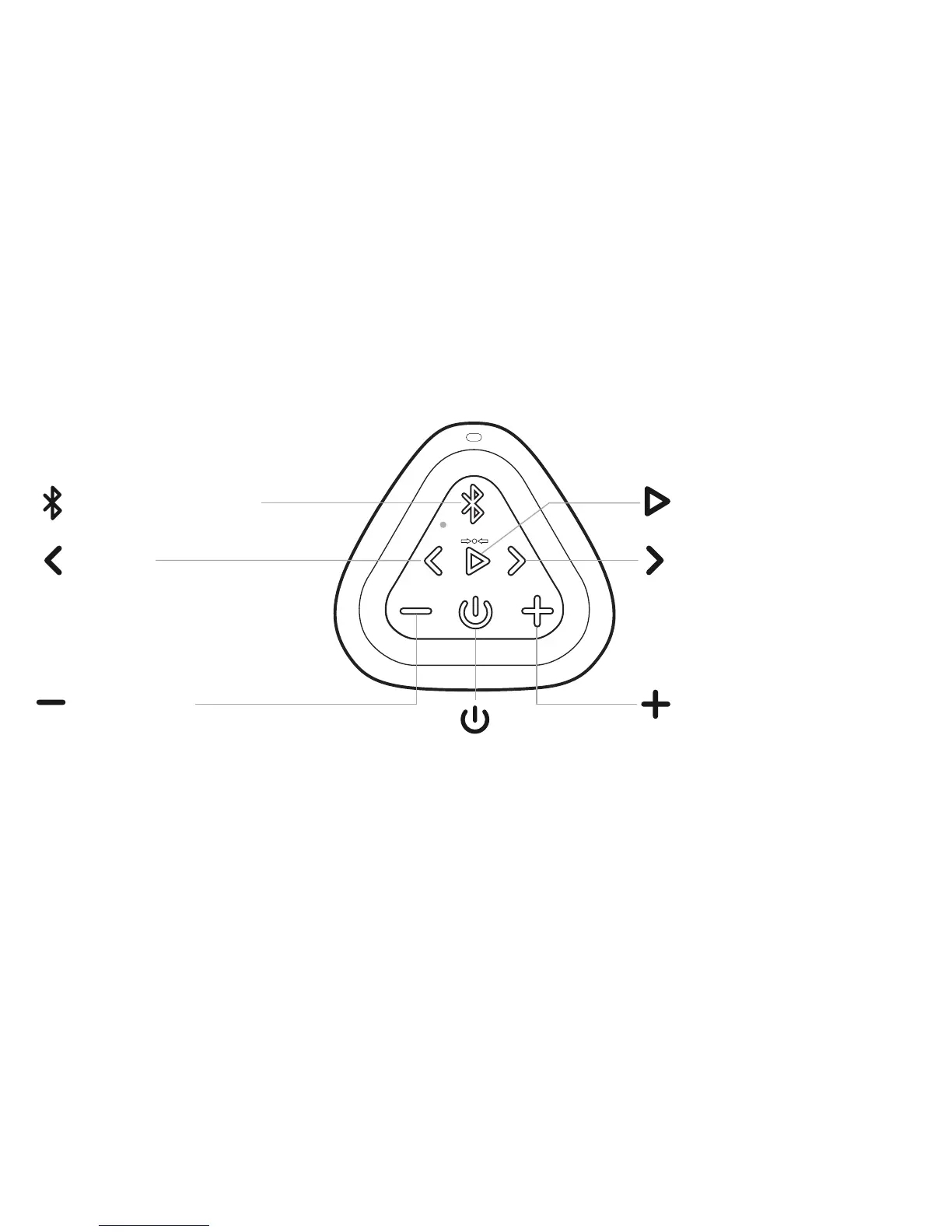
Buttons
Page 1
Important - The volume control on your device and the speaker work independently of each other.
To play the speaker at the loudest volume, set the volume on your device to maximum and raise the volume on the speaker to maximum.
Important - Some apps may not support track back, track forward, or play/pause
Track Back
Track Forward
Power
Play/Pause
Bluetooth (Dual Function)
Press and Release to Pause/Play
Press and Release to go
to next track
Volume Down
Press to decrease volume
Volume Up
Press to increase volume
Press and Release to go to
the beginning of the track.
Press and Release twice to
go to previous track



 To Next Page