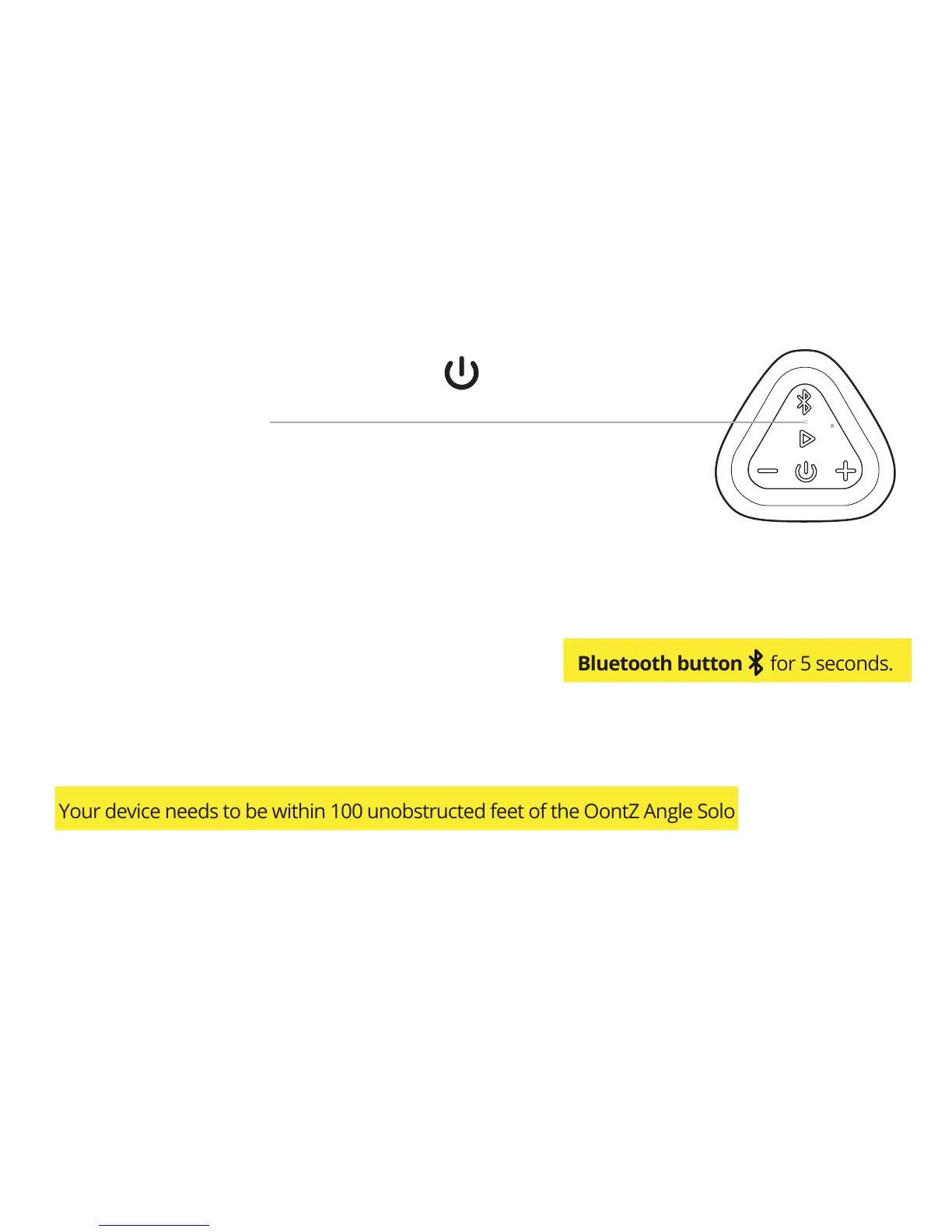
Pair & Connect with Your Device -- Step 1
Page 9
Turn ON your OontZ Angle Solo
Flashing Blue Light
- The OontZ Angle Solo is ready to pair and connect.
Solid Blue Light
- Your device has connected to the OontZ Angle Solo and is ready to play.
- The OontZ Angle Solo allows the last device it was connected with to automatically reconnect with
the speaker, each time you turn the speaker on and that device is within range.*
The OontZ Angle Solo can be connected to one device at a time.
- To pair and connect to a different device, you need to first disconnect the currently paired device.
- To disconnect the current device, press and hold down the Bluetooth button for 5 seconds.
- The Blue Light will begin flashing and the OontZ Angle Solo is ready for the next device to pair
and connect.
*Exception: certain devices may not automatically reconnect. Amazon Echo devices will not
automatically reconnect. You will need to say "Alexa, connect my speaker"
- Your device needs to be within 100 unobstructed feet of the OontZ Angle Solo to pair and connect.
If there is an issue when connecting please move your device closer to the speaker, then pair and
connect.
- When the charge is too low indicated by a flashing red light on the speaker, your device will not be
able to connect with the speaker.



 To Next Page