Instruments and controls 107
Auto rear demist: Activates
automatically the heated rear
window.
● Comfort settings
Chime volume: Changes the
volume of warning chimes.
Personalization by driver:
Activates or deactivates the
personalisation function.
Rear auto wipe in reverse:
Activates or deactivates
automatic switching on of the
rear window wiper when reverse
gear is engaged.
● Park assist / Collision detection
Park assist: Activates or
deactivates the ultrasonic
parking assist. Activation is
selectable with or without
attached trailer coupling.
Side blind zone alert: Changes
the settings for the side blind spot
alert system.
● Exterior ambient lighting
Exterior lighting by unlocking:
Activates or deactivates the entry
lighting.
Duration upon exit of vehicle:
Activates or deactivates and
changes the duration of exit
lighting.
● Power door locks
Auto door lock: Activates or
deactivates the automatic door
locking function after switching
on ignition.
Stop door lock if door open:
Activates or deactivates the door
locking function while a door is
open.
Delayed door lock: Activates or
deactivates the delayed door
locking function. This menu
option is displayed with Stop door
lock if door open deactivated.
Central locking system 3 24.
● Remote locking, unlocking,
starting
Remote unlock feedback:
Activates or deactivates the
hazard warning flasher feedback
whilst unlocking.
Passive door unlock: Changes
the configuration to unlock only
the driver's door or the whole
vehicle whilst unlocking.
Auto relock doors: Activates or
deactivates the automatic relock
function after unlocking without
opening the vehicle.
● Restore factory settings:
Resets all settings to the default
settings.
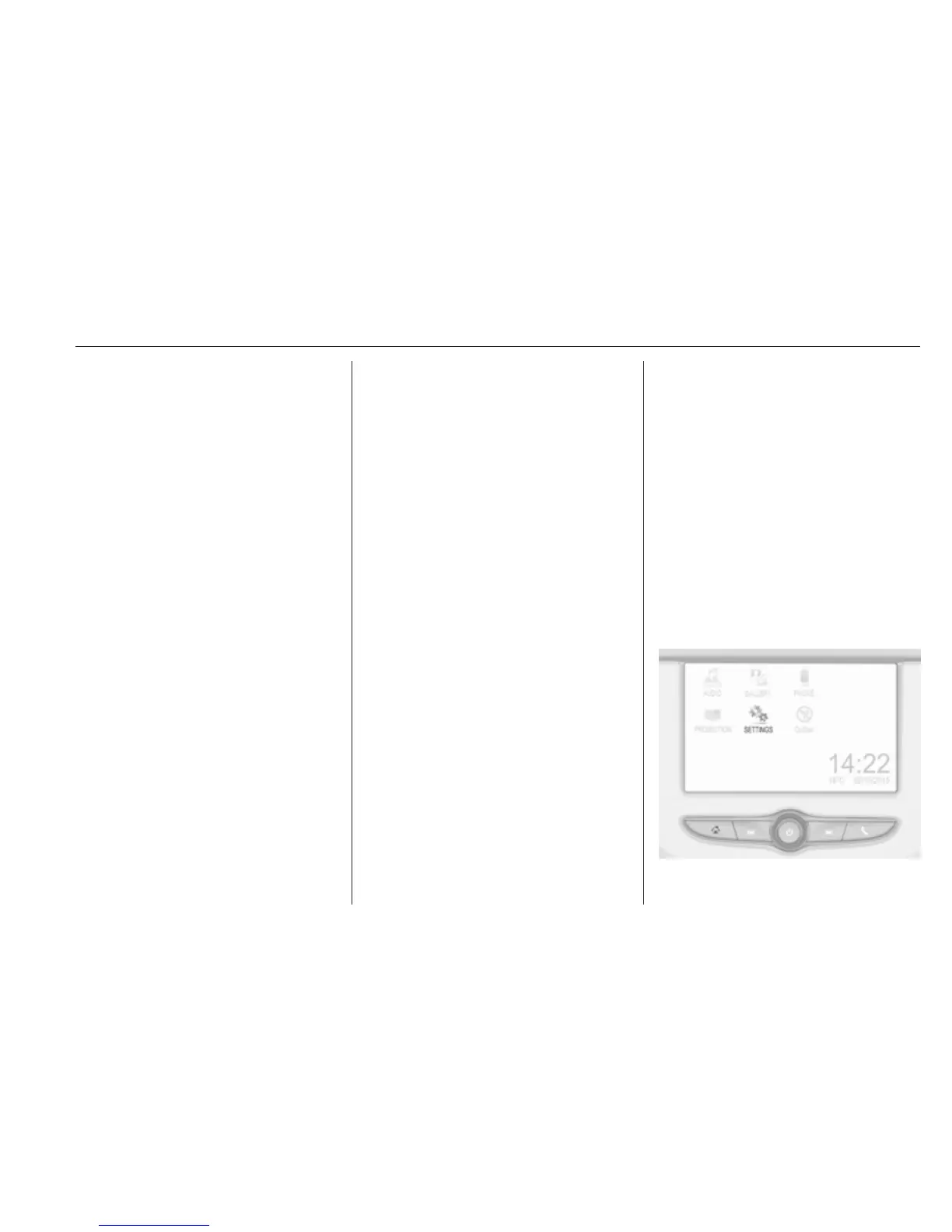
Personal settings
Colour-Info-Display
When audio is switched on, press ;
on the control panel.



 To Next Page