108 Instruments and controls
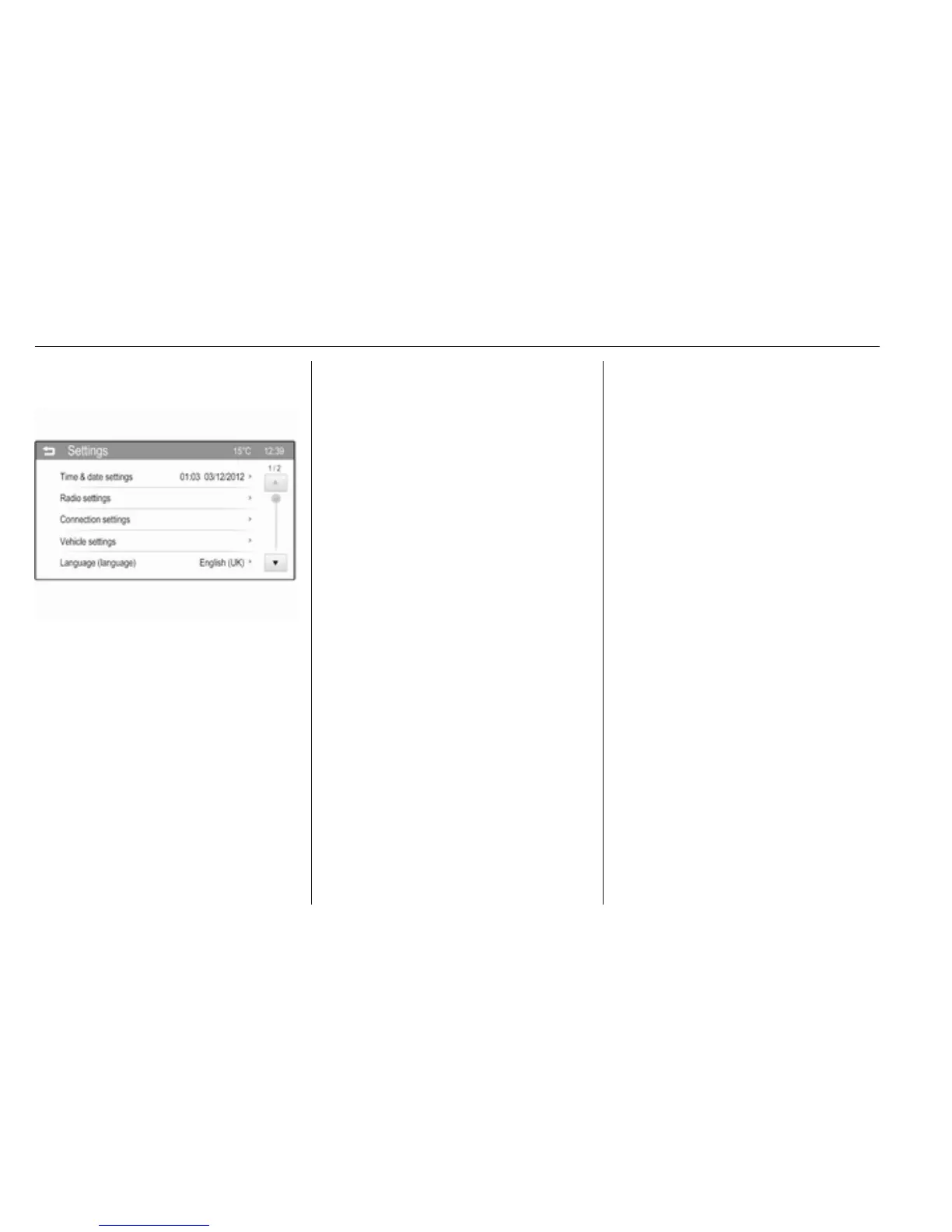
Select Settingsand then Vehicle
settings.
Vehicle settings
● Climate & air quality
Auto Fan Max Speed: Modifies
the level of the cabin airflow of the
climate control in automatic
mode.
Air Conditioning Mode: Controls
the state of the cooling
compressor when the vehicle is
started. Last setting
(recommended) or at vehicle
start is either always on or always
off.
Auto Rear Defog: Automatically
activates heated rear window.
● Collision / Detection Systems
Park Assist: Activates or
deactivates the ultrasonic
parking assist. Activation is
selectable with or without
attached trailer coupling.
Side Blind Zone Alert: Activates
or deactivates side blind zone
alert.
● Comfort and Convenience
Chime Volume: Changes the
volume of warning chimes.
Personalization By Driver:
Activates or deactivates the
personalisation function.
Auto Wipe in Reverse Gear:
Activates or deactivates
automatic switching on of the
rear window wiper when reverse
gear is engaged.
● Lighting
Vehicle Locator Lights: Activates
or deactivates the entry lighting.
Exit Lighting: Activates or
deactivates and changes the
duration of exit lighting.
● Power Door Locks
Unlocked Door Anti Lock Out:
Activates or deactivates the door
locking function while a door is
open.
Auto Door Lock: Activates or
deactivates the automatic door
locking function after switching
on ignition.
Auto Door Unlock: Changes the
configuration to unlock only the
driver's door or the whole vehicle
after switching off ignition.
Delayed Door Lock: Activates or
deactivates the delayed door
locking function. This feature
delays the actual locking of the
doors until all doors are closed.
● Remote Lock, Unlock, Start
Remote Unlock Light Feedback:
Activates or deactivates the
hazard warning flasher feedback
whilst unlocking.
Remote Door Unlock: Changes
the configuration to unlock only



 To Next Page