Instruments and controls 97
Information displays
Driver Information Centre
The Driver Information Centre is
located in the instrument cluster.
Depending on the version and
equipment, the Driver Information
Centre is available as Midlevel
display or Uplevel display.
The following menus are selectable in
the Driver Information Centre using
the buttons on the turn signal lever:
● vehicle information and settings
● trip/fuel information
● economic information
The following indications appear
when appropriate:
● warning messages 3 103
● gear shift indication 3 93
● drive mode indication 3 141,
3 146
● tyre pressure warning 3 213
● seat belt reminder indication
3 91
● Autostop indication 3 136
● service information 3 92
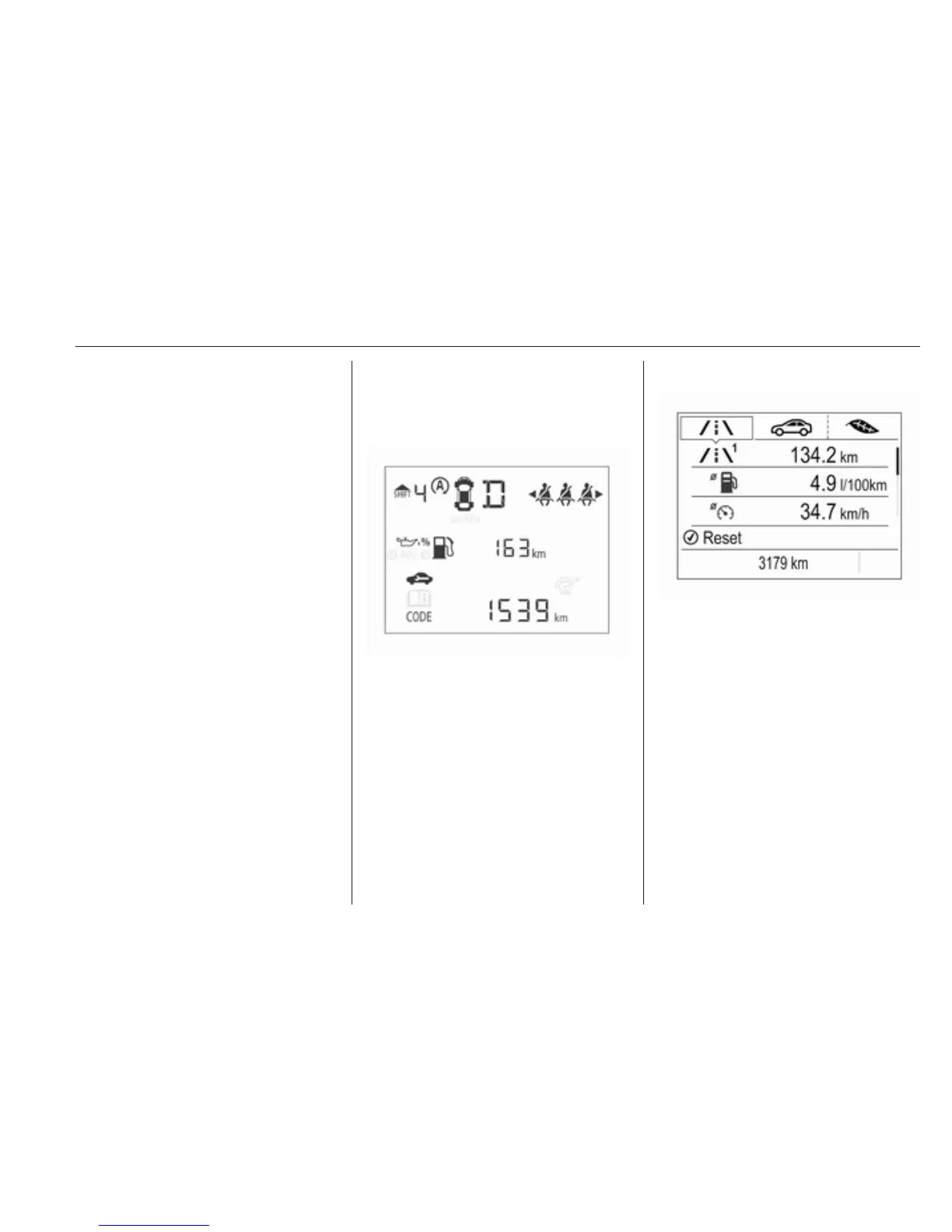
Midlevel display
Main menus are:
● trip/fuel information, see
description below
● vehicle information, see
description below
Some of the displayed functions differ
when the vehicle is being driven or at
a standstill. Some functions are only
available when the vehicle is being
driven.
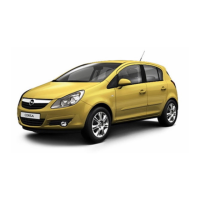
Uplevel display
Main menus are:
● trip/fuel information, displayed
by ;, see description below
● vehicle information, displayed
by ?, see description below
● eco information, displayed by
@, see description below
Some of the displayed functions differ
when the vehicle is being driven or at
a standstill. Some functions are only
available when the vehicle is being
driven.



 To Next Page