EasyManua.ls Logo

OpeMed OT200 - User Manual

OpeMed OT200
20 pages
Print Icon
To Next Page IconTo Next Page
Loading...
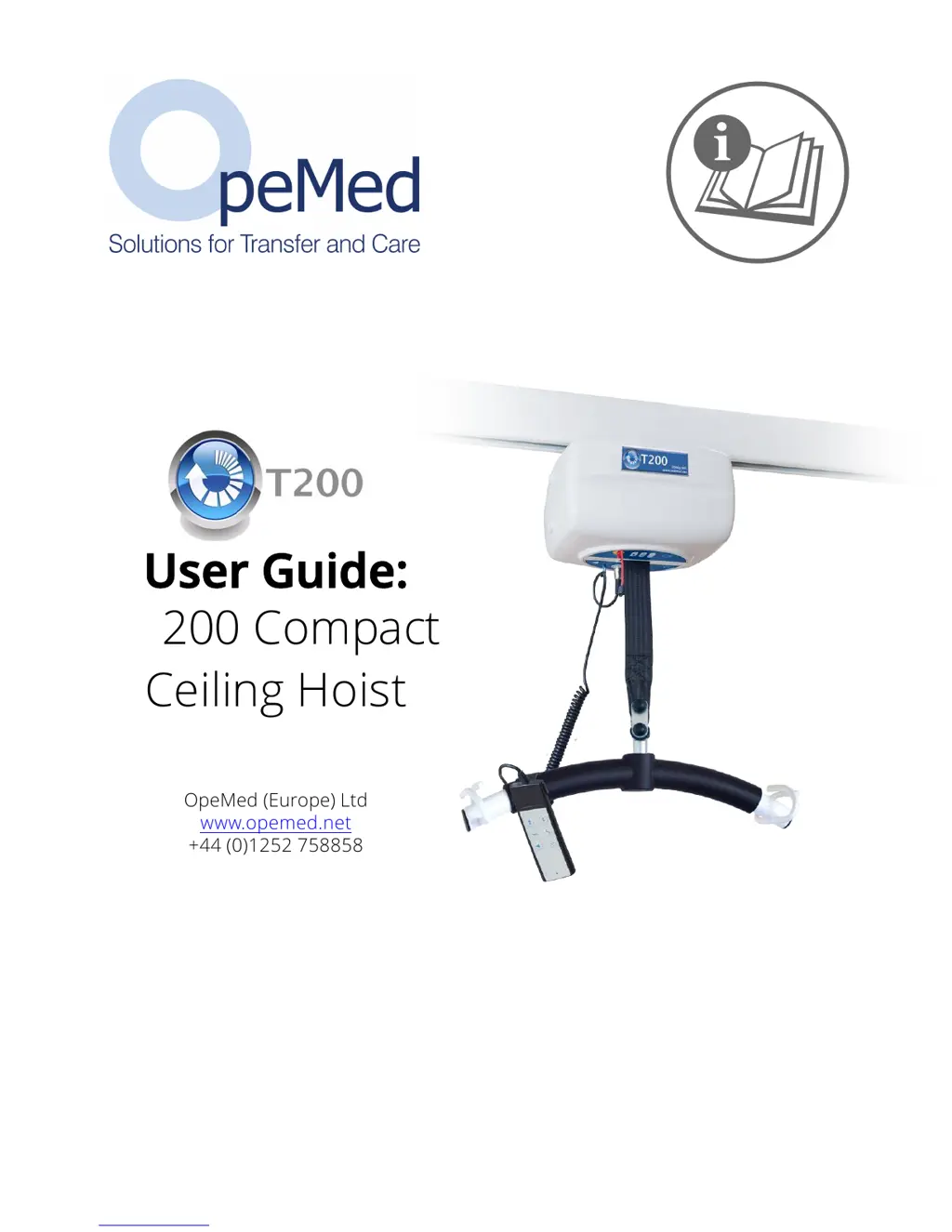
January 2017 | Ref 1120 | OT200 Compact Ceiling Hoist User Manual
User Guide:
OT200 Compact
Ceiling Hoist
OpeMed (Europe) Ltd
www.opemed.net
+44 (0)1252 758858

Other manuals for OpeMed OT200

Questions and Answers

  • D
    Danny SweeneyAug 3, 2025
    What to do if the service light is on but OpeMed OT200 Medical Equipment works OK?
    • N
      Noah FosterAug 3, 2025
      If the service light (red spanner) is on but the hoist works OK, it indicates that the OT200 medical equipment should be serviced and LOLER inspected every 6 months as per LOLER & ISO10535. Contact OpeMed for a service at 01252 758858.
  • M
    Mr. Jeffery HornAug 8, 2025
    What to do if charging light is flashing and OpeMed Medical Equipment is slow?
    • J
      Julie BrownAug 9, 2025
      If the charging light is flashing and the hoist is slow to use, return the OpeMed medical equipment hoist to the charging station and leave it for a minimum of 2 hours.
  • A
    Ashley TaylorAug 14, 2025
    What to do if the OpeMed Medical Equipment hoist is not working and the yellow light is flashing?
    • R
      ronaldmuellerAug 15, 2025
      If your OpeMed Medical Equipment hoist isn't working, and you see a green light momentarily followed by a flashing yellow light, try these steps: First, ensure the hoist is correctly parked on the charging point. Next, check that the handset plug is fully inserted. Finally, verify that the charger is switched on at the mains and that the green light indicates it is receiving power.
  • M
    Melanie BrownAug 21, 2025
    What to do if the OT200 Lifting Belt descends down with little or no weight applied on OpeMed Medical Equipment?
    • T
      Tammy HarrisonAug 21, 2025
      To prevent the OT200 lifting belt from descending with little or no weight applied, a small current is applied to the motor. If the spreader bar continues to descend, increase the current by following these steps: 1) Remove the covers of the OT200/OT200. 2) Push the service button (B) on the PCB and release it. The display (A) will show [service menu]. 3) Push and hold the service button (B). 4) While holding the service button, push the left hangebar button on the handset. 5) Release all buttons. The display (A) will show [tegenstroom pwm]. 6) The current value is set to 10 by default. Increase or decrease this value using the hangebar button on the hand control (an increase of 1 unit may be sufficient). Save the settings by pushing the service button (B).
  • J
    Justin KellerAug 27, 2025
    How to shut off the service light on OpeMed OT200?
    • S
      Shelby ThomasAug 27, 2025
      To shut off the service light on your OpeMed Medical Equipment, follow these steps: 1: Enter service mode by pressing the button on the PCB. 2: Simultaneously press the following buttons on the handset: Top Left Button, Middle Button, Bottom Right Button.

Summary

1 OT200 Compact Ceiling Hoist Manual - Introduction

1.1 About this Manual

Explains the purpose and scope of the user manual for operating and maintaining the OT200/OT400.

1.2 Symbols

Explains symbols used in the manual and their meanings for safe operation.

1.3 Contents of the Package

Lists the items included in the delivered package for the OT200 hoist.

1.4 The OT200 Ceiling Hoist

Describes the OT200/OT400 hoist, its function as a passive transfer device, and compliance.

1.5 Points of Attention

Lists critical safety warnings, usage restrictions, and important operational guidelines for the hoist.

2 Description

2.1 Charging and Life-Span of the Batteries

Details battery charging procedures, factors affecting battery life, and charging times.

2.2 Capacity

Explains how lifting cycles, weight, and battery age affect the hoist's capacity and lifecycle.

2.3 Emergency Cord

Describes how to use the emergency cord to activate the emergency stop and lowering function.

2.4 Emergency Control

Explains the emergency control for lowering a caretaker using spare battery power in critical situations.

2.5 Control Indicator Lights

Explains the meaning of the different indicator lights (green, orange, red) on the hoist.

2.6 Connecting the Hand-Held Control

Instructions for connecting the hand-held control to the hoist cassette.

2.7 Connecting the Powered Hanger Bar

Instructions on how to connect the powered hanger bar to the hoist cassette.

2.8 Hand-Held Control

How to use the hand-held control for operating the hoist and hanger bar functions.

3 Rail System

3.1 XY or H System for Room Coverage

Explains XY/H rail systems for covering room areas and cassette charging.

3.2 Turntable (Optional)

Describes the optional turntable for enabling cassette movement along multiple rails.

3.3 Gate (with X-Y Systems)

Explains the gate system for smooth transitions between fixed and mobile rails in X-Y systems.

3.4 Exchanger or Junction

Details the exchanger/junction as a cost-effective alternative to turntables for track splitting.

4 Hanger Bar

4.1 STANDARD - 2 Point Spreader Bar

Details the standard 2-point spreader bar for use with loop slings.

4.2 OPTIONAL - Manual Cradle

Describes the manual cradle hanger bar, influenced by user movement for positioning.

4.3 OPTIONAL EXTRA - Powered Cradle

Explains the powered cradle for automatic positioning, controlled by hand-held device.

4.4 OT400 Hanger Bar

Notes that the OT400 hanger bar is reinforced for its higher capacity.

5 Slings

5.1 Sling Attachment

Provides guidelines for correctly attaching slings and checking them for wear or damage.

5.1.1 LOOP SLINGS

Instructions for attaching loop slings to the hanger bar hooks securely.

5.1.2 CLIP SLINGS

Instructions for attaching clip slings to the hanger bar attachment points correctly.

6 Using the OT200 Ceiling Hoist

6.1 Lifting From a Chair

Step-by-step guide for safely lifting a caretaker from a chair.

6.2 Lifting From a Bed

Step-by-step guide for safely lifting a caretaker from a bed.

6.3 Moving the Patient

Instructions on how to safely move a lifted patient along the rail system.

6.4 Taking the Patient Out of the OT200; OT400

Procedures for safely transferring a patient out of the hoist system after lifting.

6.4.1 Step 1 a Lifting Towards a Bed

Guide for lowering a lifted patient onto a bed into a lying position.

6.4.2 Lifting Towards a (Wheel) Chair

Instructions for safely lowering a patient into a wheelchair.

6.4.3 Lifting Towards a Toilet

Instructions for safely lowering a patient onto a toilet.

7 Maintaining the OT200 Ceiling Hoist

7.1 Cleaning Instructions

Guidelines for cleaning the hoist cassette, hanger bar, and slings.

7.2 Daily;Weekly Maintenance

Recommended daily and weekly maintenance checks to prevent operational problems.

7.3 Annual Inspection and Maintenance

Details requirements for annual inspection and maintenance by authorized personnel.

7.4 If the OT200 Does Not Function

Troubleshooting steps to diagnose and resolve common issues when the hoist is not working.

7.5 Disposal

Information on how to properly dispose of the hoist and its components.

8 OT200 Specification

8.1 Technical Summary

Provides a summary of the key technical specifications of the OT200 hoist.

9 Warranty statements

10 About OpeMed

10.1 Contact Details

Provides contact information for OpeMed (Europe) Ltd, including address, phone, and email.

11 EG - Statement of Conformity

12 Notes

OpeMed OT200 Specifications

General IconGeneral
CategoryMedical Equipment
Product TypeOxygen Concentrator
OperationContinuous Flow
Oxygen Purity93% ± 3%
Noise Level≤ 45 dB(A)
Operating Temperature10°C to 40°C