2.2 Functions with no Sensor Connected
2.2.1. Turning on and off.
To switch the Nova II on:
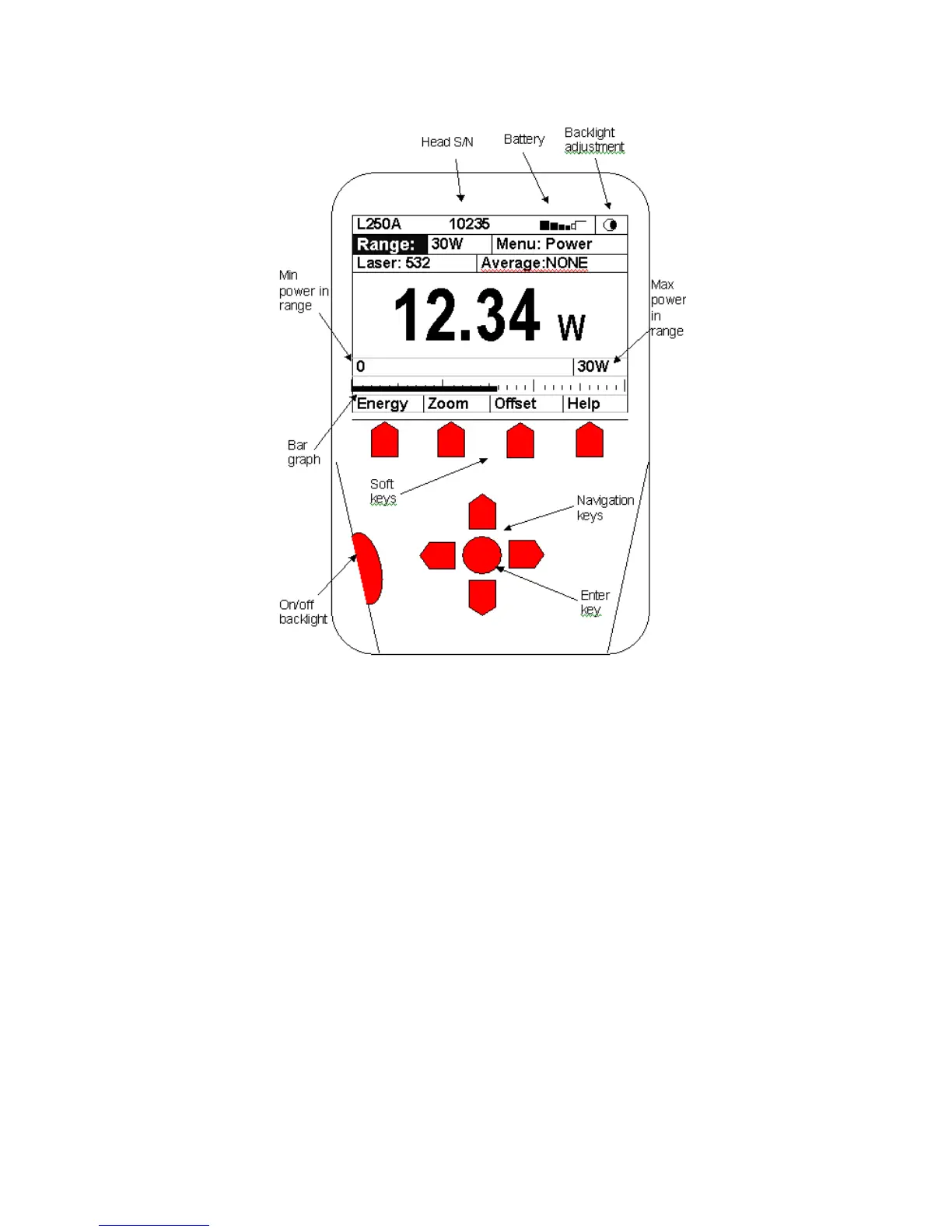
Briefly press the on/off/backlight switch. (Figure 2.2)
The unit will switch on, and the display will appear.
Note:
The sensor must be plugged in before the unit is
switched on.



 To Next Page