If the Robot stops working for more than ten minutes, it will
automatically enters the sleep mode ( all the lights on the robot
will turn off)
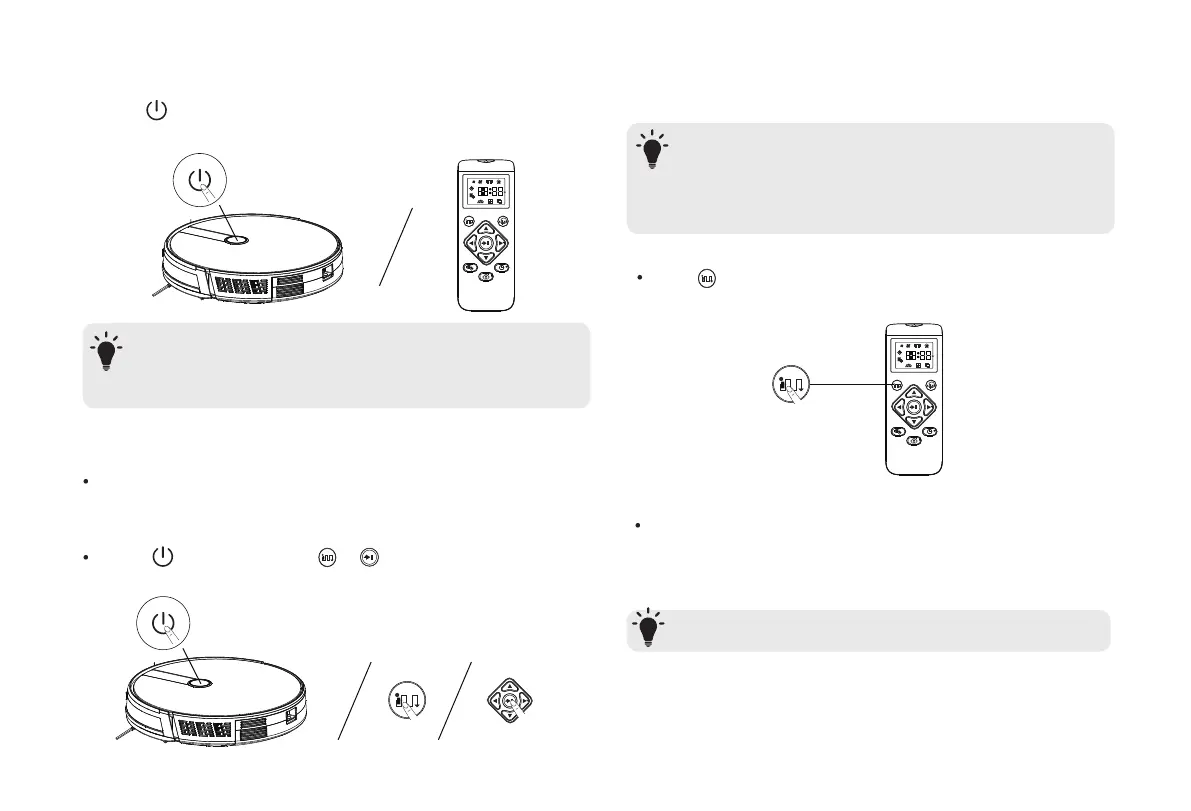
Press on the Robot or / on the remote control to
start cleaning in Auto Mode
3. Press on the Robot or any key on the remote control to
wake up
Select a Cleaning Mode
1. Auto Cleaning
Robot optimizes its cleaning path by selecting different
cleaning modes automatically until cleaning is complete.
This is the most commonly used cleaning mode.
- Robot will return to the Charging Base automatically
when the battery level becomes low or when Robot finishes
cleaning.
- By default, Robot starts in Auto Cleaning mode when it is
turned on.
Adjust the suction power to ensure the best clean.
It is ideal for cleaning thicker carpets and hard-to-sweep messes,
which will reduce the total cleaning time, but increase the noise
level.
Press on the remote control repeatedly to adjust the
suction power level.
-This feature only works in Auto cleaning modes.
T
T
T
9


 To Next Page