EasyManua.ls Logo

Oppo DV-983H - User Manual

Oppo DV-983H
70 pages
Print Icon
To Next Page IconTo Next Page
Loading...
®
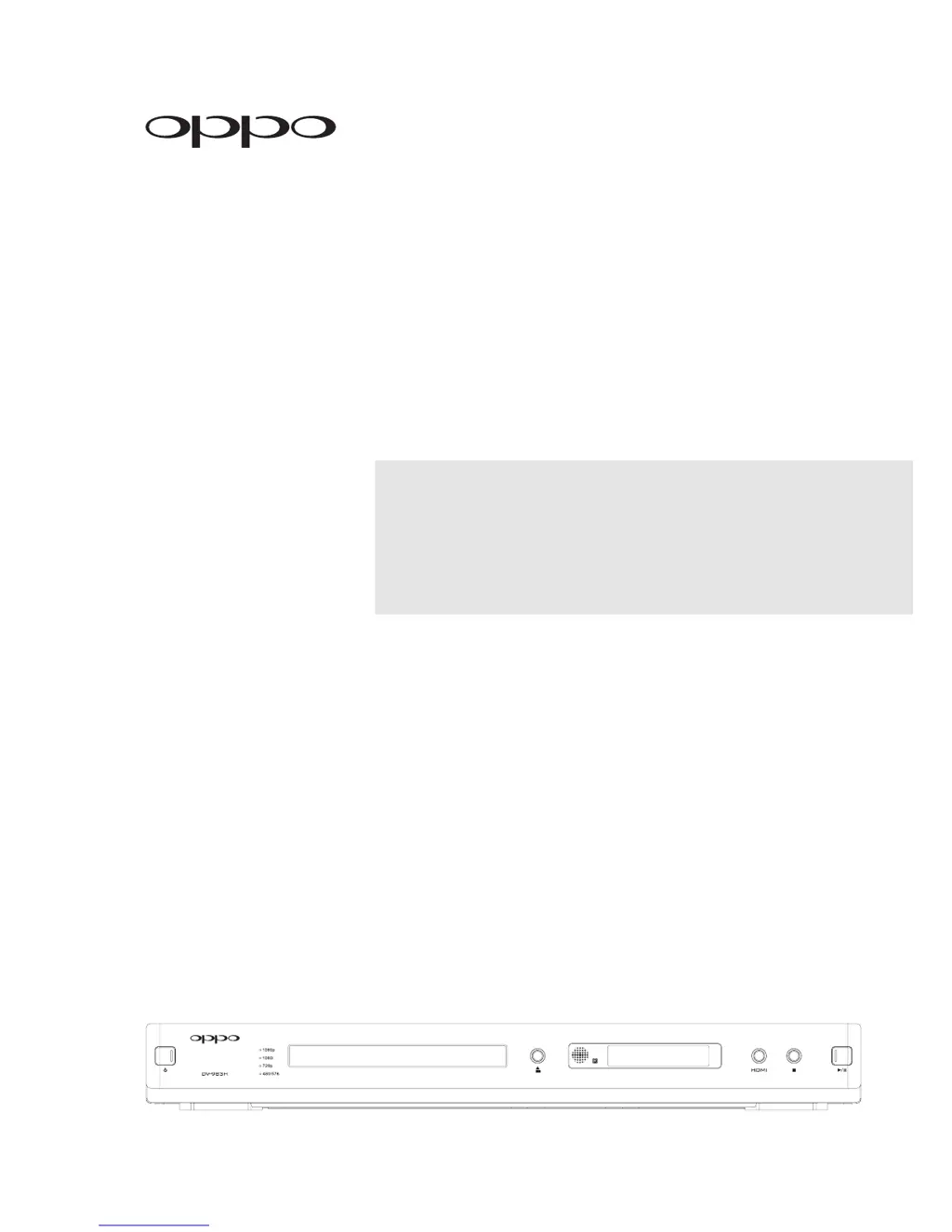
DVD PLAYER
DV-983H
USER MANUAL
READ CAREFULLY
BEFORE OPERATION

Table of Contents

Questions and Answers

  • Z
    zobrienAug 14, 2025
    Why is there no color on my Oppo DVD Player?
    • T
      Tabitha JordanAug 14, 2025
      If your Oppo DVD Player is not displaying color, consider the following: * The video system might not be supported by the TV. When playback is completely stopped, press the P/N button or set the correct TV Type. * The saturation might be set too low. Check the saturation setting on both the TV and DVD player. * If using S-Video output, the S-Video cable might be loose or damaged. Check that the cable is properly plugged in and not damaged. * If using composite video output, ensure the cable is not incorrectly plugged into the component video jack.
  • T
    Timothy SchwartzAug 18, 2025
    How to fix no sound on Oppo DV-983H DVD Player?
    • B
      Benjamin EdwardsAug 18, 2025
      If there is no sound on your Oppo DVD Player, there might be a few reasons: * The audio cable may not be properly connected. Check the audio cable and reconnect if necessary. * Muting may be activated. Press the MUTE button to cancel the mute. * If you are playing an SACD and using a coaxial or optical digital audio connection, this is not supported due to copyright restrictions. Use the analog or HDMI audio output instead.
  • C
    Charles AndersonAug 21, 2025
    What to do if there is no picture on my Oppo DV-983H?
    • R
      richard96Aug 21, 2025
      If you're not getting a picture from your Oppo DVD Player, consider these possibilities: 1. The video cable might not be properly connected. Check the video cable and reconnect it if necessary. 2. The TV input might not be correctly selected. Select the input to which the DVD player is connected. 3. “Audio-Only” mode might be engaged. Check the “A. Only” display on the front panel, and press the AUDIO ONLY button to cancel this mode. 4. The video output format might not be supported by the TV. When playback is completely stopped, repeatedly press the HDMI button until the picture appears. 5. The video system might not be supported by the TV. When playback is completely stopped, press the P/N button or set the correct TV Type.
  • C
    Crystal BeanAug 25, 2025
    Why is my Oppo DV-983H DVD Player remote control not working?
    • H
      Heidi WilsonAug 25, 2025
      If your Oppo DVD Player remote control isn't working, here are a couple of things to check: * Make sure the remote control is within the effective range. * The batteries might be low. Try replacing them.
  • D
    daviskellyAug 27, 2025
    How to fix 'No Disc' error on Oppo DVD Player?
    • W
      williamacostaAug 27, 2025
      If your Oppo DVD Player displays a “No Disc” error, here are a few things to try: * Eject the disc and check if there is a disc inside or if the disc is incompatible. * Eject the disc and make sure the label side is facing up and the record side is facing down when you reinsert it. * There might be condensation on the Laser pick-up head. Turn on the player, eject the disc and leave the player on for about an hour.
  • J
    Jason PayneAug 31, 2025
    How to correct incorrect color on Oppo DVD Player?
    • E
      Erica MendezAug 31, 2025
      If the color is incorrect on your Oppo DVD Player, try these solutions: * If using HDMI for video output, check the color space setting on both the TV and DVD player. * If using component video output, check the three component video cables to make sure the signals match on both ends.
  • S
    stephanie41Sep 3, 2025
    What causes temporary function failure on Oppo DV-983H?
    • K
      Karen MackSep 3, 2025
      Temporary function failures on your Oppo DVD Player can occur due to: * Using a scratched or damaged disc. Try replacing the disc. * Some functions are not available during playback. Stop playback completely, then try again. * Interference from other devices. Identify interference by turning off other devices, and then relocate or replace the offending device.
  • G
    Gabriel CaseySep 7, 2025
    Why is the picture rolling on my Oppo DVD Player?
    • D
      Deanna PetersonSep 7, 2025
      If the picture is rolling on your Oppo DVD Player, the video system might not be supported by the TV. When playback is completely stopped, press the P/N button or set the correct TV Type.
  • D
    Debbie MooreSep 10, 2025
    Why are some setup menu items grayed out on my Oppo DV-983H?
    • E
      Emily JohnsonSep 10, 2025
      Some setup menu options on your Oppo DVD Player might be grayed out because some options cannot be changed while a disc is playing, or some options may be mutually exclusive with other setup options. Fully stop playback, eject the disc and try the setup menu again.

Oppo DV-983H Specifications

General IconGeneral
BrandOppo
ModelDV-983H
CategoryDVD Player
LanguageEnglish

Related product manuals