EasyManua.ls Logo

Oppo DV-970HD - User Manual

Oppo DV-970HD
42 pages
Print Icon
To Next Page IconTo Next Page
Loading...
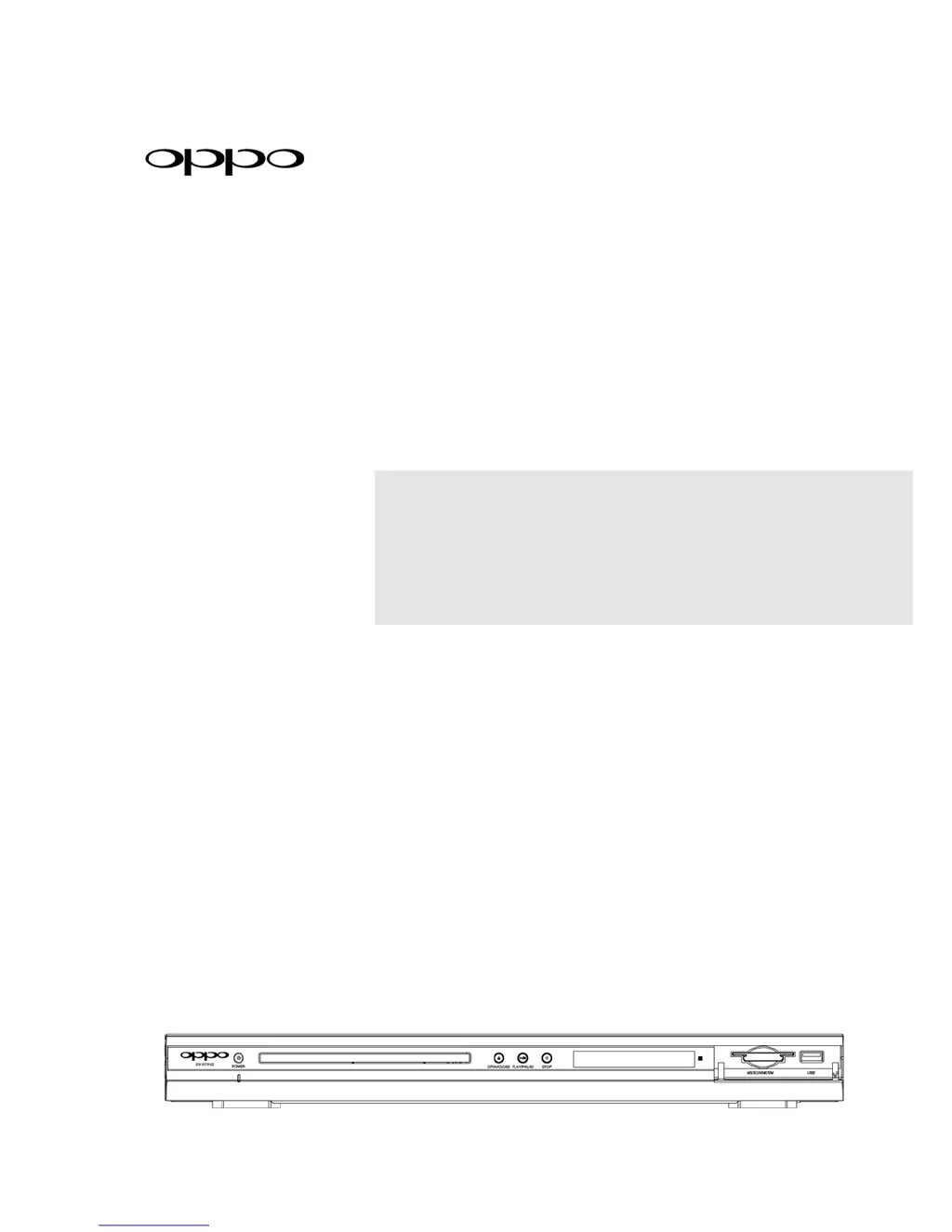
DVD PLAYER
DV-970HD
USER MANUAL
READ CAREFULLY
BEFORE OPERATION

Table of Contents

Questions and Answers

  • J
    Jason AndersonAug 7, 2025
    How to fix no sound on my Oppo DVD Player?
    • J
      Joy HarrisAug 7, 2025
      If you're not getting any sound from your Oppo DVD Player, here are a few things to check: * Make sure the audio cable is properly connected. If it isn't, disconnect and reconnect it. * Ensure that the mute function isn't activated. Press the MUTE button to cancel it. * If you are playing a DVD-Audio or SACD, and the audio connection is coaxial or optical digital audio, this setup is not supported due to copyright restrictions. Use the analogue 5.1-channel audio output instead.
  • P
    Paul PatelAug 11, 2025
    What to do if there is no picture on my Oppo DVD Player?
    • C
      conradrachelAug 11, 2025
      If you're experiencing a 'no picture' issue with your Oppo DVD Player, try the following: * Check that the video cable is securely connected. Reconnect if necessary. * Verify that your TV input is correctly selected to match the DVD player's connection. * If the video output format isn't supported by your TV, stop playback completely and repeatedly press the HDMI button. * If the video system isn't supported by your TV, press the P/N button or set the correct TV Type.
  • M
    Michael ValenzuelaAug 15, 2025
    Why is my Oppo DVD Player remote control not working?
    • T
      thamiltonAug 15, 2025
      If your Oppo DVD Player remote control isn't working, consider these potential causes: * Ensure you are using the remote control within its effective range. * The batteries might be low. Try replacing them with fresh ones.
  • J
    Jeffrey WestAug 19, 2025
    How to resolve 'No Disc' error on Oppo DVD Player?
    • A
      Autumn McclureAug 19, 2025
      If you're seeing a 'No Disc' error on your Oppo DVD Player, here's what you can do: * Eject the disc and check if there is a disc inside or if the disc is compatible. * Make sure the disc is loaded correctly with the label side facing up and the record side facing down. * If there might be condensation on the laser pick-up head, turn on the player, eject the disc, and leave the player on for about an hour.
  • W
    William RodriguezAug 25, 2025
    Why is my Oppo DV-970HD showing no color?
    • J
      Juan DanielsAug 25, 2025
      If your Oppo DVD Player is showing no color, consider these solutions: * Press the P/N button or set the correct TV Type, as the video system might not be supported by the TV. * Check the saturation setting on both your TV and the DVD player, as it might be set too low.
  • L
    Leroy HarrisAug 28, 2025
    What to do if my Oppo DV-970HD has a temporary function failure?
    • B
      Brent RiveraAug 28, 2025
      If your Oppo DVD Player experiences a temporary function failure, here's what you can try: * If you're using a scratched or damaged disc, replace it with a new one. * Some functions might not be available during playback. Stop playback completely and try again. * Interference from other devices can cause temporary failures. Identify the source by turning off other devices, then relocate or replace the device causing interference.
  • J
    Jessica HunterSep 1, 2025
    Why is the picture rolling on my Oppo DV-970HD?
    • A
      Anthony MaldonadoSep 1, 2025
      If the picture is rolling on your Oppo DVD Player, it might be because the video system is not supported by the TV. Try pressing the P/N button or setting the correct TV Type.

Oppo DV-970HD Specifications

General IconGeneral
BrandOppo
ModelDV-970HD
CategoryDVD Player
LanguageEnglish

Related product manuals