INSTALLATION
5
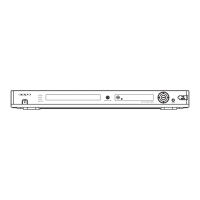
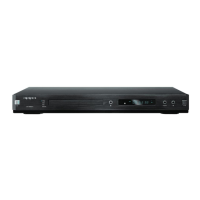
1. HDMI Jack 2. Mixed L/R Audio Out Jacks 3. 5.1ch Audio Out Jacks
4. S-Video Jack 5. Video Out Jack 6. Component Video (Y, Pb, Pr) Jacks
7. Coaxial Digital Audio Jack 8. Optical Digital Audio Jack
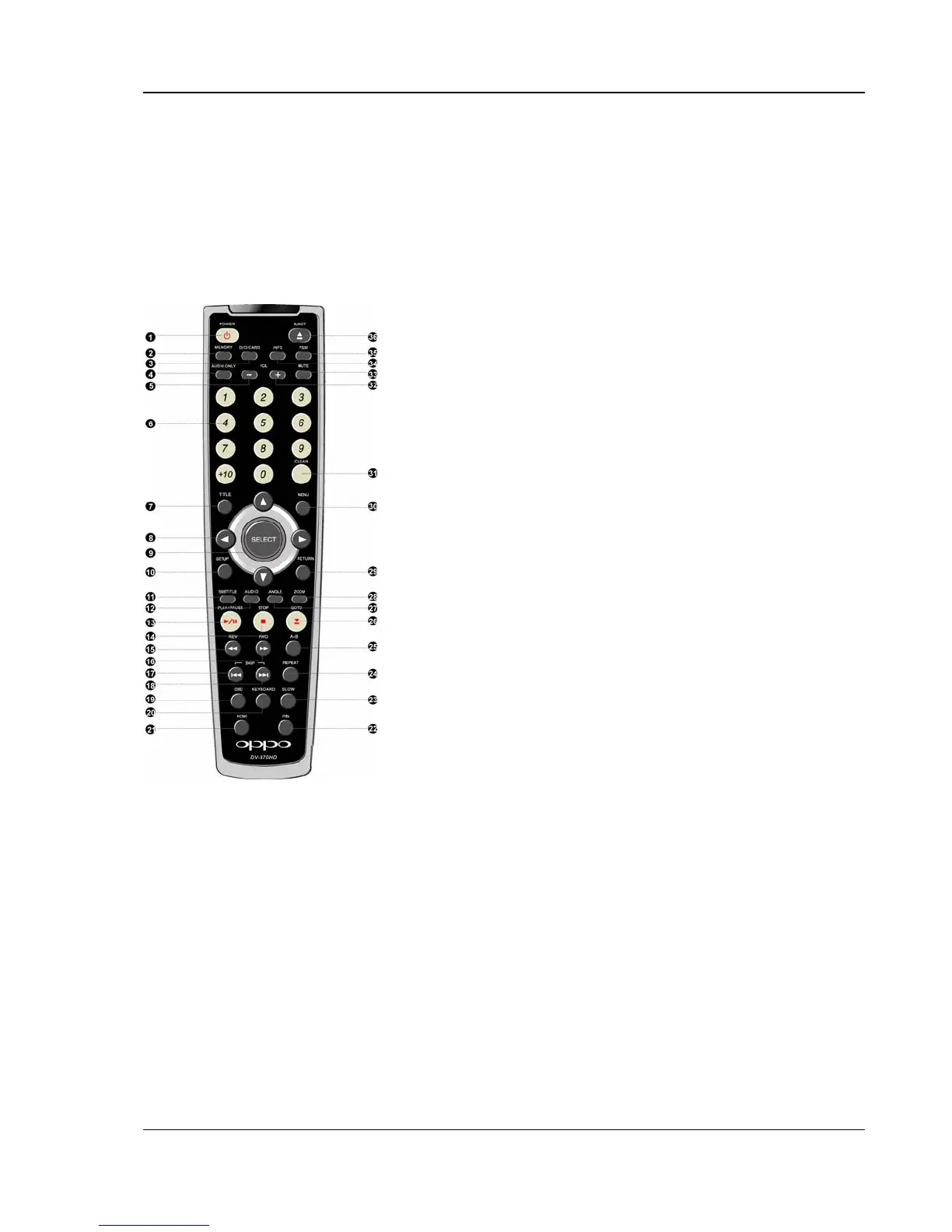
Remote Control
1. POWER Button – Toggle
power STANDBY and
ON
2. MEMORY Button – Save
the playing point or jump
to the saved point
3. DVD/CARD Button –
Switch playback media
between DVD and flash
memory card
4. AUDIO ONLY Button –
Turn off/on video
5. VOLUME - - Decrease
volume
6. NUMBER Buttons –
Enter numeric values
7. TITLE Button – Show
DVD title menu
8. ARROW Buttons –
Navigate menu selection
9. SELECT Button –
Confirm menu selection
10. SETUP Button – Enter
the DVD player setup
menu
11. SUBTITLE Button –
Change subtitle
language / Switch
picture display mode
12. AUDIO Button –
Change the audio
language or channel
13. PLAY/PAUSE Button –
Start or pause playback
14. STOP Button – Stop
playback
15. REV Button – Fast
reverse play
16. FWD Button – Fast
forward play
17. PREV Button – Skip
previous
18. NEXT Button – Skip
next
19. OSD Button –
Show/hide On-Screen
Display
20. KEYBOARD Button –
Show/hide virtual
keyboard
21. HDMI Button – Switch
HDMI output resolution
22. P/N Button – Switch
output TV system:
NTSC, PAL or AUTO
23. SLOW
Button – Slow
play
24. REPEAT Button –
Repeat play
25. A-B Button – Repeat
play the selected
section
26. GOTO Button – Play
from a specified location
27. ANGLE Button –
Change camera angles
28. ZOOM Button – Zoom
in/out the display
29. RETURN Button –
Return to the previous
menu
30. MENU Button – Show
DVD menu
31. CLEAR Button – Clear
input numbers
32. VOLUME + - Increase
volume
33. MUTE Button – Mute
audio
34. INFO Button – Display
disc info
35. PSM Button – Power
Spectrum Meter on/off
36. EJECT Button –
Open/close the disc tray



 To Next Page