BASIC OPERATIONS
30
Angle Selection
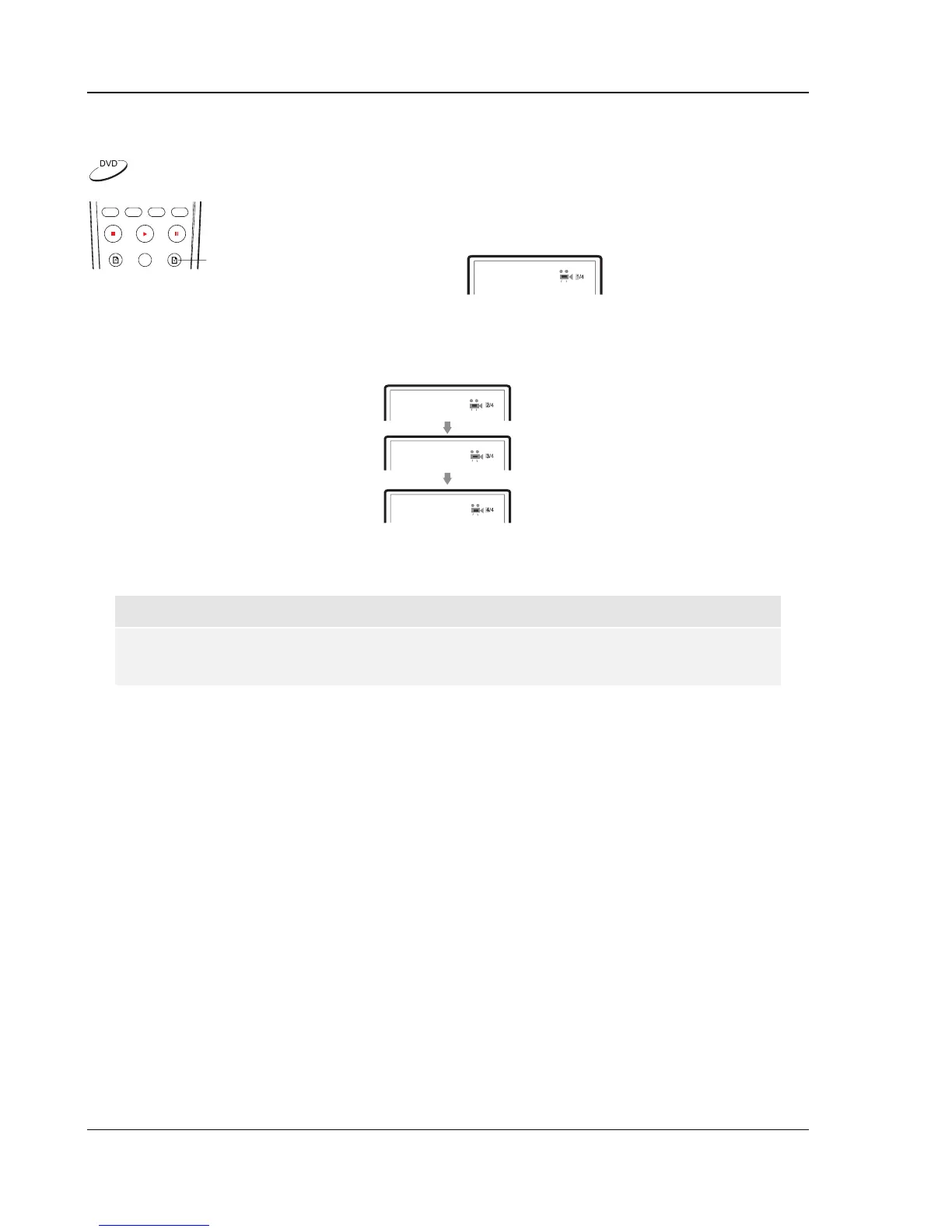
ANGLE
1. When playing DVD discs, an angle mark will be displayed on the
screen when the player detects scenes recorded with multiple angles:
The angle mark is also presented on the front panel display.
2. Press the ANGLE button on the remote control to select the desired playing angle.
3. To resume normal playback, repeat pressing the ANGLE button until the default angle is
displayed.
NOTE
• This function is available only when the discs are recorded with multiple angles.
• The angle mark on the screen can be turned off using the setup menu of the DVD player.


 To Next Page