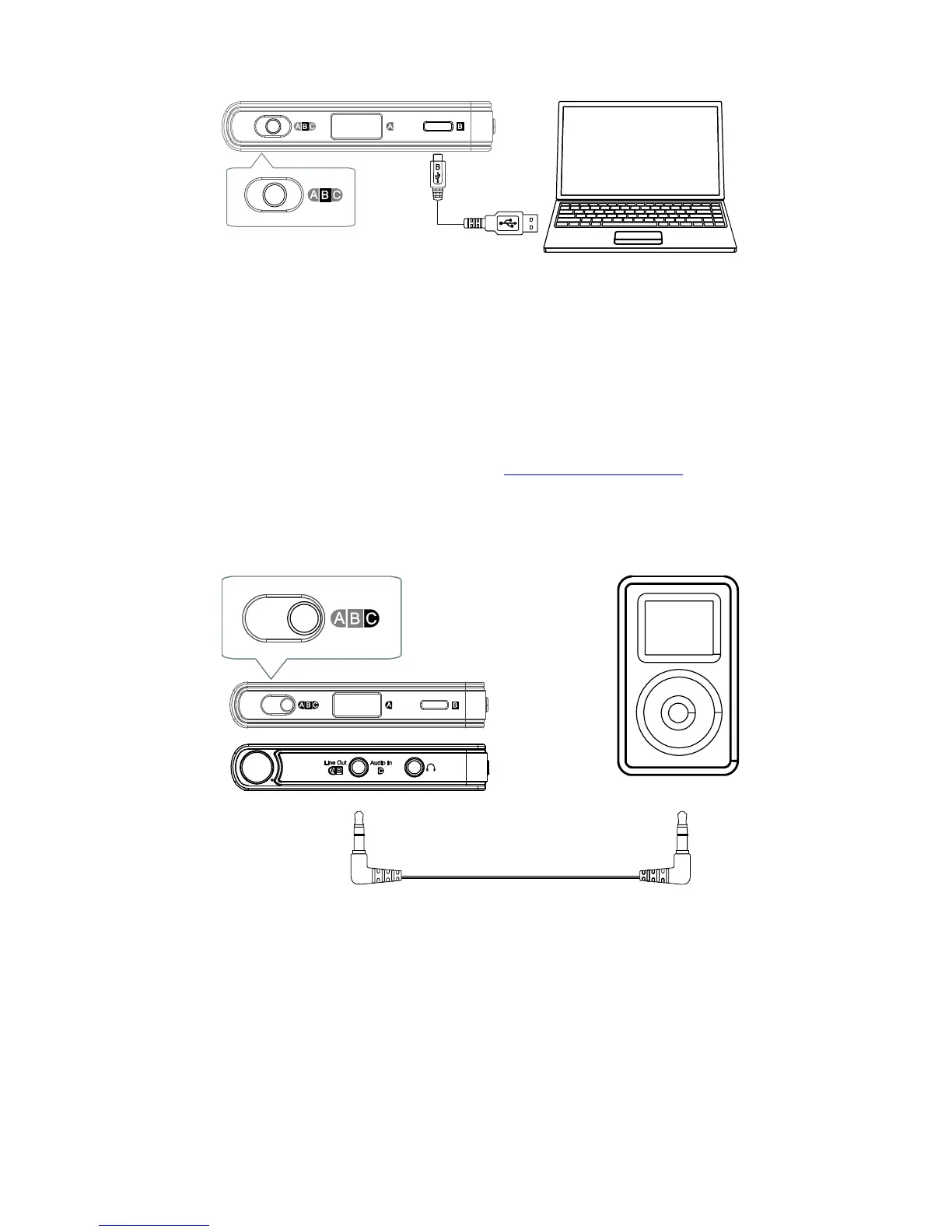
Computers
Set the Source Selector to position “B”.
Connect the USB micro-B port of the unit to a USB port
on the computer.
For Mac, no driver is required. You may need to select
the HA-2 as the sound output device by going into
System Preferences / Sound in Mac OS X.
For PC, please download the HA-2 USB driver from
the OPPO Digital web site (www.oppodigital.com) and
follow the instructions to install the driver.
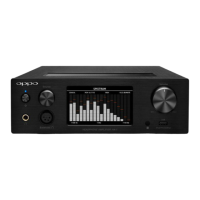
Other Playback Devices
Set the Source Selector to position “C”.
Connect the Audio-in port of the unit to the playback
device using the supplied 3.5 mm – 3.5 mm stereo
audio cable, or any other audio cable with a 3.5 mm
stereo jack.


 To Next Page