OPT MACHINE VISION TECH.CO. LTD
ADD:8 JingSheng Road, JingXia ChangAn DongGuan China 523853
TEL: 0769-82716188 FAX: 0769-81606698
E-mail:optmv1@optmv.com Website:Http://www.optmv.net
3.3 Setting intensity
1、manually setting: Turn both the switch 1 and switch 2 on the front panel to “ON” position to enter the general lighting
mode. Push the encoder. The first digit of the LED will blink. Now one can choose the channel(s). Clock-wise turning the
encoder will increase the index of the channel whereas counter clock-wise turning will decrease the index. The remaining
digits indicate the intensity level (0-255) in decimal form (i.e., for the highest intensity, set the 2
nd
digit= 2, the 3rd digit= 5,
the 4
th
digit=5). Push the encoder again to store the value and the LED will stop blinking. Repeat above steps for the
remaining channels.
2、setting via software: See Sect.4 - “software operation instruction”
3.4 External trigger
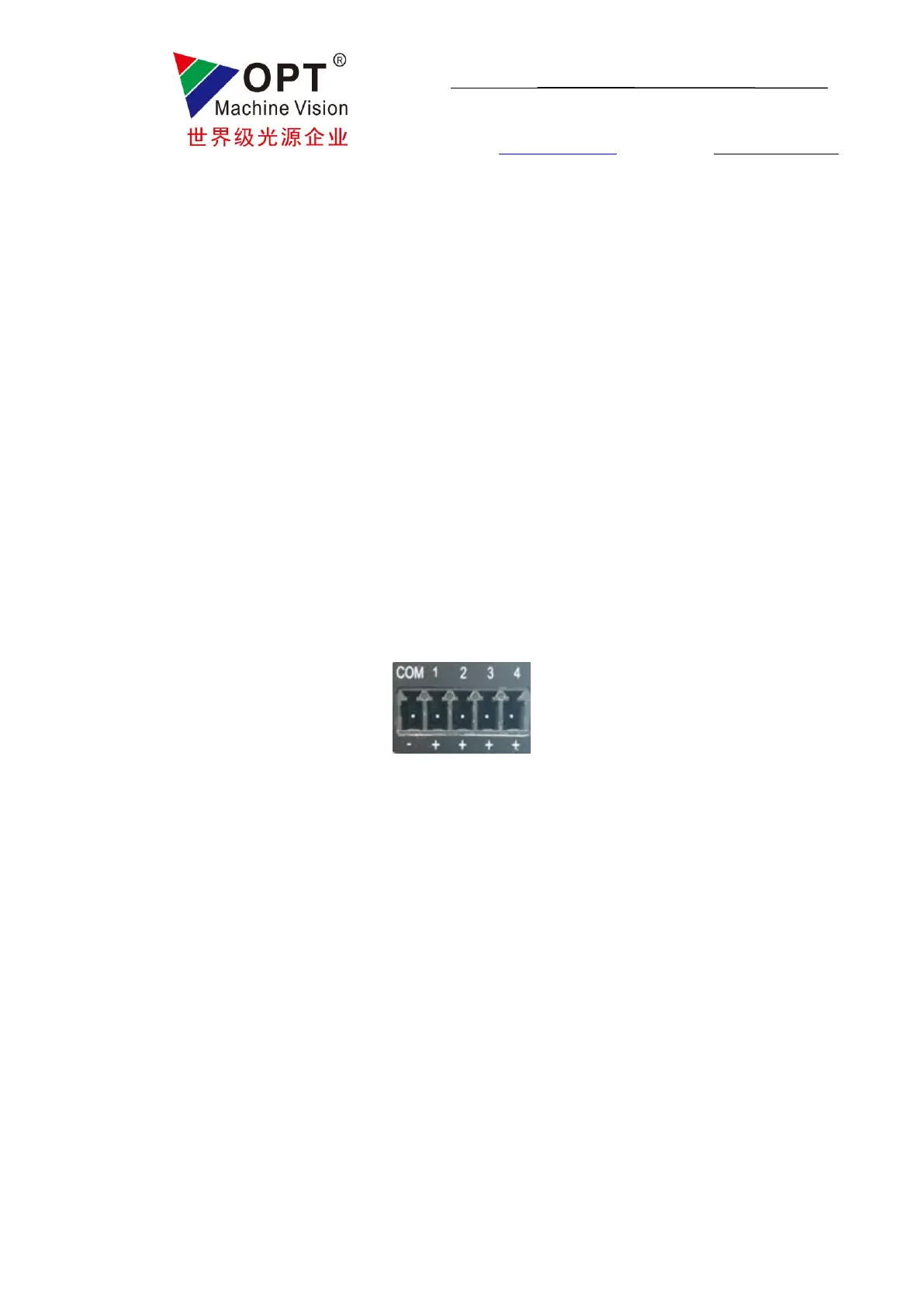
There are 4 trigger interfaces. COM is the common external trigger negative input signal and TRIG 1、2、3、4 is the
external trigger positive input. Optocoupler isolation is built in. For voltage 0-4V, the optocoupler isolation is not conductive
and it becomes conductive when the voltage is within 7 -24V. For default, it is positive edge triggered.
The controller can enter general/highlight trigger mode by turning the working mode switches accordingly (For general
trigger mode switch 1 “OFF”, switch 2 “ON” while for highlight trigger mode, both switch 1 and switch 2 are “OFF”). The
trigger delay (1-999ms for general trigger mode/ 0.01-5.00ms for highlight trigger mode) can be adjusted through encoder or
software. A decimal point will appear under highlight trigger mode where maximum value will not exceed 5.00.



 To Next Page