OPT MACHINE VISION TECH.CO. LTD
ADD:8 JingSheng Road, JingXia ChangAn DongGuan China 523853
TEL: 0769-82716188 FAX: 0769-81606698
E-mail:optmv1@optmv.com Website:Http://www.optmv.net
long command communication
common functions for multiple channel communication
extension to control the intensity for 16 channels
Show the status of the communication
slider for setting intensity
The intensity of the corresponding channel can be adjusted by
moving the slider.
Type in the intensity value to be set.
Turn on/off the corresponding channel.
Switch language between Chinese and English.
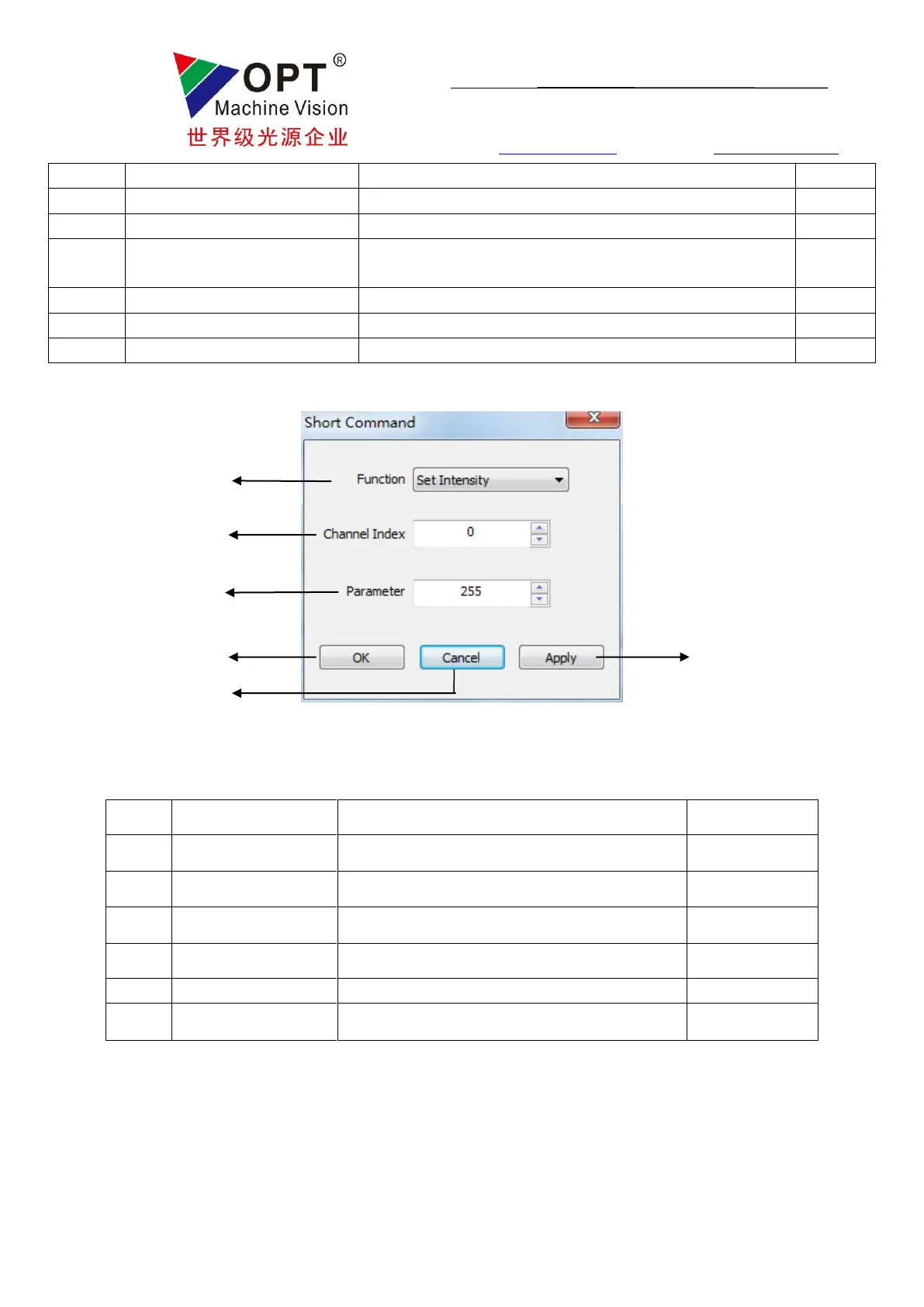
Fig.4.2: Short command communication window
choose channel(s) for operation
set the parameter for the corresponding function



 To Next Page