STEP 3
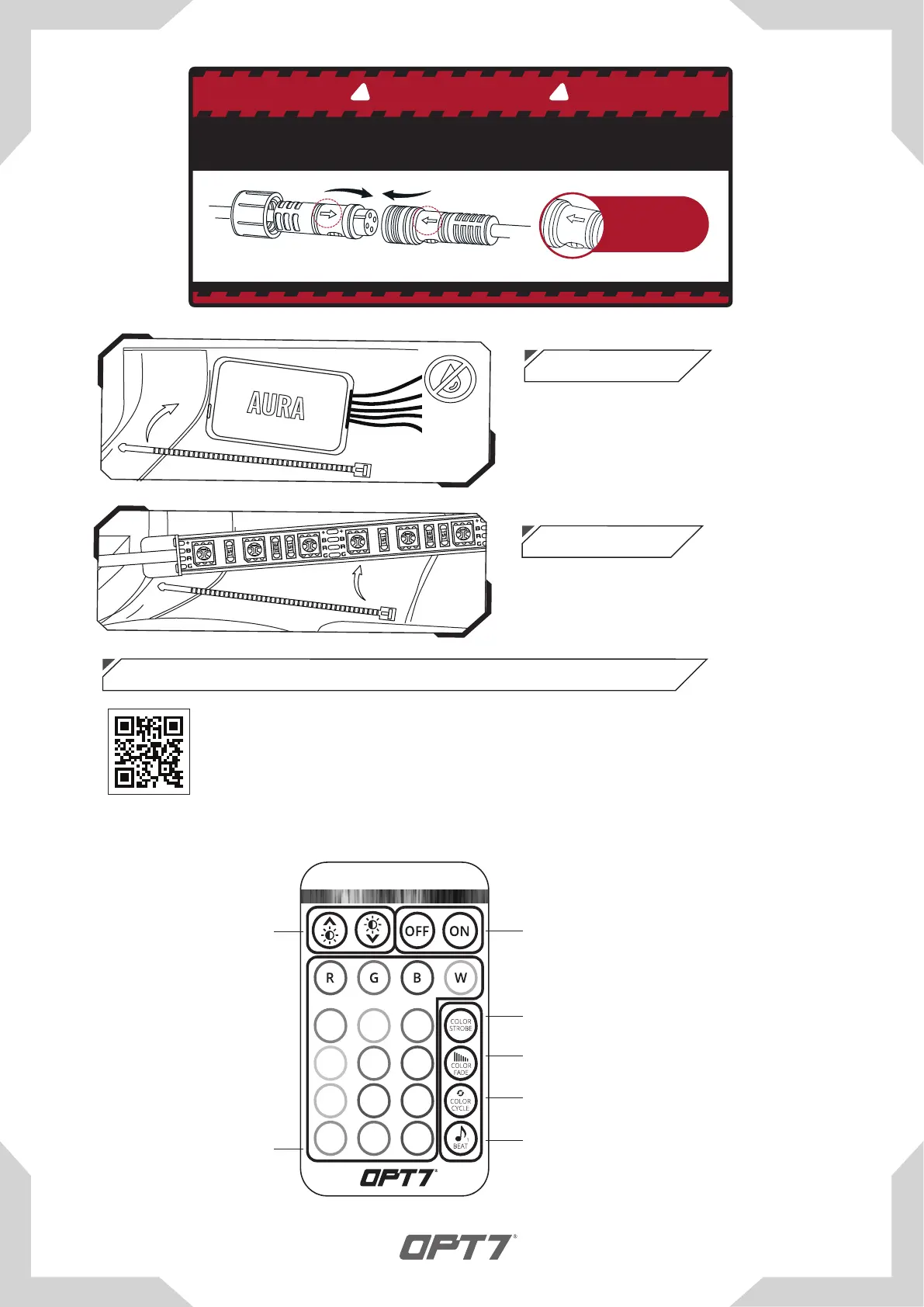
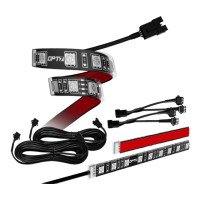
Secure the light bars using the zip ties to
tie all the wiring away from the moving
components.
STEP 4
Please scan to see a detail instruction on Door Assist Sync or go to
https://wintis.ladesk.com/549690-AURA-Door-AssistAUX-Installation-Guide
AUX WIRING FOR A DOOR/DOME LIGHT
TM
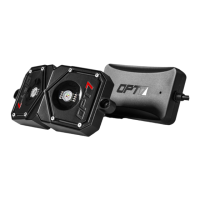
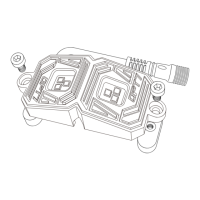
Secure Control box in desired location with
Velcro or zipties.
* CONTROL BOX NOT WATERPROOF
Ensure the control box is safely and securely
hidden from exposing elements of moisture.
Dimmer
Color Selection
Multi-Color Fade
Multi-Color Cycle
SoundSync™
Press multiple times to change color
Adjust speed with "Dimmer" buttons
Adjust speed with "Dimmer" buttons
Adjust speed with "Dimmer" buttons
Single-Color Strobe
On / O
Press multiple times to change color
To adjust the sensitivity, please visit
www.OPT-7.com
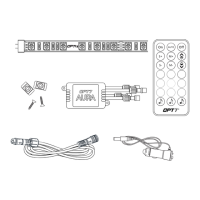
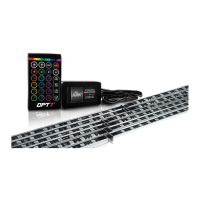
Using the included E-Z Remote, select your desired color or pattern.
Note the
direction of
the arrows
BE SURE TO CONFIRM THE CORRECT DIRECTION OF THE ARROW!!
TO AVOID PRODUCT DAMAGE DUE TO INCORRECT INSTALLATION.
CORRECT INSTALLATION
IMPORTANT
! !
Flow direction


 To Next Page