THE CLIMATE FACTORY/USER MANUALS/OPTICLIMATE SPLIT (INVERTER)
www.theclimatefactory.com info@theclimatefactory.com
© The Climate Factory
PUTTING INTO OPERATION
Example:
The unit must cool between 8:00 AM and 8:00 PM.
The ON time should then be set to 8:00 AM
and the OFF time to 8:00 PM
AM = after midnight (from 0:00 to 12:00 hours)
PM = after noon (from 12:00 to 24:00 hours)
1:00 AM equals 01:00
2:00 AM equals 02:00
3:00 AM equals 03:00
4:00 AM equals 04:00
5:00 AM equals 05:00
6:00 AM equals 06:00
7:00 AM equals 07:00
8:00 AM equals 08:00
9:00 AM equals 09:00
10:00 AM equals 10:00
11:00 AM equals 11:00
12:00 PM equals 12:00
1:00 PM equals 13:00
2:00 PM equals 14:00
3:00 PM equals 15:00
4:00 PM equals 16:00
5:00 PM equals 17:00
6:00 PM equals 18:00
7:00 PM equals 19:00
8:00 PM equals 20:00
9:00 PM equals 21:00
10:00 PM equals 22:00
11:00 PM equals 23:00
12:00 AM equals 00:00
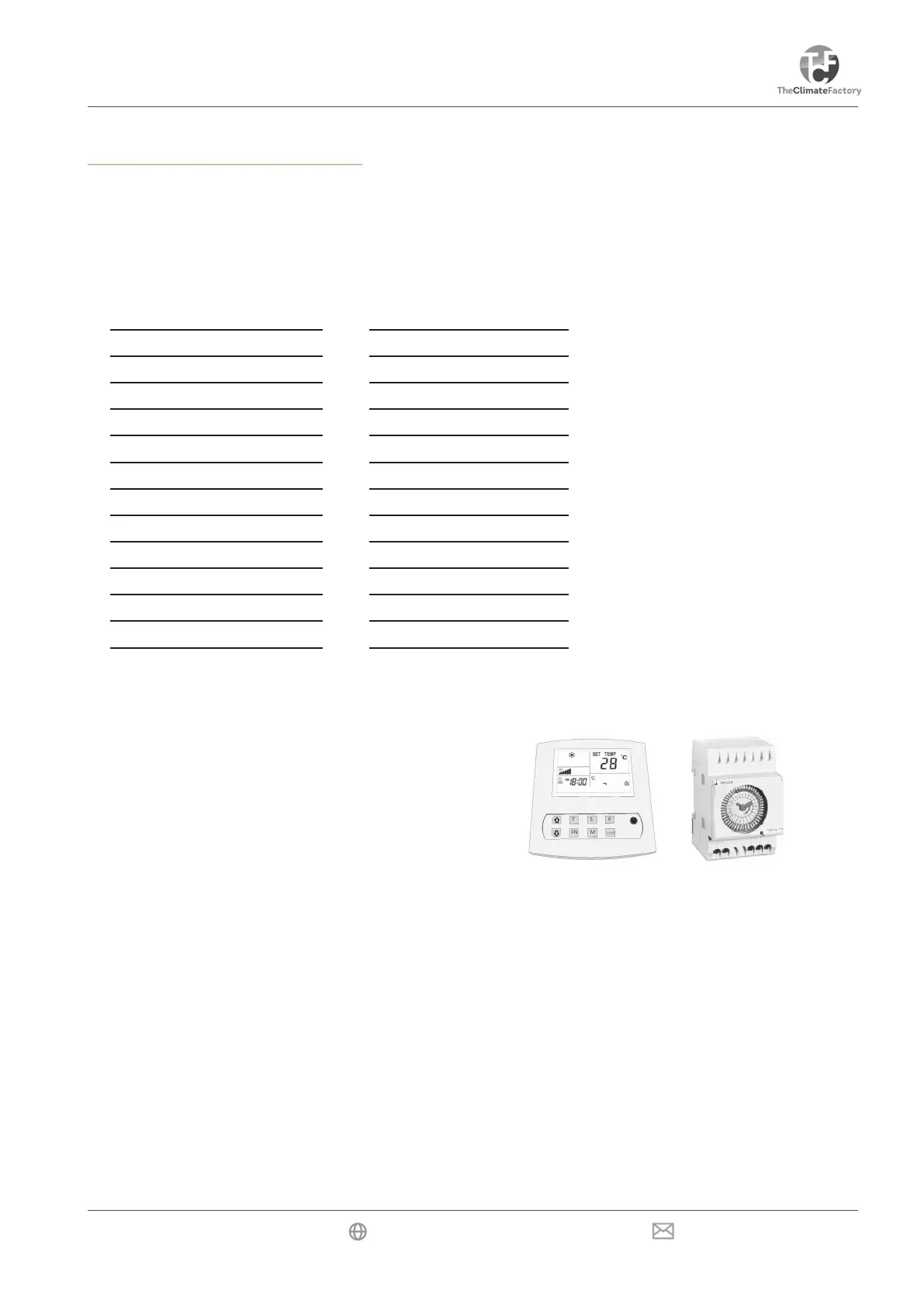
Deleting the time when setting the timer (switching off the timer)
Press the R key, and the time is deleted. The display will show “--:--”. CLOSING: Press the T key three times to
close immediately or wait 10 seconds to close automatically.
The settings of the current time and the timer settings
should run synchronously with the times of the control panel.
All clocks must run synchronously when the timer function
is used.
8) Using the automatic moisture meter for dehumidifying during the night
The automatic moisture meter can be set to the required maximum air humidity during the night. If the Night
mode is active and the automatic moisture meter indicates that the unit should dehumidify, the Drop icon starts
to ash. During dehumidication the electric heating elements will be activated for the PRO3. This is not the
same with PRO4.
Dehumidification during the day (only PRO4)
Both the PRO3 and the PRO4 will always dehumidify as long as there’s a demand for cooling. However, the
PRO4 can also dehumidify when no cooling is required. This function can be activated by setting option D:39
to 1 in the menu.
If, for example, a constant air humidity and temperature are required continuously in a climatic chamber, cool
at night must be activated in the menu option D:04. By pressing and holding the M key the light cell is deacti-
vated and by pressing and releasing the M key a choice must be made for the night setting. The unit can now
cool, heat and dehumidify, while also controlling the humidity at a xed temperature value.


 To Next Page
 Loading...