16
CONNECTING AN
EXTERNAL MICROPHONE
You can use an optional microphone with a
3
/
32
-inch plug to extend your recording
range. Your local RadioShack store carries
a wide selection of microphones.
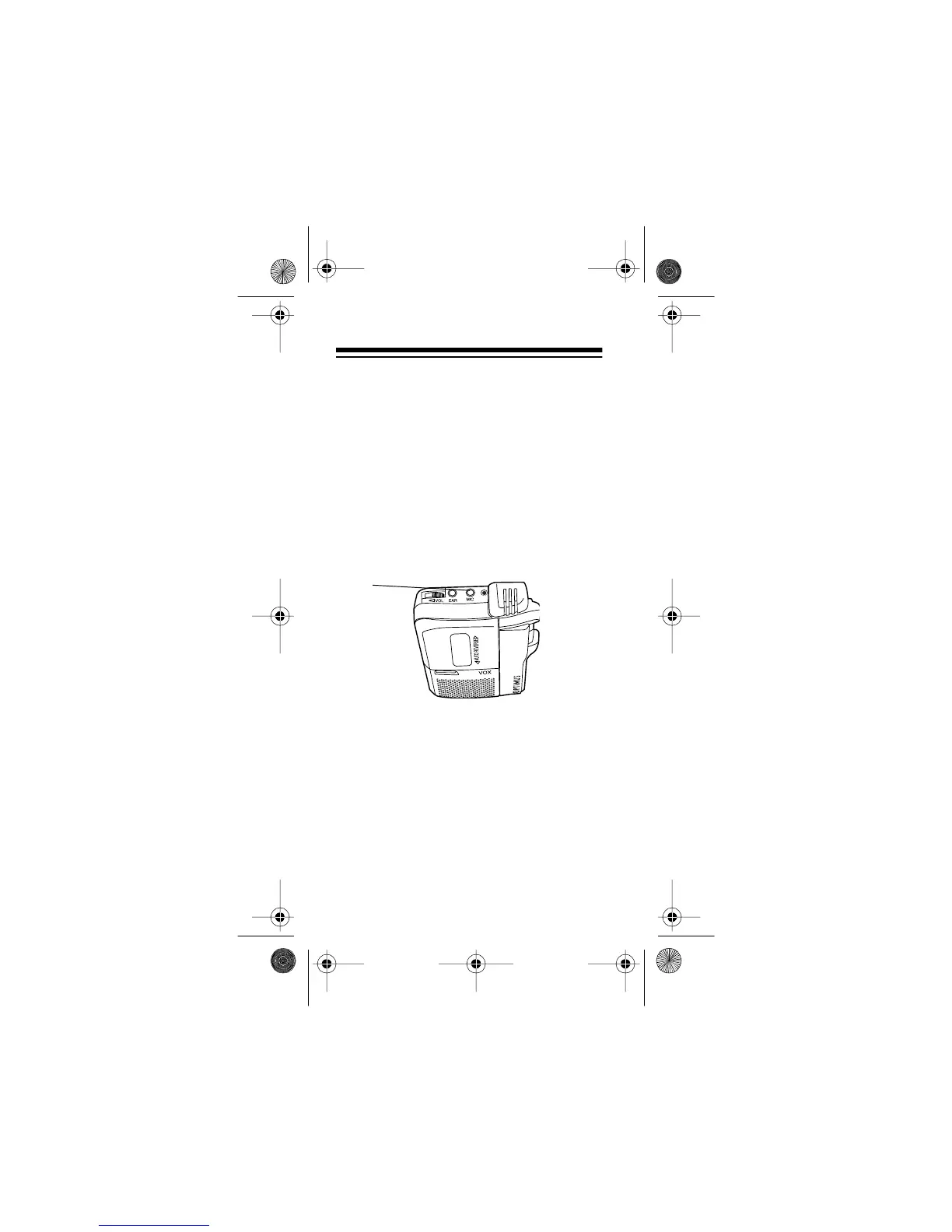
Insert the microphone’s plug into the re-
corder’s
MIC
jack. The built-in microphone
automatically disconnects.
VOICE ACTIVATION
MICRO-35 MICROCASSETTE RECORDER
MIC
14-1162.fm Page 16 Thursday, July 1, 1999 3:41 PM



 To Next Page