19
RECORDING
You can record manually or use voice-acti-
vated recording. When you use the VOX
feature, recording begins when the record-
er picks up sound and stops a few seconds
after the sound stops.
Follow these steps to record.
1. Load the microcassette tape.
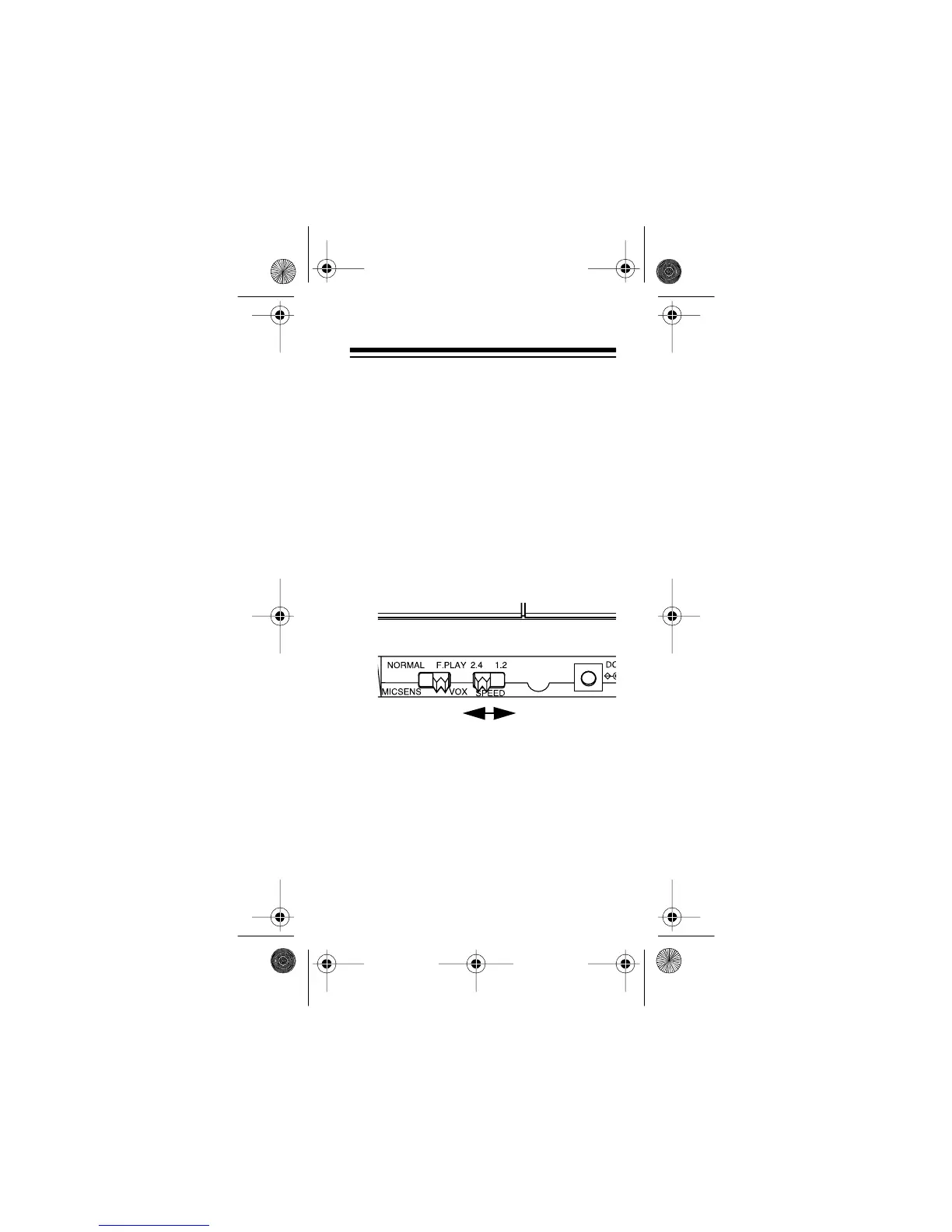
2. Set
SPEED
on the side of the recorder
as follows:
• To double the tape’s recording/play-
back time, set
SPEED
to
1.2
. This
setting allows 120 minutes total
recording/playback time on an MC-
60 tape, or 180 minutes on an MC-
90 tape.
14-1162.fm Page 19 Thursday, July 1, 1999 3:41 PM



 To Next Page