18
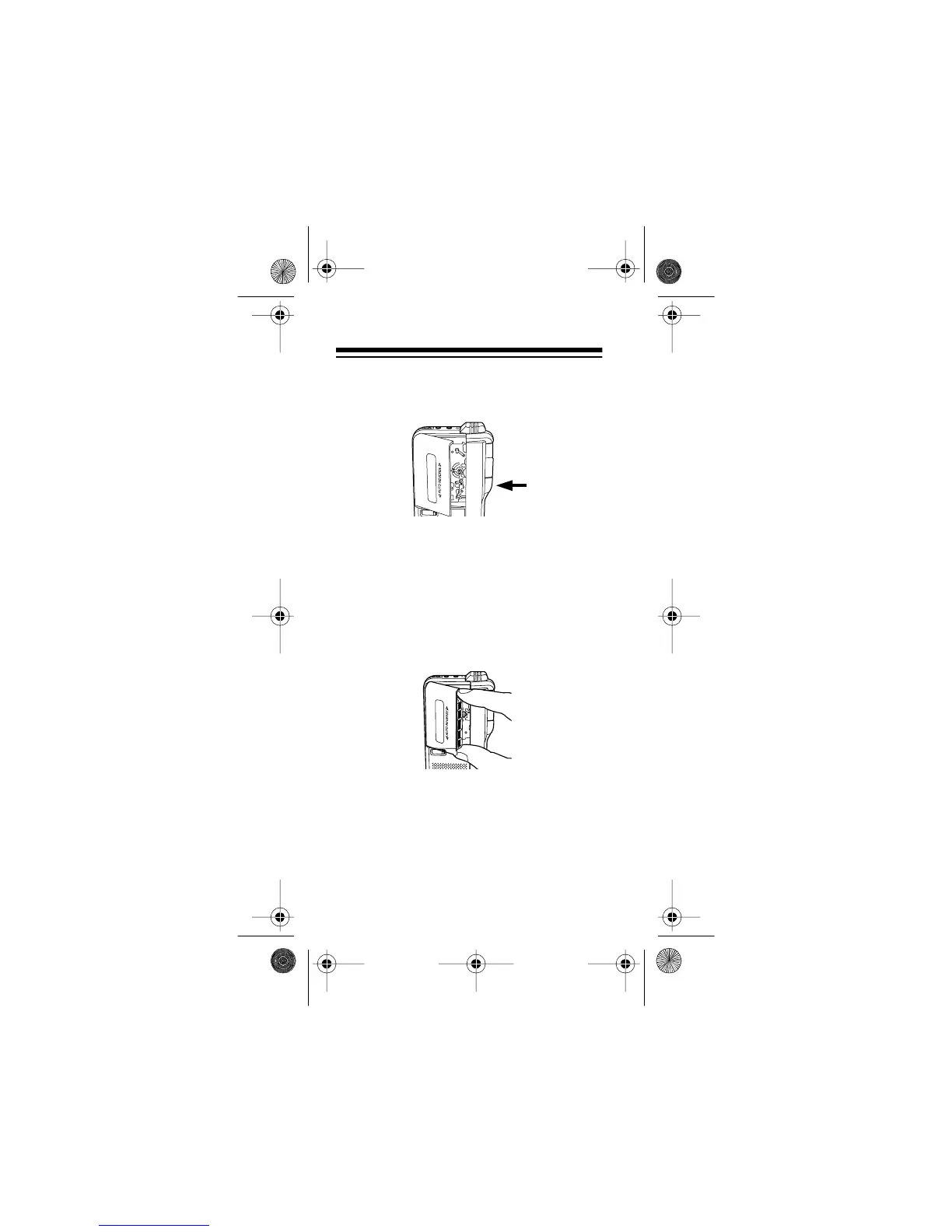
2. Press
STOP/EJECT
to open the cas-
sette compartment door.
Note:
When you press
STOP/EJECT
,
s
REV/
t
FWD
is automatically set to
t
FWD
. See “Playing a Tape” on Page
23.
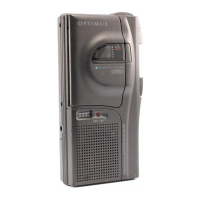
3. Insert the microcassette into the
door’s guides so the microcassette’s
open edge faces out.
4. Close the cassette compartment door.
MICROCASSETTE RECORDER
VOICE ACTIVATION
MICRO-35 MICROCASSETTE RECORDER
14-1162.fm Page 18 Thursday, July 1, 1999 3:41 PM



 To Next Page