24
6. To reverse the tape’s direction so you
can play the other side, switch s
REV/
t
FWD
to the other position.
7. Press
STOP/EJECT
to stop playback.
Note:
The auto-reverse feature lets the Mi-
cro-35 automatically play both sides of a
tape. When one side of the tape plays to
the end, the tape’s direction automatically
reverses, and the tape’s other side plays.
At the end of the other side, the Micro-35
automatically stops.
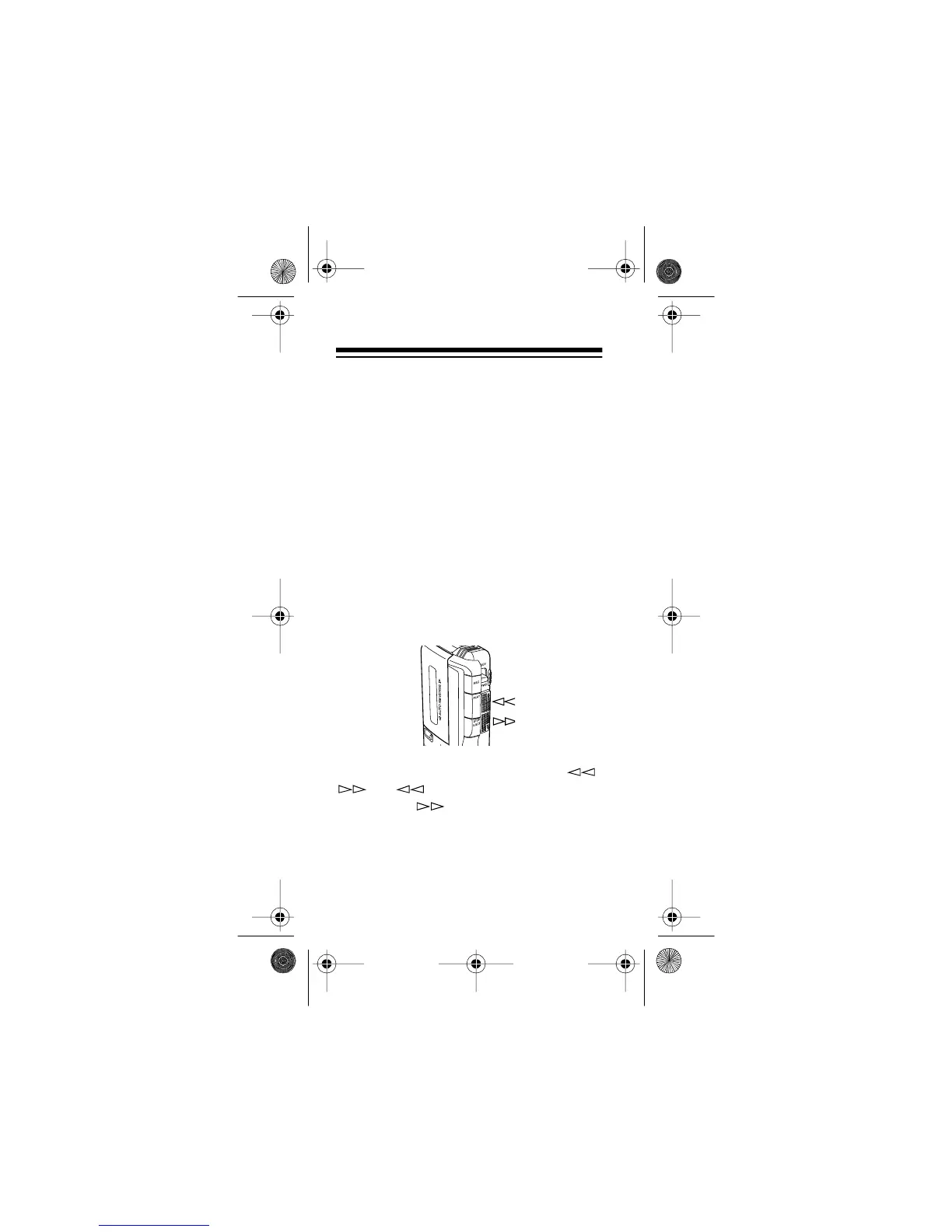
Using Fast-Forward/Rewind
With
REV/FWD
set to t
FWD
, slide /
to to rapidly rewind (review) a
tape, or to to fast-forward (cue) a
tape. (The directions are reversed if s
REV/
t
FWD
is set to s
REV
.)
E RECORDER
14-1162.fm Page 24 Thursday, July 1, 1999 3:41 PM



 To Next Page