20
• For better sound quality, set
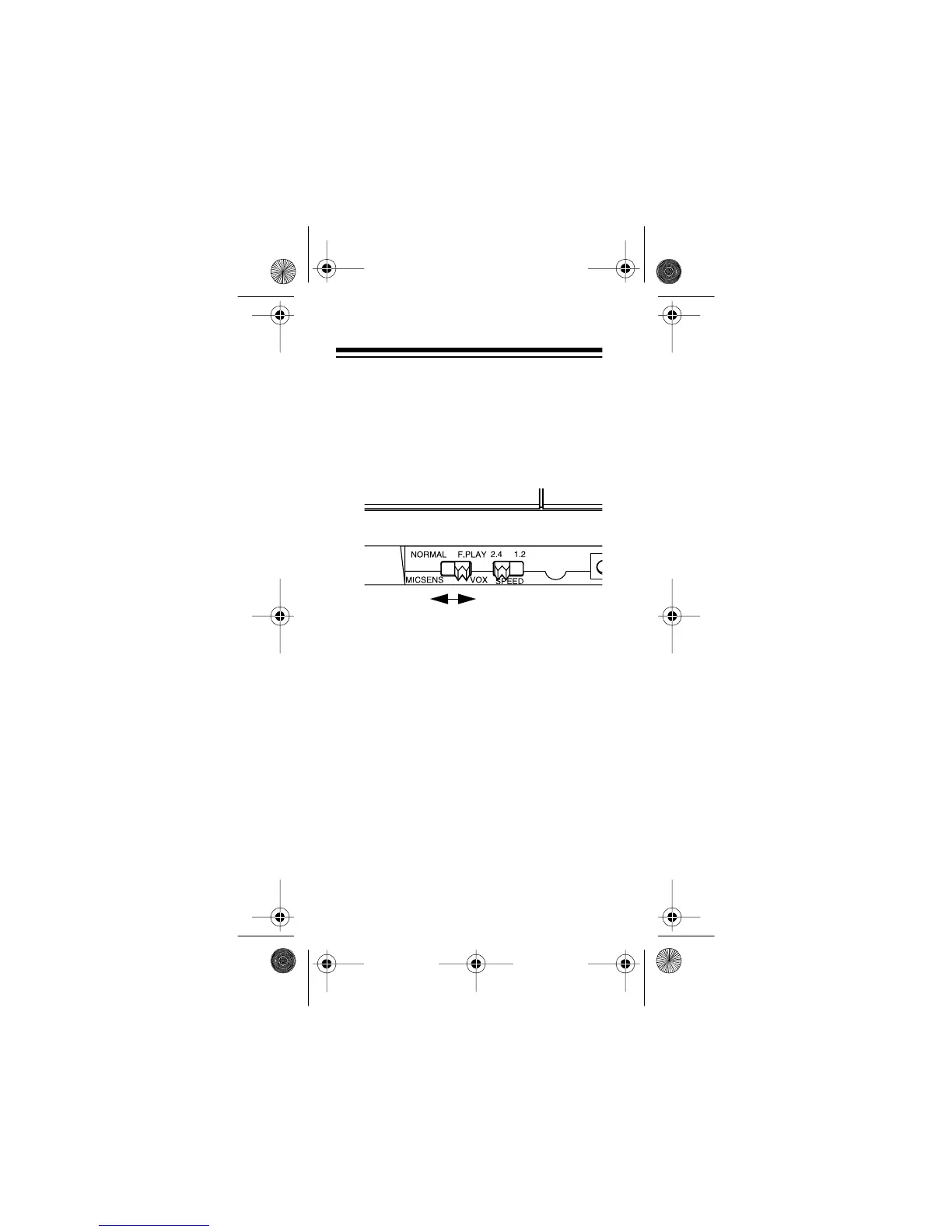
SPEED
to
2.4
. This setting allows 60 min-
utes total recording/playback time
on an MC-60 tape, or 90 minutes on
an MC-90 tape.
3. Set
MICSENS/VOX
as follows:
• To manually start and stop record-
ing, set
MICSENS/VOX
to
MICSENS
.
• To use voice-activated recording,
set
MICSENS/VOX
to
VOX
.
Note:
The voice-activated feature
saves power and tape if there are long
or frequent pauses in the material you
are recording.
14-1162.fm Page 20 Thursday, July 1, 1999 3:41 PM



 To Next Page