21
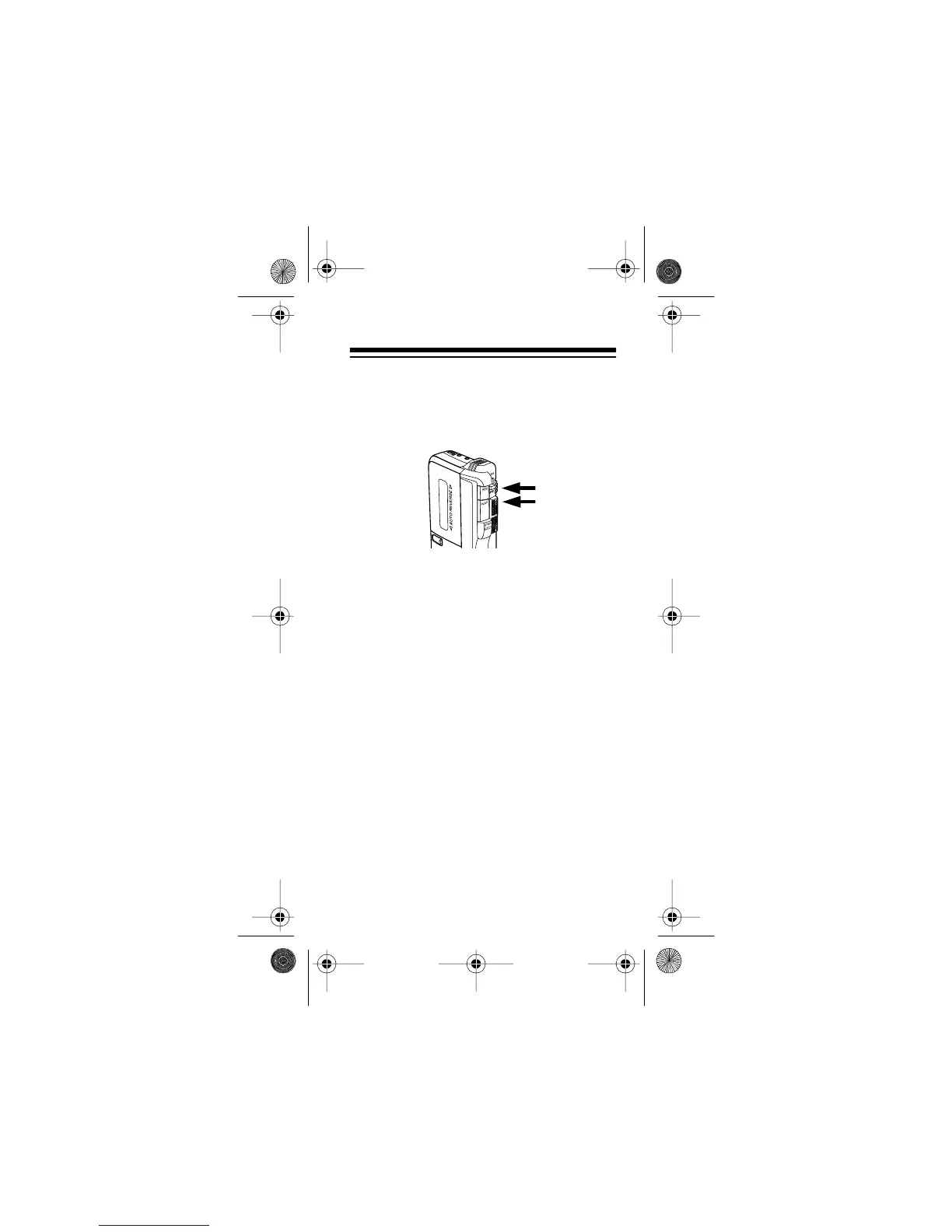
4. Press both
REC
and
PLAY
to begin
recording. Both buttons lock down,
and the record/battery indicator to the
right of the
MIC
jack lights.
If
MICSENS/VOX
is set to
MICSENS
,
recording begins immediately. If
MICS-
ENS/VOX
is set to
VOX
, recording
begins and the record/battery indicator
lights steadily only when the recorder
picks up sound.
Caution:
• To protect the recorder, press
REC
only when a microcassette tape is
loaded.
• Do not force down
REC
. If you can-
not easily press
REC
, check the
microcassette tape’s erase-protec-
tion tabs (see “Preventing Acciden-
tal Erasure” on Page 27). You
cannot record on a microcassette
tape if either of the erase-protection
tabs is broken off.
SETTE RECORDER
14-1162.fm Page 21 Thursday, July 1, 1999 3:41 PM



 To Next Page